

SMLight has been releasing new coordinators at a relentless pace. It seems like every month a new model pops up just as we finish testing the previous one in detail. Their appearance is almost always the same but each carries a new model number and important under the hood differences. These hardware revisions are always worth noting for a stable smart home.
Recently I tested the new SMHUB Nano MG24 which is an all-in-one Linux-based smart home hub. This device runs its own OS and can host various apps like Zigbee2MQTT and Matterbridge. During my testing and review I realized that even I had trouble differentiating between all the different models SMLight offers. Things quickly got very confusing for me and must be even worse for a person just starting their DIY smart home journey.
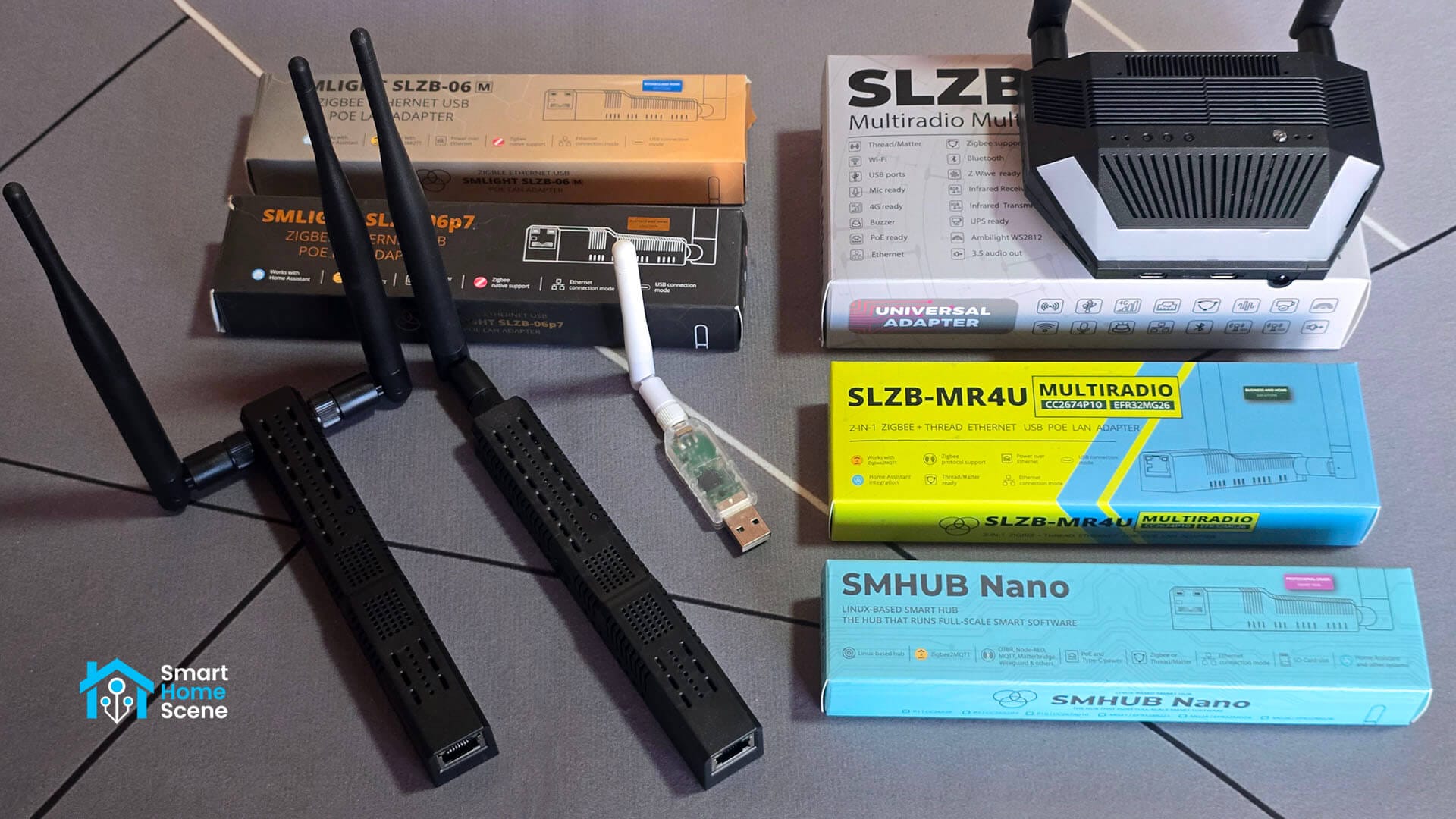
In this article, I am comparing every SMLight coordinator range and model so you can understand what each offers and decide which one is for you. This guide compares the SLZB-06 range and the SLZB-07 range along with the SLZB-MR and the new SMHUB range. I also included the SLZB Ultima for a complete picture. I will keep this article updated as new models come along because SMLight is not very good at explaining these differences clearly.
SMLight Comparison Table: All Specs at a Glance
The following table provides a comprehensive overview of every current SMLight coordinator. It highlights the critical differences in protocol support and connectivity options to help you identify which model fits your network architecture best. Pay close attention to the footnotes as they explain the vital distinction between running Zigbee and Thread simultaneously versus shared radio configurations.
| Img | Model | SoC | Zigbee | Thread | Z-Wave | USB | PoE | Wi-Fi | BLE | LTE | IR |
|---|---|---|---|---|---|---|---|---|---|---|---|
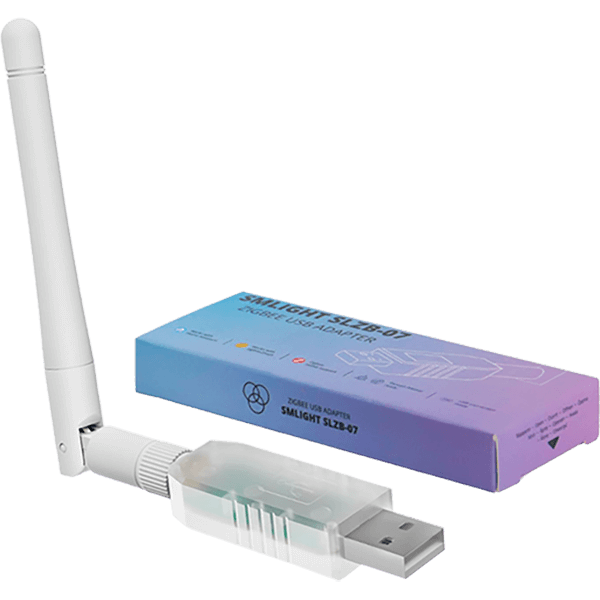 | SLZB-07 | EFR32MG21 | ✅ | ✅ | ❌ | ✅ | ❌ | ❌ | ❌ | ❌ | ❌ |
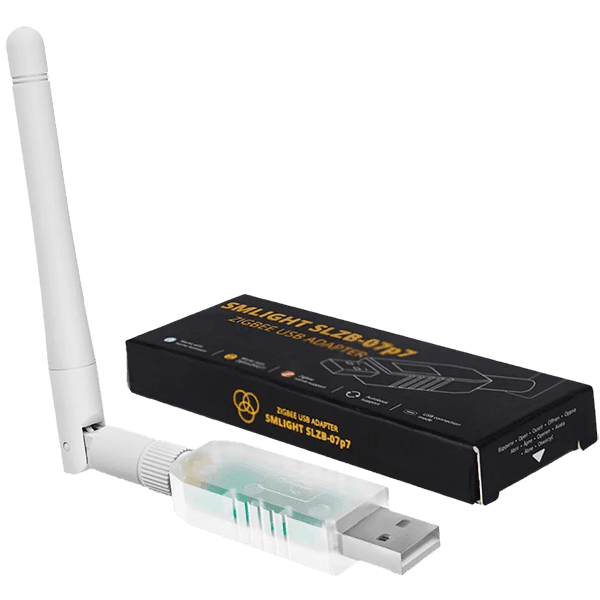 | SLZB-07P7 | CC2652P7 | ✅ | ✅ | ❌ | ✅ | ❌ | ❌ | ❌ | ❌ | ❌ |
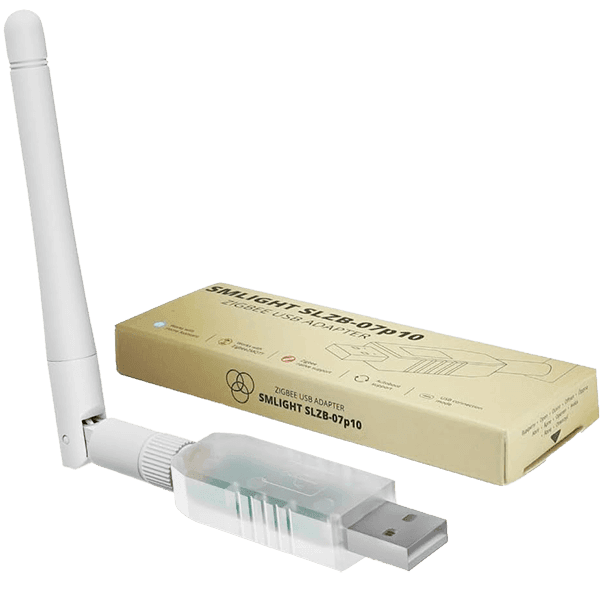 | SLZB-07P10 | CC2674P10 | ✅ | ✅ | ❌ | ✅ | ❌ | ❌ | ❌ | ❌ | ❌ |
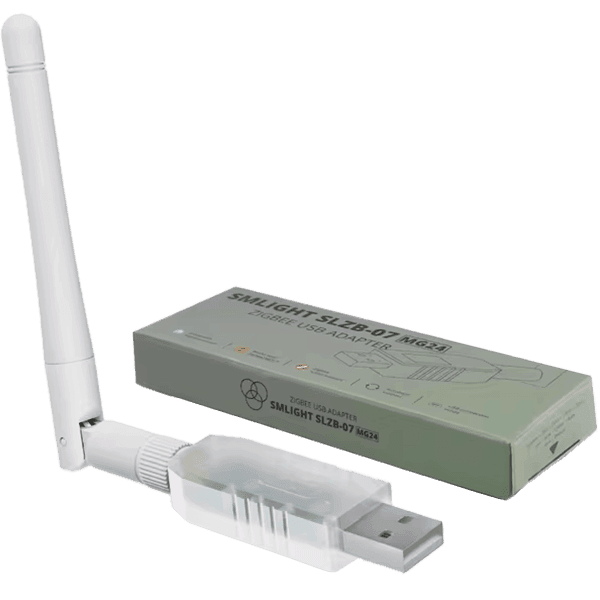 | SLZB-07MG24 | EFR32MG24 | ✅ | ✅ | ❌ | ✅ | ❌ | ❌ | ❌ | ❌ | ❌ |
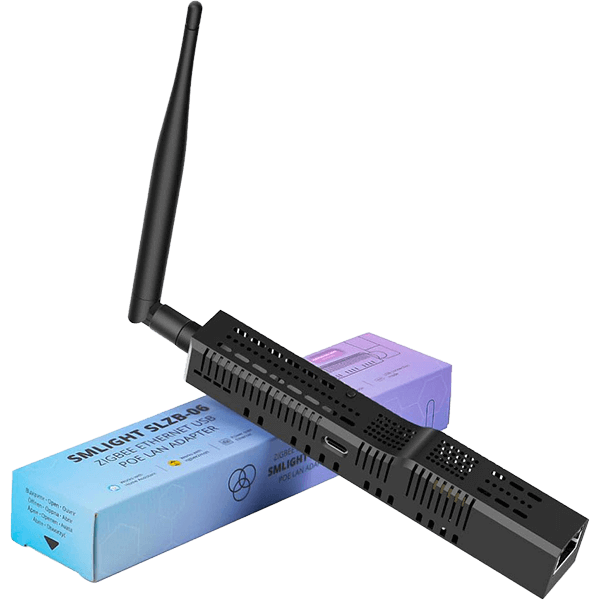 | SLZB-06U | CC2652P | ✅ | ✅ | ❌ | ✅5 | ✅ | ✅ | ✅ | ❌ | ❌ |
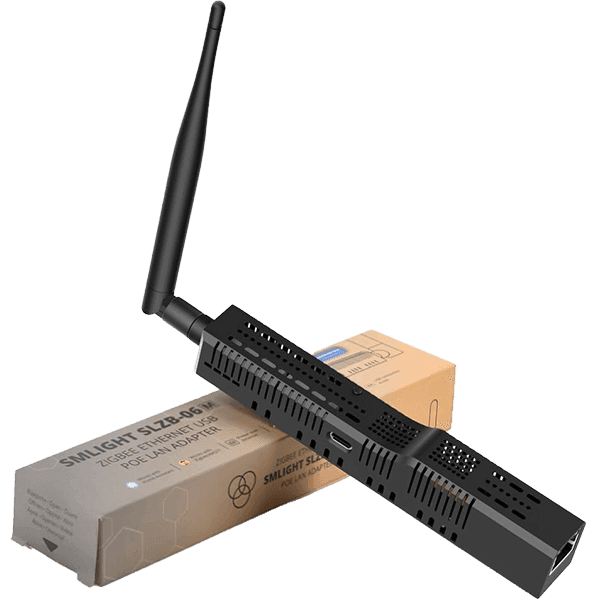 | SLZB-06MU | EFR32MG21 | ✅ | ✅ | ❌ | ✅5 | ✅ | ✅ | ✅ | ❌ | ❌ |
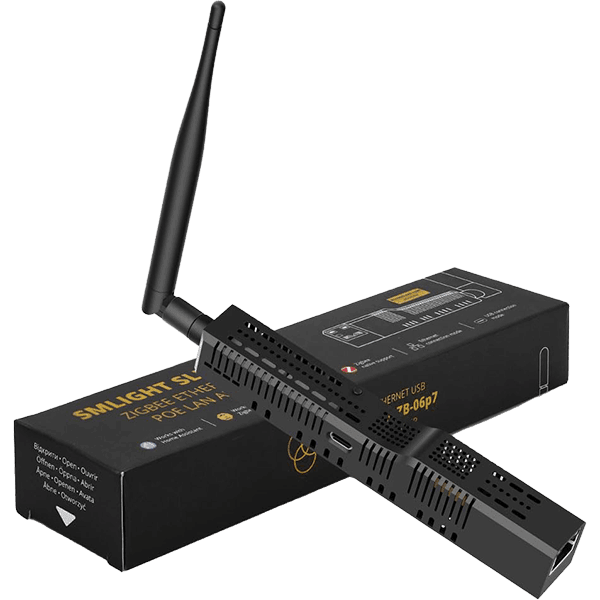 | SLZB-06P7U | CC2652P7 | ✅ | ✅ | ❌ | ✅5 | ✅ | ✅ | ✅ | ❌ | ❌ |
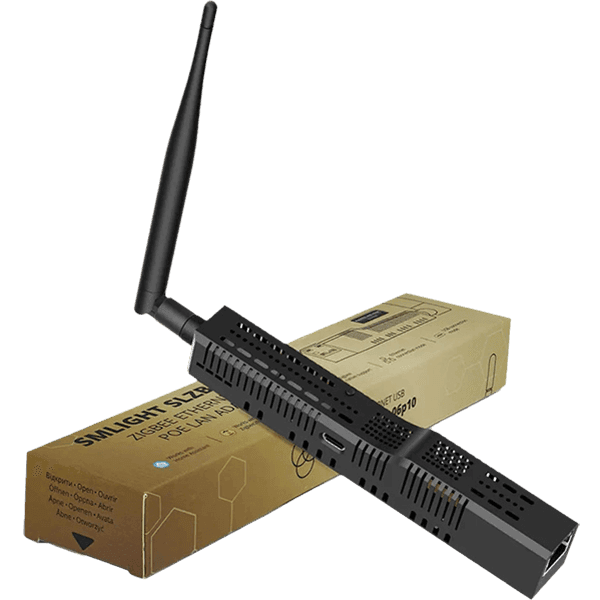 | SLZB-06P10U | CC2674P10 | ✅ | ✅ | ❌ | ✅5 | ✅ | ✅ | ✅ | ❌ | ❌ |
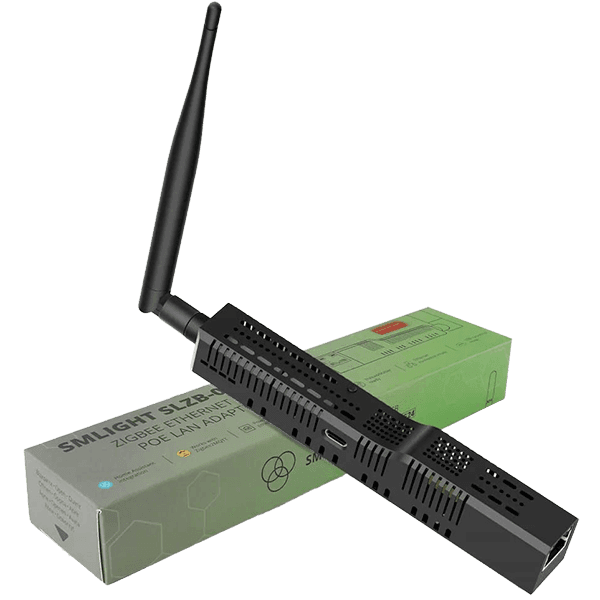 | SLZB-06MG24U | EFR32MG24 | ✅ | ✅ | ❌ | ✅5 | ✅ | ✅ | ✅ | ❌ | ❌ |
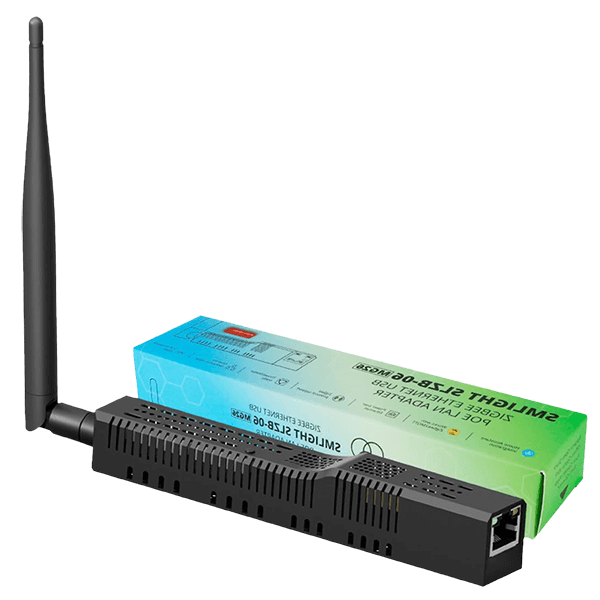 | SLZB-06MG26U | EFR32MG26 | ✅ | ✅ | ❌ | ✅5 | ✅ | ✅ | ✅ | ❌ | ❌ |
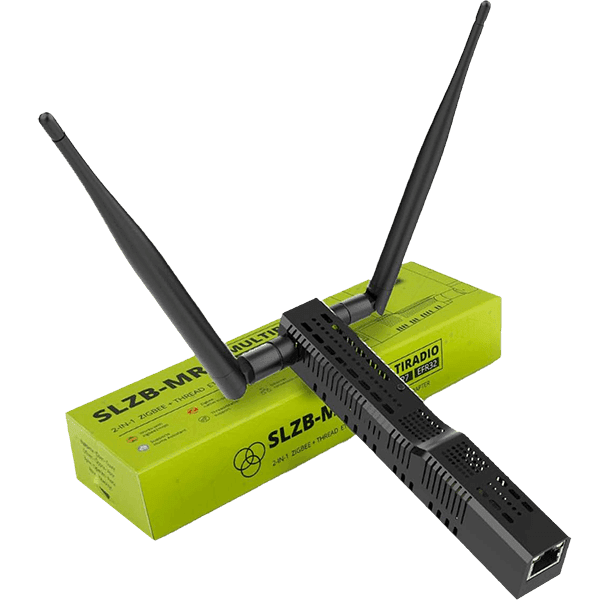 | SLZB-MR1U | CC2652P7 EFR32MG21 | ✅ | ✅1 | ❌ | ✅5 | ✅ | ✅ | ✅ | ❌ | ❌ |
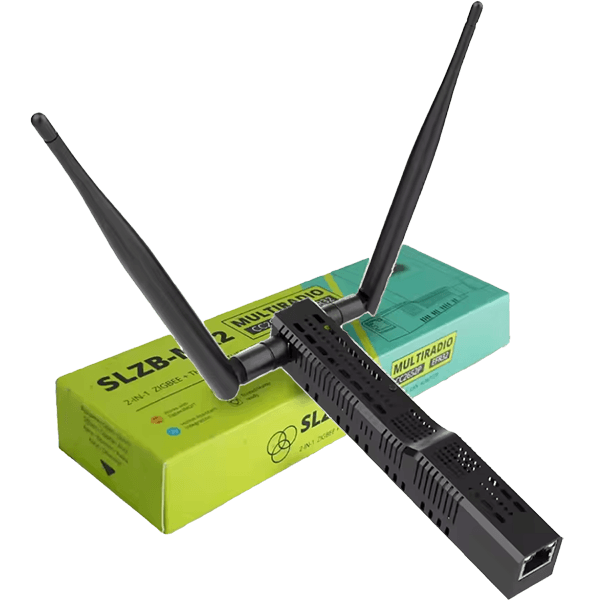 | SLZB-MR2U | CC2652P EFR32MG21 | ✅ | ✅1 | ❌ | ✅5 | ✅ | ✅ | ✅ | ❌ | ❌ |
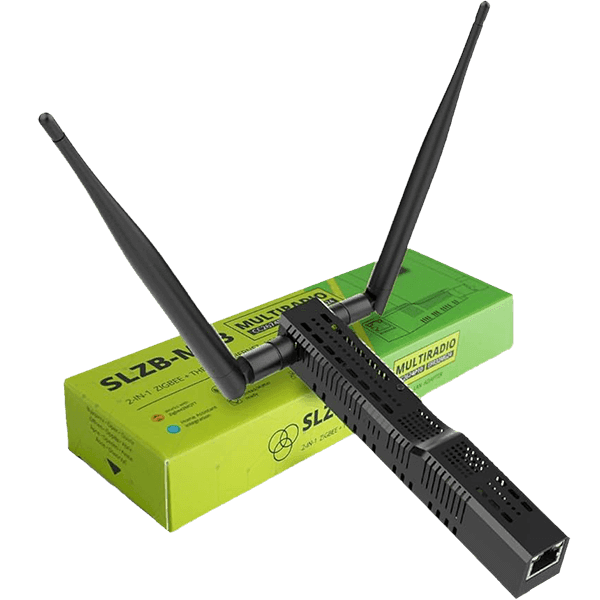 | SLZB-MR3U | CC2674P10 EFR32MG24 | ✅ | ✅1 | ❌ | ✅5 | ✅ | ✅ | ✅ | ❌ | ❌ |
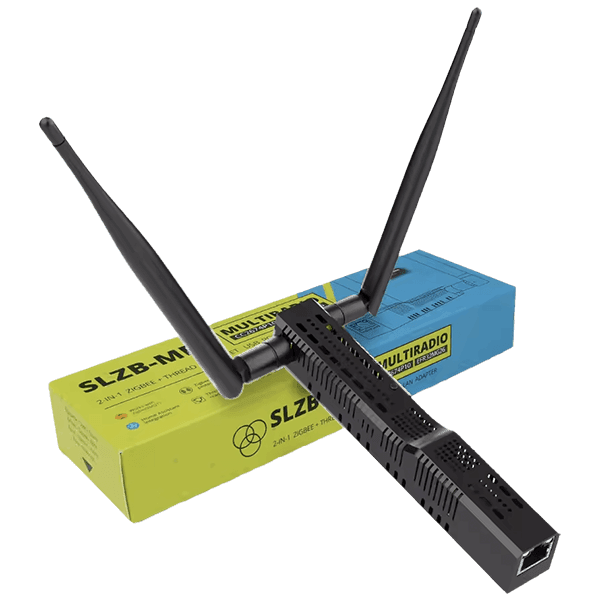 | SLZB-MR4U | CC2674P10 EFR32MG26 | ✅ | ✅1 | ❌ | ✅5 | ✅ | ✅ | ✅ | ❌ | ❌ |
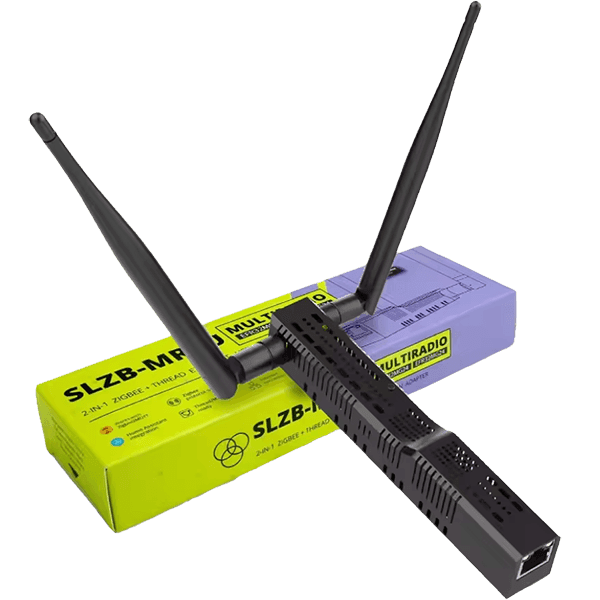 | SLZB-MR5U | EFR32MG24 EFR32MG24 | ✅ | ✅1 | ❌ | ✅5 | ✅ | ✅ | ✅ | ❌ | ❌ |
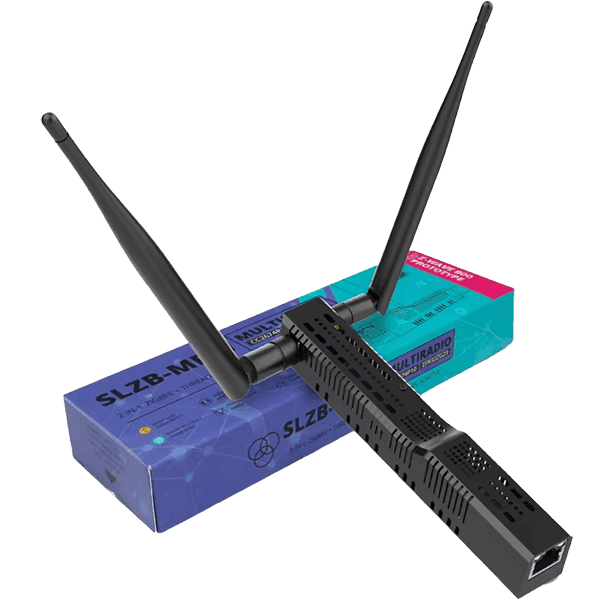 | SLZB-MRW10U | CC2674P10 EFR32ZG23 | ✅ | ✅2 | ✅ | ✅5 | ✅ | ✅ | ✅ | ❌ | ❌ |
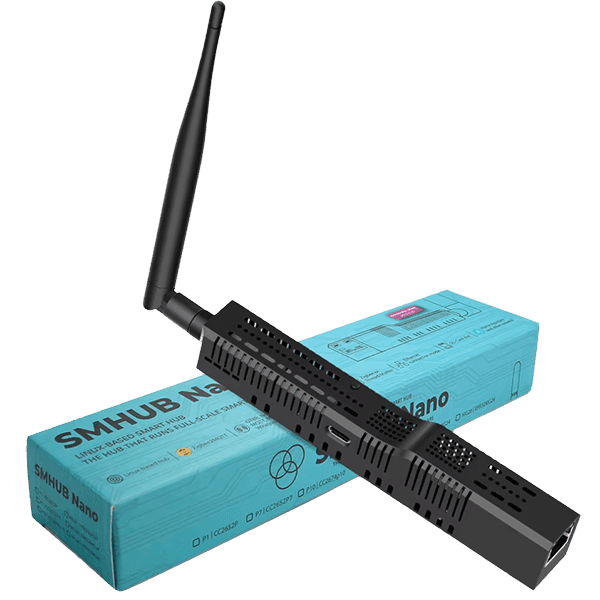 | SMHUB Nano MG24 | EFR32MG24 | ✅ | ✅ | ❌ | ✅6 | ✅ | ✅4 | ✅ | ❌ | ❌ |
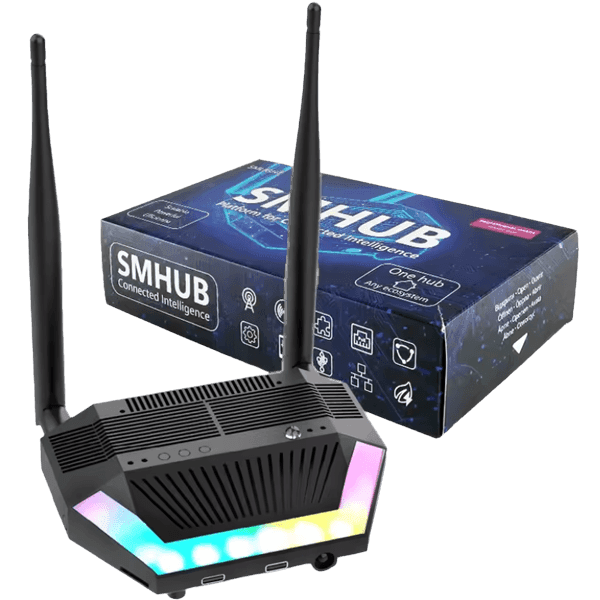 | SMHUB Essentials | CC2652P EFR32MG21 | ✅ | ✅1 | ✅3 | ✅6 | ✅3 | ✅4 | ✅ | ✅3 | ✅ |
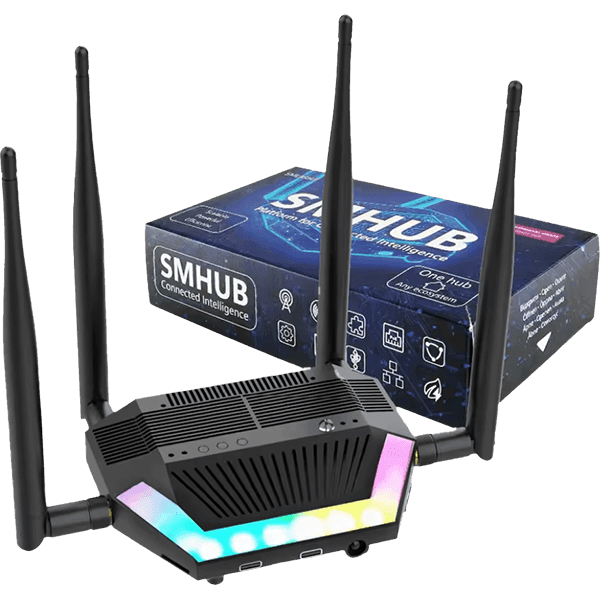 | SMHUB Premium | CC2674P10 EFR32MG24 | ✅ | ✅1 | ✅3 | ✅6 | ✅3 | ✅4 | ✅ | ✅3 | ✅ |
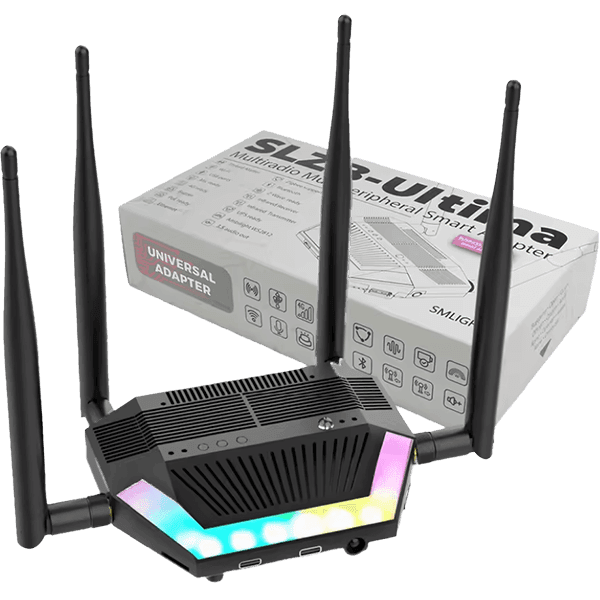 | SLZB-Ultima | CC2674P10 EFR32MG24 | ✅ | ✅1 | ✅3 | ✅ | ✅3 | ✅4 | ✅ | ✅3 | ✅ |
2 – Supports running Zigbee OR Thread with Z-Wave at the same time (dedicated Z-Wave chip).
3 – Available as an optional hardware add-on.
4 – Supports dual-band Wi-Fi networks (2.4GHz and 5GHz).
5 – Supports USB passthrough for a single device.
6 – Supports USB passthrough for several devices/addons.
This table dives into the raw specifications of the radio SoCs used across the entire SMLight product range. While the outer shell of these coordinators often looks identical the silicon inside dictates the limits of your smart home mesh. The jump from legacy chips to modern powerhouses like the CC2674P10 or the EFR32MG26 represents a massive increase in available RAM and Flash memory. While every SoC can run large Zigbee networks without issues, more memory/RAM is needed for Thread, so pick accordingly.
| Feature | EFR32MG21 | EFR32MG24 | EFR32MG26 | CC2652P | CC2652P7 | CC2674P10 |
|---|---|---|---|---|---|---|
| Processor | Arm Cortex-M33, 80 MHz | Arm Cortex-M33, 78 MHz | Arm Cortex-M33, 78 MHz | Arm Cortex-M4F, 48 MHz | Arm Cortex-M4F, 48 MHz | Arm Cortex-M4F, 48 MHz |
| Wireless Protocols | Zigbee, Thread, Bluetooth LE | Zigbee, Thread, Bluetooth LE | Zigbee, Thread, Bluetooth LE | Zigbee, Thread, Bluetooth LE | Zigbee, Thread, Bluetooth LE | Zigbee, Thread, Bluetooth LE |
| Output Power | Up to +20 dBm | Up to +20 dBm | Up to +20 dBm | Up to +20 dBm | Up to +20 dBm | Up to +20 dBm |
| Security Features | Secure Boot, TrustZone, Cryptography | Secure Boot, TrustZone, Cryptography | Secure Boot, TrustZone, Cryptography | AES-128 Encryption | AES-128 Encryption | Secure Boot, TrustZone, AES-128 Encryption |
| Flash Memory | Up to 1 MB | Up to 1.5 MB | Up to 3.2 MB | Up to 512 KB | Up to 704 KB | Up to 1 MB |
| RAM | Up to 128 KB | Up to 256 KB | Up to 512 KB | Up to 80 KB | Up to 144 KB | Up to 352 KB |
| Peripherals | UART, SPI, I2C, ADC, GPIO, etc. | UART, SPI, I2C, ADC, GPIO, etc. | UART, SPI, I2C, ADC, GPIO, etc. | UART, SPI, I2C, ADC, GPIO, etc. | UART, SPI, I2C, ADC, GPIO, etc. | UART, SPI, I2C, ADC, GPIO, PWM, etc. |
| Development Tools | Simplicity Studio | Simplicity Studio | Simplicity Studio | TI Code Composer Studio | TI Code Composer Studio | TI Code Composer Studio |
| Operating Temperature | -40°C to +125°C | -40°C to +125°C | -40°C to +125°C | -40°C to +85°C | -40°C to +125°C | -40°C to +125°C |
| Supply Voltage Range | 1.71V to 3.8V | 1.8V to 3.8V | 1.71V to 3.8V | 1.8V to 3.8V | 1.8V to 3.8V | 1.8V to 3.8V |
SLZB-07: The Core USB-Only Lineup
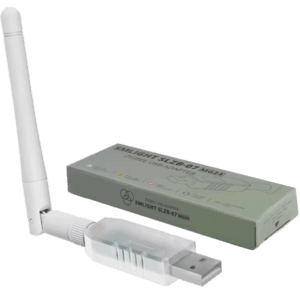
The SLZB-07 range of coordinators can be considered the entry point into the SMLight ecosystem. These are compact USB dongles designed to plug directly into your home automation server or via an USB extension cable. They can run either Zigbee or Thread and work great for dipping your toes into DIY mesh networks.
The SLZB-07 range includes:
- SLZB-07 [Amazon, AliExpress, Domadoo]
- SLZB-07P7 [Amazon, AliExpress, Domadoo]
- SLZB-07P10 [Amazon, AliExpress, Domadoo]
- SLZB-07MG24 [Amazon, AliExpress, Domadoo]
These coordinators are the simplest to setup, but provide everything you would need for running Zigbee or Thread. You need to update them via USB, which can sometimes mean detaching them from the server and using SMLight’s web flasher.
Also available on Amazon DE, Amazon UK, Amazon FR, Amazon NL, AliExpress.
SLZB-06: The Core PoE Range
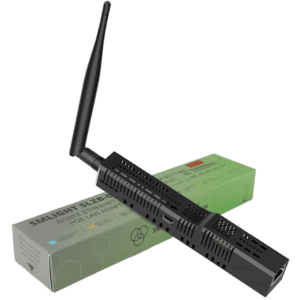
The SLZB-06 series takes connectivity a step further by adding an Ethernet port with PoE and a dedicated ESP32 controller. These devices operate as Zigbee or Thread network coordinators and allow you to place your radio in the most central location of your home while your server sits in a rack or basement. They support PoE and USB for power or data, which makes them incredibly flexible for different use cases. They come with a very useful web dashboard for management, configuration and troubleshooting.
The SLZB-06 range includes:
- SLZB-06U [Amazon, AliExpress, Domadoo]
- SLZB-06MU [Amazon, AliExpress, Domadoo]
- SLZB-06P7U [Amazon, AliExpress, Domadoo]
- SLZB-06P10U [Amazon, AliExpress, Domadoo]
- SLZB-06MG24U [Amazon, AliExpress, Domadoo]
- SLZB-06MG26U [Amazon, AliExpress, Domadoo]
The updated U series is a hardware upgrade of the regular SLZB-06 and MR ranges, featuring an upgraded SoC and a redesigned PCB. The “U” designation stands for USB Passthrough, made possible by the introduction of a more powerful ESP32-S3 chip. This addition allows the coordinator to function as a remote USB host over your network.
For instance, by plugging in a Z-Wave dongle or Bluetooth module directly into the SMLight device, your server interacts with it as if it were connected locally via TCP/IP. The original non-U models are currently being phased out, with the U range now serving as the definitive standard for all future purchases to ensure superior performance and long-term compatibility.
Also available on Amazon DE, Amazon UK, Amazon NL, Amazon FR, AliExpress.
SLZB-MR: The Multi-Radio Range for Zigbee and Thread
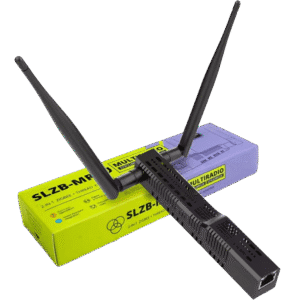
The SLZB-MR (Multi-Radio) series is the solution for users who want to run both Zigbee and Thread on a single device. Unlike the standard 06 and 07 models that rely on a single radio chip to do everything, the MR range contains two independent radio SoCs. This hardware architecture allows the device to act as a high-capacity Zigbee Coordinator and a dedicated Thread Border Router at the same time without sharing resources or bandwidth. It eliminates the stability issues found in “Multi-PAN” or experimental multi-protocol firmware.
The SLZB-MR range includes:
- SLZB-MR1U [Amazon, AliExpress, Domadoo]
- SLZB-MR2U [Amazon, AliExpress, Domadoo]
- SLZB-MR3U [Amazon, AliExpress, Domadoo]
- SLZB-MR4U [Amazon, AliExpress, Domadoo]
- SLZB-MR5U [Amazon, AliExpress, Domadoo]
- SLZB-MRW10U [Amazon, AliExpress, Domadoo]
The SLZB-MR series is also built on the updated U-series platform, utilizing the ESP32-S3 system controller and offering the same USB Passthrough capabilities found in the SLZB-06 range. A standout model in this category is the SLZB-MRW10U, a specialized dual-radio coordinator with a unique configuration. Unlike other MR models that pair two 2.4GHz radios, the MRW10U features a single CC2674P10 chip that can run either Zigbee or Thread, while the second radio is a dedicated EFR32ZG23 chip for Z-Wave.
The second model worth noting is the brand new SLZB-MR5U. Instead of mixing Texas Instruments and Silicon Labs chips, this coordinator uses two identical EFR32MG24 SoCs. While I haven’t personally tested the MR5U yet, I generally prefer Silicon Labs hardware for its stability and feature set. This dual-MG24 combo is an incredible pick and is currently the top coordinator to grab in the MR range.
Also available on AliExpress, AliExpress 2.
SLZB-Ultima: A Professional Powerhouse
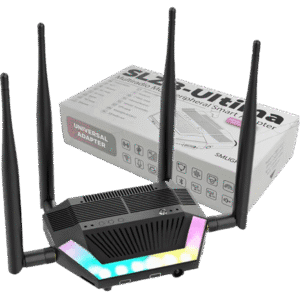
The SLZB-Ultima is the flagship of the SMLight coordinator family and is built on a powerful ESP32-S3 platform. It operates as a quad-radio powerhouse that manages Zigbee and Thread networks simultaneously without any hardware limitations. This device is designed for advanced users and system integrators who need a single point of control for every major wireless protocol in a modern smart home.
The expandability of the Ultima is its most impressive pro feature. You can open the case to snap in modular internal add-ons that increase the device’s capabilities. For instances, you can add modules like a Z-Wave 800 series chip or a 4G/LTE module for remote internet connectivity.
Furthermore, you can attach a PoE module for single-cable power and a UPS module to keep the device online during power outages. There is even a dedicated Microphone add-on that enables audio pass-through for voice-assistant projects. What’s even more interesting, the Ultima has a built-in Infrared receiver and transmitter, for learning codes and automating old appliances or ACs.
The device runs SLZB-OS (Not SMHUB OS) which provides a dedicated web interface for advanced configuration and management. It includes built-in support for WireGuard VPN and Dynamic DNS to ensure your smart home remains accessible and secure from anywhere in the world.
Also available on AliExpress, AliExpress 2.
SMHUB: The Standalone Linux-Based Hub
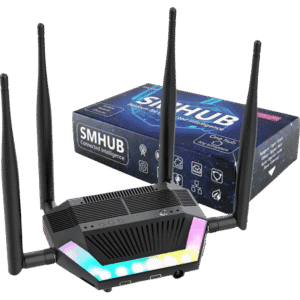
The new SMHUB range are labelled as all-in-one, Linux-based smart hubs by SMLight. These aren’t just radio bridges like the SLZB-06; they are dedicated micro-servers with their own operating system. You run your smart home software (like Zigbee2MQTT, Matterbridge, and Node-RED) directly on the device itself. This is the hardware you choose if you want to detach apps from your main server or use the device as a mini-server in a separate location.
The SMHUB range includes:
- SMHUB Nano [Amazon, AliExpress, Domadoo]
- SMHUB Essentials [Amazon, AliExpress, Domadoo]
- SMHUB Premium [Amazon, AliExpress, Domadoo]
The SMHUB Nano is the compact, all-in-one entry into the Linux-hub series. It is designed for users who want to run Zigbee2MQTT, Node-RED or Matterbridge locally without dependence on a server like Home Assistant. Unlike the larger models, the Nano is a single-radio device (MG24 or MG26) and comes with PoE built-in. It is the perfect choice for small to medium homes where you want to stick the hub behind a TV or in a small network cabinet and never touch it again. I’m told a dual-radio version, called the SMHUB NanoMR is also in the works.
The SMHUB Essentials and Premium are the larger, modular flagships of the professional SMHUB line. The only real difference between them is the radio silicon inside: the Essentials uses the older, CC2652P and MG21 chips, while the Premium jumps to the high-performance CC2674P10 and MG24 duo. Both feature a fully modular internal design with dedicated headers for adding Z-Wave 800, 4G/LTE, or a PoE power module. If you have a large house or need specific professional features like redundant internet and battery backup, these modular units are the definitive choice.
Also available on AliExpress, AliExpress 2.
TLDR: SMLight Coordinators Summary
If you are looking for a basic Zigbee or Thread USB coordinator, you are looking into the SLZB-07 range. If you need an Ethernet coordinator with PoE as a power option, you are looking into the SLZB-06 range. If you want to run both Zigbee AND Thread simultaneously, you are looking into the MR range with PoE.
If you need an all-in-one coordinator that even includes built-in IR, the SLZB-Ultima is your “endgame” pick. Finally, if you want a standalone hub that runs its own software (like Zigbee2MQTT) without needing a separate server, the SMHUB series is the Linux-based brain you should go for.









SMLight should reward you for this and make this overview the default landing page on their own website!
Haha thanks, appreciate the positive feedback!
I completely agree with Helge. Great job!
Thanks, appreciate it! (:
Very Good work , Many Thanks,
Let’s say there is Two Houses that are a bit of a distance from each other but still has under the Same Lan and VLANs
witch Model and Setup would you recommend in case The need is Zigbee and Thread and PoE Where One is Not enough to cover both houses ?
Two separate SLZB-06MG24 coordinators would cover the two without issues
I have a Red Zigbee with Zigbee2MQTT on Home Assistant and I have about 70 devices, but some have very weak network connections and sometimes take a long time to respond. Which one would you recommend to use as a repeater? I was thinking of buying two.
Do you have enough router devices on your network?
A single dedicated router won’t fix your problems if all you have is battery-powered end devices.
It will help, sure, but not fix it. Any SMLight models works as a router with a firmware change.
Read this, top to bottom, it will help you:
https://smarthomescene.com/guides/how-to-build-a-stable-and-robust-zigbee-network/
Great article thanks
You are welcome, cheers!
Any tips on migrating from TI to SiLabs chips for Zigbee?
I really don’t want to re-pair 100 devices.
Read this top to bottom:
https://smarthomescene.com/guides/how-to-migrate-your-zigbee-network-to-a-new-coordinator/
This is very useful. I bought an use an MR1U and it’s great now I have it stable. I never really knew what set it apart from the range into now. Has anyone tested Hub mode on the MRxU range? As I understand it, this is running Z2M on the device itself which is could be great for resilience and reboots of HA for example… it’s not marked as stable/production ready yet
I am currently running slzb-06mg26 as a matter over thread radio. Looking at this, seems like smlight ultima makes more sense and cheaper as well. I can still return my mg26 as it is fairly new and go for ultima. What do you recommend?
Well, the Ultima is a dual-radio device.
So if you do need to run both Zigbee and Thread at the same time, yes, return it and get the Ultima.
The MG26 is also redundant in terms of raw power.
There are no drawbacks to this from a performance perspective of course, but I do have doubts that firmware for the MG26 might be slower/rarer that the MG24 or TI like the CC2674P7/P10.
Awesome write up, would love your opinion!
I currently have the SLZB-06U and on this new HA instance im going Z2M instead of ZHA, however I have a need to spin up a ZHA instance…for my second adapter should I go something like an SLZB-MR and have it serve more purpose than soley ZHA to support the few devices that dont play well with Z2M? or just go a second 06U? Thanks in advance
Hey, thanks for the feedback.
Out of curiosity, which devices don’t play well with ZHA and not Z2M?
That’s a total edge case, maybe 0.1% of devices will work with ZHA and not Z2M.
I’d go out of my way to ditch ZHA completely and create converters for Z2M, if device support is your sole concern.
Since you already have the 06, I’d go for the 06MG24 but to use it for Thread eventually, not ZHA.
Supposedly the Aqara FP300 has issues with Z2M but not ZHA, do you know much about this? would the 06MG24 be able to run ZHA and Thread simultaneously?
That’s not true, in any capacity. Wherever you read that, it sounds like user error.
The FP300 is completely integrated in Zigbee2MQTT and operates without issues whatsoever.
Actually, the opposite is true. You cannot fine tune the FP300 in ZHA to the extent you can in Z2M.
And no, the MG24 cannot run both Zigbee and Thread networks, you need the SLZB-MR4U or MR5U for that (dual radio coordinator).
thanks so much for your replies they’ve cleared a lot up for me i might look at grabbing one of the dual radio coordinators, last question…can any of these units be a BLE proxy in parallel to the rest?
Yes they can:
https://smlight.tech/manual/slzb-06/guide/bluetooth-proxy/