

When building a robust Thread network for Home Assistant, you are faced with two distinct paths: buy (or already own) a proprietary “black box” hub like an Apple TV or Nest Hub, or get a dedicated OpenThread Border Router (OTBR) that you actually control.
While big-tech hubs are “easy,” they are opaque. You cannot troubleshoot the mesh, you cannot easily visualize the network topology, and you are often dependent on their cloud services to sync credentials.
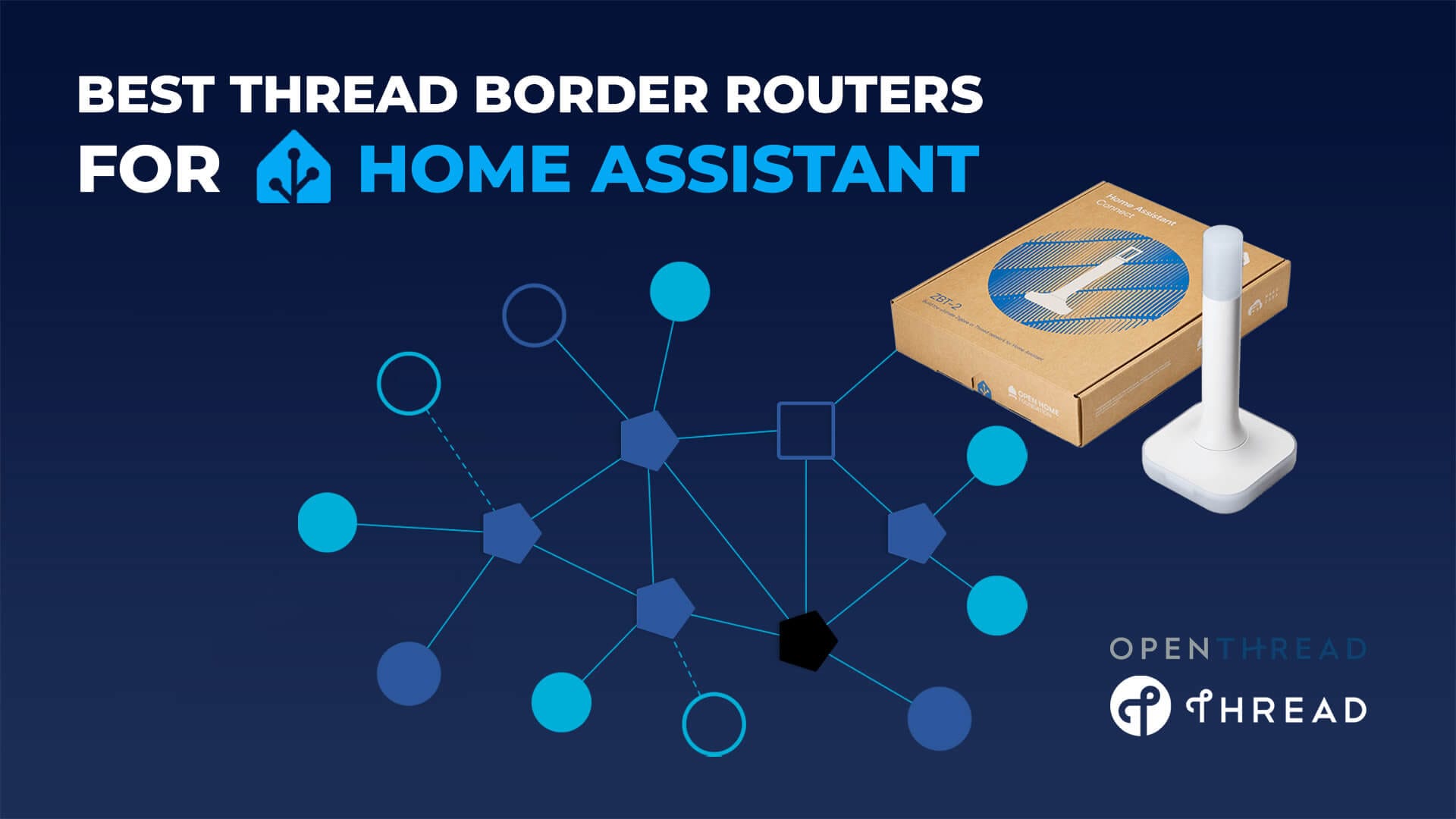
This guide focuses 100% on the best local, open-source Thread Border Routers for Home Assistant. These devices allow you to build a vendor-agnostic Matter network where you own the hardware, the firmware, and the network keys.
What is an OpenThread Border Router (OTBR)?
An OpenThread Border Router (OTBR) is the component that connects a Thread mesh network to your regular IP network over Ethernet or Wi-Fi. Unlike a Zigbee coordinator, which runs the entire network stack on the adapter itself, a Thread Border Router acts purely as a bridge between the low-power Thread mesh and your local IPv6 network where Matter controllers and Home Assistant operate.
In an OTBR setup, the OpenThread stack runs locally on the host system, not in the radio, enabling deep integration and full control over how Thread devices communicate inside your smart home:
- Keep all Matter and Thread traffic fully local within your LAN
- View Thread network topology, roles, and routing paths in Home Assistant
- Update or replace OpenThread firmware independently of the hardware vendor
Running a proper OTBR gives you far more transparency and flexibility than consumer smart hubs. It removes cloud dependencies, avoids vendor lock-in, and exposes Thread as a first-class local network inside Home Assistant, making it the preferred approach for advanced and long-term Thread and Matter deployments.
USB vs Ethernet for Thread: What You Need to Know
At first glance, running a Thread Border Router over Ethernet feels like the obvious upgrade. It works great for Zigbee, it keeps radios away from USB noise, and PoE makes placement easy. With Thread, however, the architecture is different, and that difference matters.
With most modern Thread adapters, the radio runs in Radio Co-Processor (RCP) mode. In this design, the Thread stack (OpenThread) runs on the host (your Home Assistant server or OTBR software), while the radio chip simply transmits and receives frames. The host and the radio talk over the Spinel protocol, which was designed for very low-latency, direct links such as USB, UART, or SPI.
Because Spinel assumes a very fast, reliable, lossless connection between host and radio, introducing Ethernet or Wi-Fi between them can add latency and jitter the protocol wasn’t designed to handle. This doesn’t make Ethernet impossible to use with Thread, but it can expose subtle timing issues or connection degradation in edge cases. Most users (including myself) report that remote RCP links over TCP/IP work perfectly fine in practice, especially on stable networks, but they can be more sensitive to delays or network interruptions than a direct USB/UART link.
One practical difference is how disconnects are handled. A USB dongle unplugged physically is detected immediately by the host, and the border router shuts down cleanly. Over Ethernet, a dropped TCP/IP session might linger briefly before the host realizes the link is gone. That can leave stale routes advertised in a Thread mesh until they time out, which can make devices temporarily unreachable.
To be perfectly clear: In real-world Home Assistant setups, most PoE-based Thread Border Routers work reliably as long as the local network is stable. But because the underlying protocol was designed around low-latency local links, USB remains the most reliable and predictable option for connecting a Thread radio to a host like Home Assistant.
Best USB Thread Border Routers for Home Assistant
Best For: Users running Home Assistant on a mini PC, NUC, Raspberry Pi, or HA Green who want a simple “Plug-and-Play” solution.
The easiest way to add Thread support to your Home Assistant instance is a USB stick. These connect directly to your host machine and pass the radio signal through to the official OpenThread Border Router add-on. Just like with Zigbee, you must use a USB extension cable. Thread operates on the 2.4GHz spectrum and is highly susceptible to USB 3.0 interference.
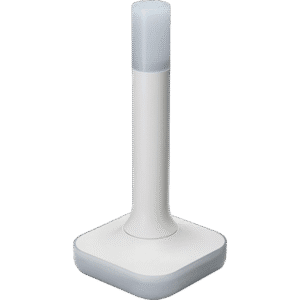
As the official adapter from the Home Assistant team (Nabu Casa), the Home Assistant Connect ZBT-2 serves as the reference hardware for OpenThread development. It is a highly versatile device designed to function as either a rock-solid Zigbee 3.0 Coordinator or a dedicated OpenThread Border Router. This gives you the flexibility to use it for whichever protocol your network requires, supported by first-party firmware updates directly from Nabu Casa.
The ZBT-2 utilizes a sophisticated dual-chip architecture that pairs a highly capable Silicon Labs EFR32MG24 radio with an ESP32-S3 co-processor. This design explicitly offloads USB communication and serial bridging tasks to the ESP32, allowing the main radio to focus entirely on maintaining network traffic without bottlenecks. To ensure consistent coverage, it features a tuned omnidirectional external antenna with a peak gain of 4.16 dBi. This high-efficiency antenna design provides excellent signal quality and range, effectively compensating for the regulatory transmit power caps of 10dBm in the EU and 8dBm for the rest of the world.
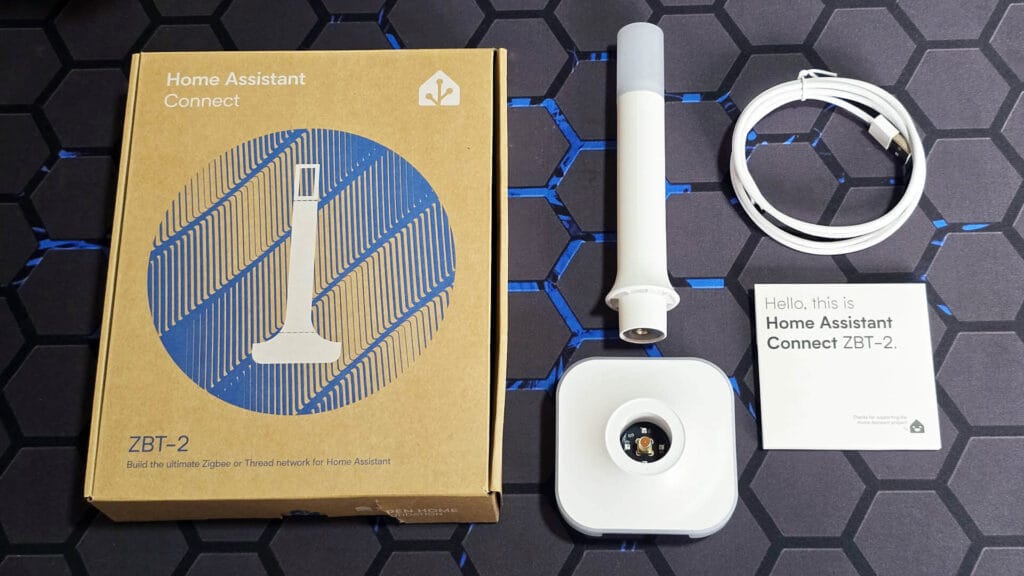
If you are looking for the latest highly capable plug-and-play solution, the Home Assistant ZBT-2 is the top pick. While it is highly flexible and can be used however you prefer (including with custom integrations like Zigbee2MQTT), it feels and acts like a polished, official device while strictly maintaining fully local control over your smart home.
Read the full Home Assistant Connect ZBT-2 Review to learn more.
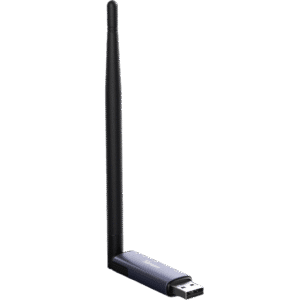
The Sonoff Dongle Plus MG24 is the official successor to the popular ZBDongle-E, upgrading the internal radio to the modern Silicon Labs EFR32MG24 chipset. It offers a robust hardware platform that brings the latest Thread and Matter capabilities to your local network at a very affordable price point.
Hardware-wise, the device is built around the EFR32MG24 SoC, which provides more RAM and flash memory than its predecessor. This extra headroom allows it to handle larger routing tables and denser networks without issues. It’s RF design pairs the MG24 radio with a powerful external antenna capable of up to 4.5 dBi gain.
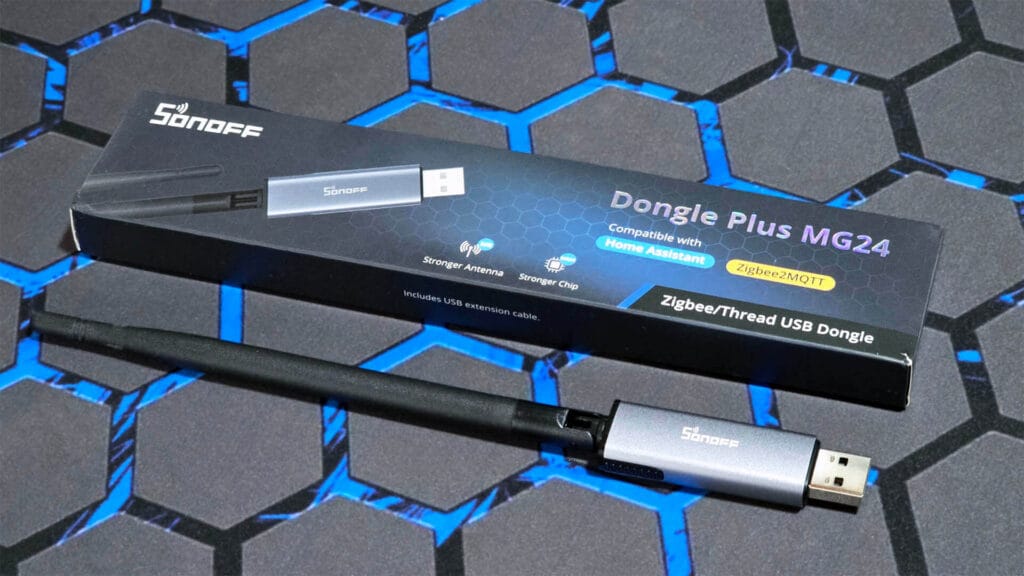
For those who enjoy tinkering, the device technically supports “MultiPAN” firmware, a feature that allows a single stick to manage both Zigbee and Thread networks simultaneously. Sonoff claims they’ve conducted detailed testing while running both Zigbee and Thread with great success, although this feature is no longer officially supported by Home Assistant and remains experimental. Ultimately, the Sonoff Dongle Plus MG24 is an excellent choice, delivering top-tier Matter and Thread experience in a very budget-friendly package.
Read the full Sonoff Dongle Plus MG24 Review to learn more.
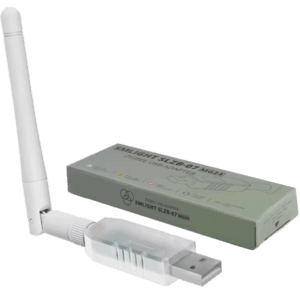
For those familiar with SMLight’s reputation for quality Zigbee/Thread gear, the new SLZB-07MG24 serves as an excellent high-performance option for a dedicated USB-only Thread Border Router. Built on the powerful EFR32MG24 chipset, this adapter is designed to handle large, traffic-heavy Matter networks without breaking a sweat. Unlike cheaper alternatives that cut corners on components, SMLight integrates the premium CP2102N USB-to-UART bridge, ensuring that the connection speed and quality between the radio and your Home Assistant server are never compromised.
The SLZB-07MG24 combines the native +20dBm amplification of the MG24 SoC with an external +3 dBi external antenna. This setup allows for great coverage, capable of maintaining a stable Thread mesh even in challenging environments or across multiple floors. Furthermore, the device features AutoBSL, making firmware updates or switching between Zigbee and OpenThread stacks incredibly simple.
Best LAN / PoE Thread Border Routers for Home Assistant
Best For: Users looking to maximize network range in large homes, run virtualized setups (Proxmox/Docker) or want flexibility in installation and positioning.
If your Home Assistant server lives in a basement rack or a closet, a USB stick is useless. A PoE (Power over Ethernet) Border Router solves this by decoupling the radio from the server. You can mount these devices in the absolute center of your home using a single Ethernet cable for both power and data. They communicate with Home Assistant over your LAN (IP), making them the superior choice for stability and range.
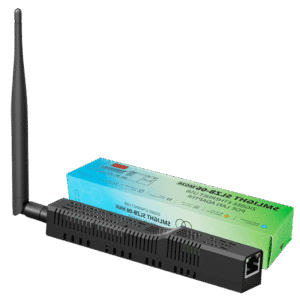
The SLZB-06MG26 is a PoE powered coordinator built on the cutting-edge EFR32MG26 SoC from Silicon Labs. While physically identical to the MG24 model, this version doubles the memory to 512kB of RAM and 3200kB of Flash. While this extra capacity is largely overkill for Zigbee, it is a valuable asset for Thread, providing the necessary headroom to handle the large IPv6 routing tables required by dense Matter networks.
The MG26 radio is paired with an external +5dBi antenna, giving it stable range and enough coverage for even the largest homes. Thread is supported natively on this model, utilizing that massive RAM buffer to ensure your Border Router never becomes a bottleneck for the network. Just like the rest of the SLZB-06 range, it operates as a single protocol device at a time.
SMLight includes an advanced web dashboard for configuration, firmware management, and basic network tools. The SLZB-06MG26 also supports Wi-Fi via its ESP32 subsystem, if for some reason you want to use it. The SMLight range can connect a remote network to your Home Assistant instance via WireGuard, a very welcome and useful feature. Overall, it is the go-to option for users who want the most powerful Silicon Labs hardware available to future-proof their Matter setup.
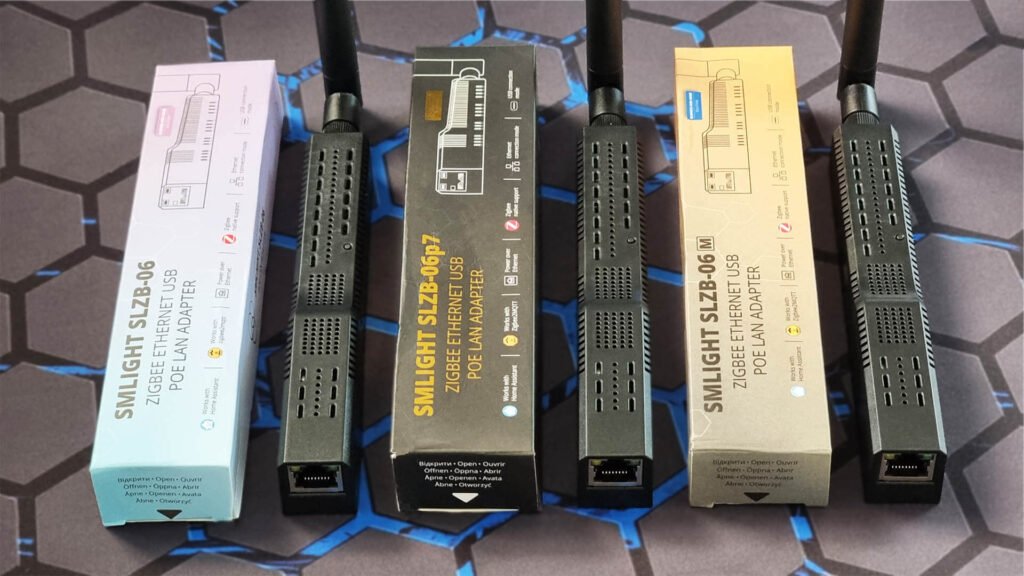
SMLight’s web dashboard provides easy firmware switching, configuration, and diagnostics, while optional Wi-Fi and WireGuard support make it flexible for advanced or remote installations. Overall, the SLZB-06MG26 is a top tier LAN-based Thread Border Router which works flawlessly with Home Assistant.
Read the full SMLight SLZB-06 Review to learn more.
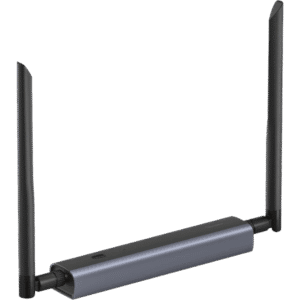
The Sonoff Dongle Max MG24 is Sonoff’s flagship PoE coordinator based on the EFR32MG24 platform, with full support for modern OpenThread firmware. When used as a Thread Border Router, it functions as an RCP over Ethernet, relying on your Home Assistant host to run the OpenThread stack. This design allows it to integrate cleanly with Home Assistant’s Thread integration, while offering the placement flexibility that PoE provides.
The Sonoff Dongle Max MG24 ships with a tuned external antenna rated at +5 dBi, delivering strong RF performance for Thread networks that need wider coverage. Although the hardware supports both Zigbee and Thread, only one protocol can be used at a time. Sonoff’s MultiPAN support remains experimental and is not recommended for most home setups.
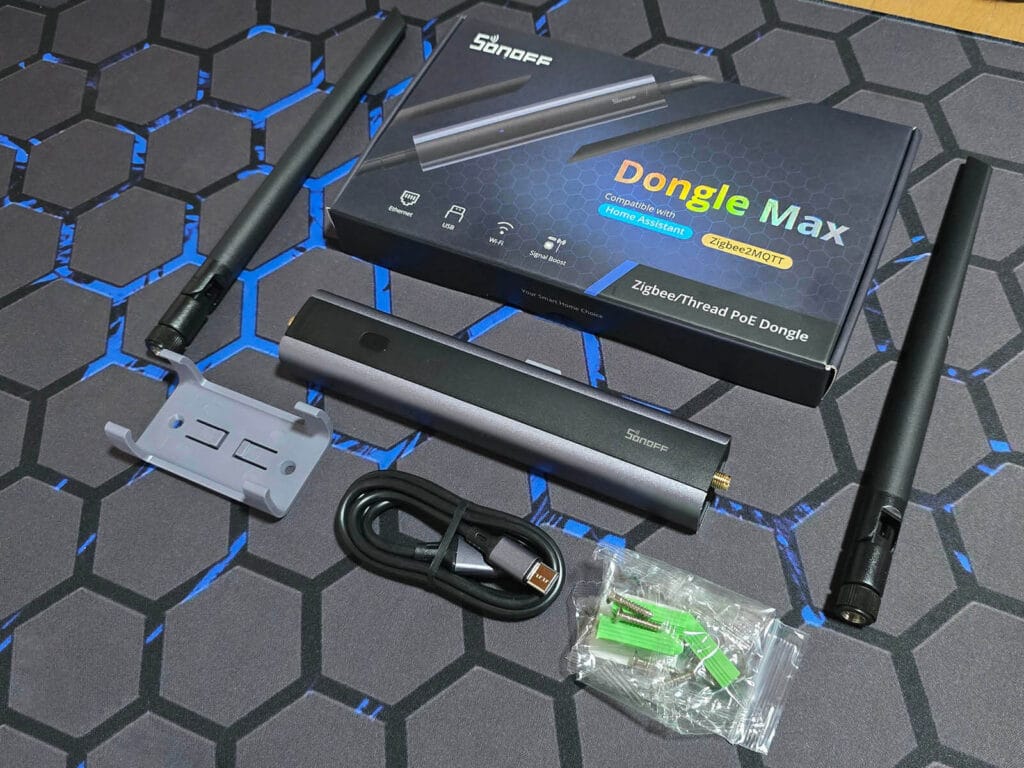
A standout feature is its polished web interface, which includes advanced tools such as MQTT configuration, WireGuard support, webhook integration, and a Channel Energy Scan that visualizes 2.4 GHz congestion. As a LAN-based Thread radio, the Dongle Max works quite well and is packaged in a high-quality enclosure, typical for Sonoff devices.
Read the full Sonoff Dongle Max Review to learn more.
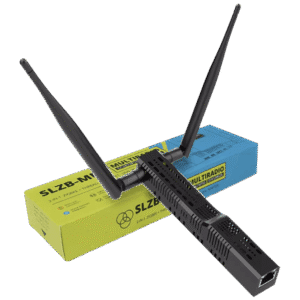
The SMLight SLZB-MR4 is a high-end PoE Thread Border Router designed for users who prefer using one device for Zigbee and Thread. It uses a true dual-radio architecture, combining an EFR32MG26 and a CC2674P10, allowing Zigbee and Thread to run simultaneously on completely separate radios. This avoids the compromises of single-SoC solutions and makes the MR4 one of the few devices capable of hosting large Zigbee and Thread networks at the same time without contention.
For Thread specifically, the move to the EFR32MG26 is a game-changer. It doubles the RAM to 512kB, providing ample headroom for the large IPv6 routing tables required by dense Matter networks. The MR4 is built to handle the heavy traffic of a fully matured Matter smart home without breaking a sweat. With dual external antennas and PoE connectivity, it offers professional-grade coverage and placement flexibility for both protocols.
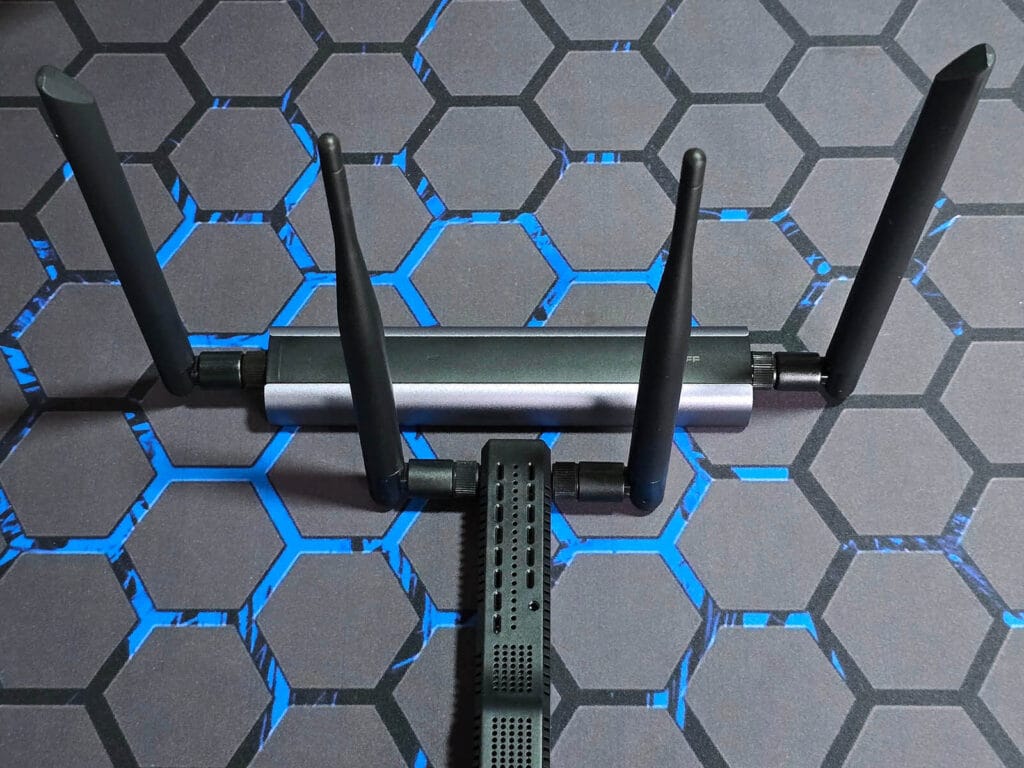
Like other SMLight devices, the MR4 includes a full-featured web dashboard, Wi-Fi support, WireGuard tunneling, and ESPHome integration for Bluetooth proxy use. If you plan to run Thread seriously today and maintain a Zigbee network on a single device, the SLZB-MR4 is the most capable all-in-one LAN-based option available.
Read the full SMLight SLZB-MR1 Review to learn more about the dual-radio range of SMLight.
Best DIY & Budget Thread Border Router Options
Best For: Makers, tinkerers, and those who want a Border Router for under $10-$15.
You don’t need to spend $40 on a polished consumer product to get a working Border Router. Since OpenThread is open-source, you can flash it onto inexpensive development boards. These solutions offer the exact same functionality as the premium options but strip away the fancy plastic case. If you own a soldering iron or don’t mind exposed PCBs, this is the most cost-effective route.
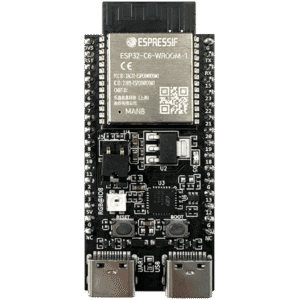
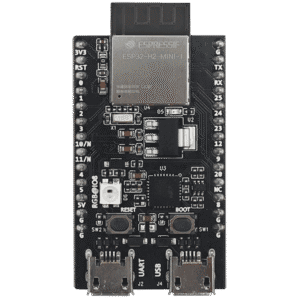
Using an ESP32-C6 or ESP32-H2 development board is the simplest and cheapest way to build a DIY Thread Border Router for Home Assistant. In this setup, the ESP32 acts purely as a Thread radio running OpenThread RCP firmware, while the OpenThread Border Router stack runs on your Home Assistant host. This mirrors how USB Thread adapters work, making it easy to integrate with the Home Assistant OTBR add-on.
The ESP32-C6 includes Wi-Fi, BLE, and an 802.15.4 radio on a single chip, while the ESP32-H2 focuses on Thread and BLE only. Both work well as low-cost Thread radios, especially when paired with an external antenna. However, they lack Ethernet, have limited RF performance depending on the board, and are more sensitive to USB quality and power. These boards are best suited for experimentation, learning, or budget-conscious setups rather than sizeable Thread networks.
Click here How To Create Thread Devices with ESPHome and ESP32-C6/H2.
Also available on AliExpress 2, Amazon DE, Amazon UK, Amazon NL.
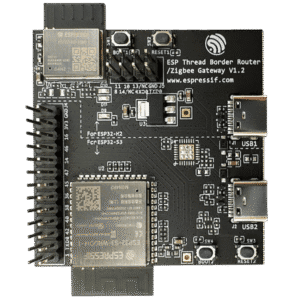
If you’ve decided on the DIY route, the ESP Thread Border Router / Zigbee Gateway Board is a purpose-built development platform designed specifically to run Espressif’s OpenThread Border Router implementation. Unlike simple USB radios, this board follows a proper host + radio architecture, pairing an ESP32-S3 as the host with an ESP32-H2 as the 802.15.4 radio. This allows the OpenThread stack to run locally on the device itself, with Thread traffic bridged to your network over Ethernet (add-on required) or Wi-Fi, without relying on an external host for OTBR duties.
Because it is designed as a full border router reference platform, it supports advanced features such as IPv6 routing, NAT64, and service discovery out of the box. Ethernet support makes it well suited for flexible installations, and the hardware layout is far more robust than basic dev boards. While it requires flashing and initial setup, it is the most complete DIY-style Thread Border Router you can build today, closely matching how commercial hubs implement Thread internally.
Why Not Apple HomePod or Google Nest?
You might ask: “I already have an Apple TV 4K or a Google Nest Hub. Can’t I just use that?”
Devices like Apple HomePod or Google Nest can act as Thread Border Routers, but they are built primarily for their own ecosystems, not for Home Assistant. While they do provide Thread connectivity, it is hidden behind closed integrations with no visibility into the Thread network, routing, or diagnostics. You cannot manage the OpenThread stack, inspect topology, or properly troubleshoot issues from Home Assistant, which effectively turns them into black boxes.
If your goal is fully local control, transparency, and deep Home Assistant integration, dedicated OTBR hardware is the better choice. Apple and Google devices work well within their own platforms, but they are not designed for advanced or mixed smart home setups where control and flexibility matter most.
With that said, if you already have a Thread Border Router from Apple, Google, or Amazon, there is no technical reason you cannot use it with Home Assistant. The experience will be more limited, as you lose visibility and control over the Thread network, but Home Assistant does support Matter devices over externally managed Thread networks.
FAQs
Do I need a Thread Border Router for Matter with Home Assistant?
Yes. To use Matter devices over Thread with Home Assistant, you need access to a Thread Border Router. While Apple, Google, or Amazon hubs can provide Thread connectivity, a dedicated OTBR gives you full local control, visibility into the network, and native integration with Home Assistant.
Which Thread Border Router works best with Home Assistant?
The Home Assistant Connect ZBT-2 is the best plug-and-play option thanks to first-party firmware, excellent stability, and native OTBR support. For PoE setups, devices like the SMLight SLZB-06MG26 and Sonoff Dongle Max offer strong performance with flexible placement over Ethernet.
Can I run multiple Thread Border Routers at the same time?
Yes. Thread supports multiple Border Routers within the same network, and they can improve redundancy and coverage. Home Assistant can work with multiple OTBRs as long as they are correctly configured and part of the same Thread mesh.
Can one device run both Zigbee and Thread at the same time?
Most single-radio adapters, including USB sticks and many PoE coordinators, can run either Zigbee or Thread, but not both at the same time. Devices like the SMLight SLZB-MR4 use a true dual-radio design, allowing Zigbee and Thread to operate simultaneously without interference.
Is USB or PoE better for a Thread Border Router?
USB is generally the most reliable option due to its low latency and direct connection, which aligns well with how Thread radios communicate with the OpenThread stack. PoE and LAN-based Thread Border Routers do work well and offer better placement flexibility, but they can be more sensitive to network interruptions.
Are DIY Thread Border Routers reliable for everyday use?
DIY options using ESP32-C6 or ESP32-H2 boards can work well and provide full local Thread functionality at a very low cost. However, they require manual flashing, tuning, and sometimes external antennas, making them better suited for experimentation or smaller networks rather than large or critical installations.









SMHUB and SMHUB ultima is not included?
No, I haven’t tested them yet.
I wanna check out the OS first
Will the HA version work with a mini pc via a usb powered hub? I have my 4 ports tied up with a Zooz, Zigbee, Coral chip and a USB hub with BT, keyboard and mouse connnections.
It will, although I highly suggest against using a powered hub. It can introduce latency issues or not work properly. PoE like the SLZB-06MG24 is a better chocie for you