

If you have ever added a Matter device to Home Assistant, you used your phone to do it. That has always been the only supported method. You open the companion app, scan the QR code on the device, and your phone handles the Bluetooth Low Energy handshake that gets the device onto your network.
After that initial pairing, Bluetooth is never used again, and the device communicates over Wi-Fi or Thread from that point on. But for that first step, the phone was mandatory. Home Assistant had no way to handle it directly, regardless of what hardware your server was running.
That changes with Home Assistant 2026.06, which is still a few weeks out, but the server-side groundwork is already in place with the release of Matter Server add-on 8.5.0 and matterjs-server 0.7.1. Together, these introduce Bluetooth proxy support for Matter commissioning, meaning Home Assistant will be able to onboard new Matter devices entirely on its own, using the Bluetooth proxies already distributed around your home.
What actually changes
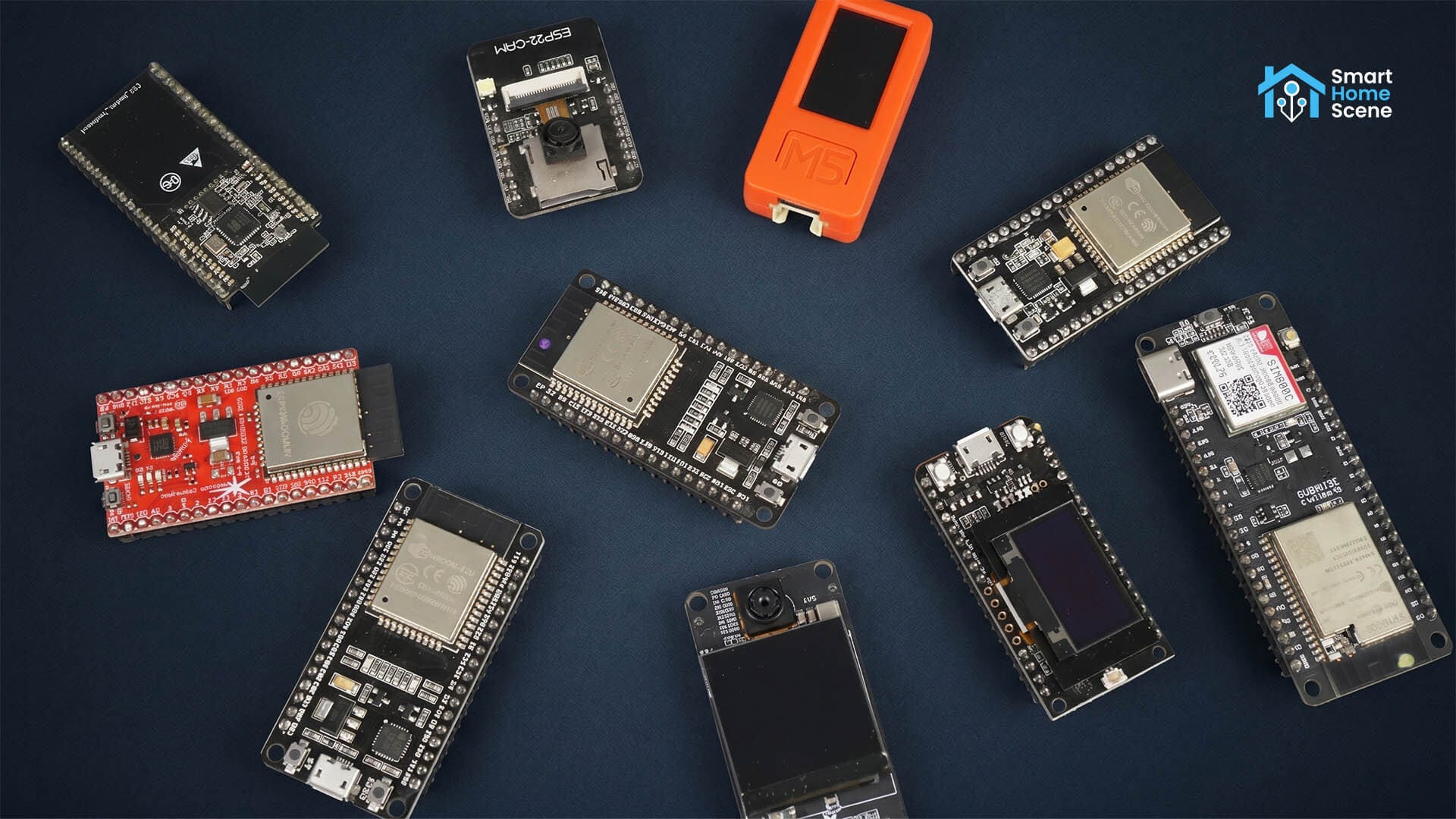
Instead of relying on your phone for the Bluetooth handshake, Home Assistant will now be able to route that commissioning traffic through any compatible Bluetooth adapter or proxy on your network. If you already have DIY ESPHome-based devices or Shelly smart relays with Bluetooth enabled, those can handle the initial pairing signal wherever the new device physically sits and relay it back to the Home Assistant server over your local network.
In practice this means you can unbox a new Matter device, plug it in where it actually lives, and commission it through the Home Assistant interface directly, with a nearby ESPHome board or Shelly relay acting as the Bluetooth bridge. No phone needed, no QR code scanning through the app, and without using Google or Apple’s Matter onboarding wizard.
Most people running ESPHome devices already have compatible hardware without needing anything extra. The Bluetooth proxy feature can be enabled with a single bluetooth_proxy line in your config. You can check which proxies are active through the Bluetooth integration page in Home Assistant.
What you need and when
Three pieces need to be in place for this to work. The Matter Server add-on 8.5.0, which is already released. The matterjs-server 0.7.1 underneath, which is also already released. The remaining piece is Home Assistant version 2026.06, which is where the Matter integration support for this feature lands. Based on the regular monthly release schedule, 2026.06 stable should arrive in early June. The beta has not started yet.
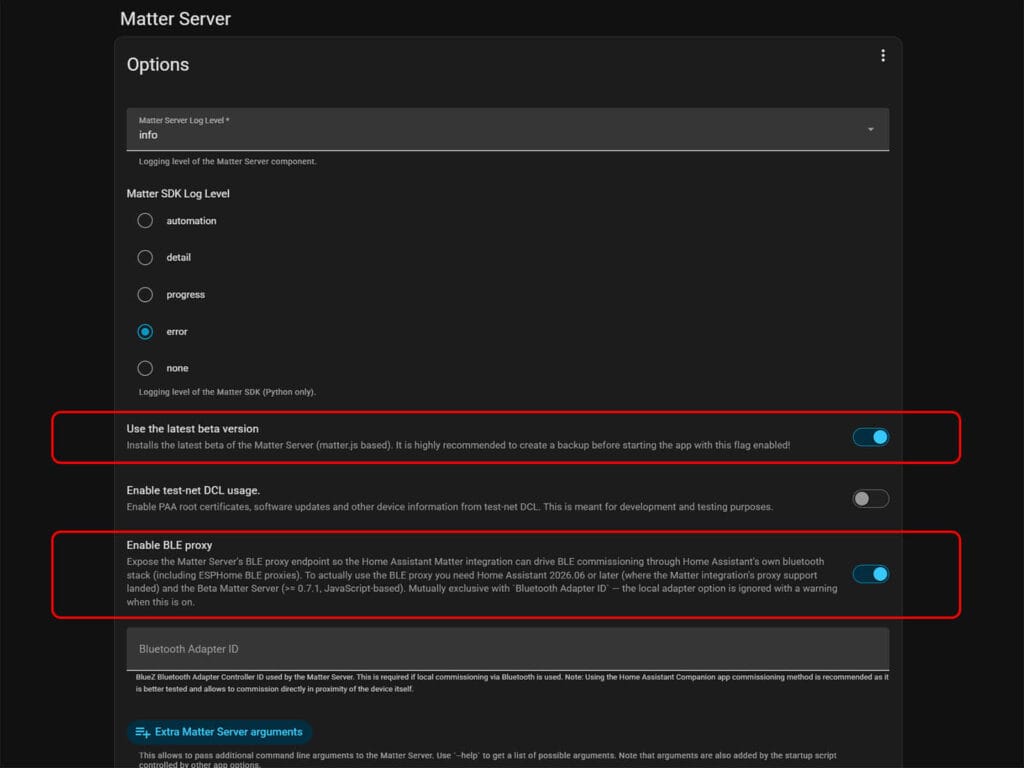
Once everything is in place, open the Matter Server add-on configuration page, toggle on “Use the latest beta version”, and enable the BLE proxy option. One thing worth knowing: BLE proxy mode and a locally connected Bluetooth adapter are mutually exclusive. If you have a USB dongle configured, it will be ignored in favour of the proxy when this option is enabled.
For the technically curious
When --ble-proxy is enabled on the matterjs-server, the server stops looking for a local Bluetooth HCI adapter entirely and instead exposes a /ble WebSocket endpoint. A separate client process connects to that endpoint and bridges Bluetooth commissioning traffic from wherever the physical Bluetooth adapter actually lives on your network. The same flag can be set via the BLE_PROXY=true environment variable for Docker users.
In the Home Assistant context, that client is the Matter integration itself, routing through HA’s existing Bluetooth stack and any registered ESPHome or Shelly proxies. The architecture is open though, with a Bleak-based Python CLI called matter-ble-proxy and a Noble JS client @matter-server/ble-proxy also available as alternative clients for other use cases.
The --ble-proxy flag is mutually exclusive with --bluetooth-adapter. The CLI docs explicitly state that --ble-proxy wins if both are set, and the local adapter is ignored with a warning.