

The SwitchBot Standing Circulator Fan is a smart pedestal fan with a built-in rechargeable battery, BLE connectivity, and Matter support via a compatible SwitchBot Hub. It is the official successor to the original SwitchBot Battery Circulator Fan, which was a desktop-only unit, now upgraded to a full standing form factor.
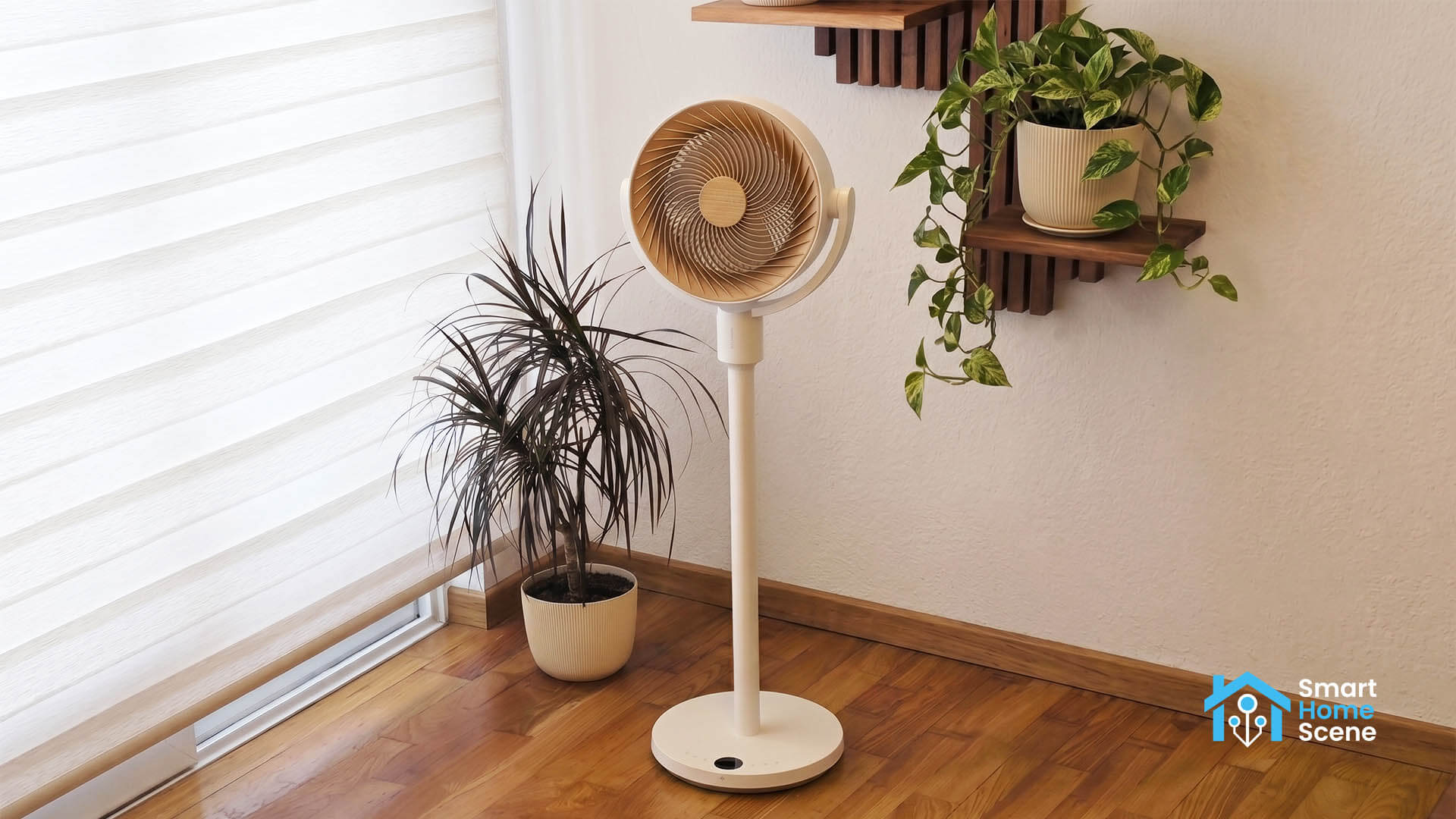
The new standing model is priced at $129.99, though I discovered it is frequently discounted to $99.99 on Amazon and the official SwitchBot webstore. SwitchBot sent me this unit for the purpose of testing and review. I have had it for about two weeks, right as the warmer days started coming in, so I got a good chance to test it out.
DISCLOSURE: The SwitchBot Standing Circulator Fan was sent to me by SwitchBot for the purpose of a review. This will in no way affect, sway or influence my opinion of their product and will be just my honest review as usual. I underlined this in the e-mail I sent to their PR person, highlighting my review principles and guidelines to which they agreed and had no problems with.
Design and Build Quality
The SwitchBot Standing Circulator Fan package includes the base, the fan head, two extension poles, a nice round remote, and an AC cable for charging. Putting it together takes a couple of minutes and requires no tools. You simply screw the poles onto the base and attach the fan head.
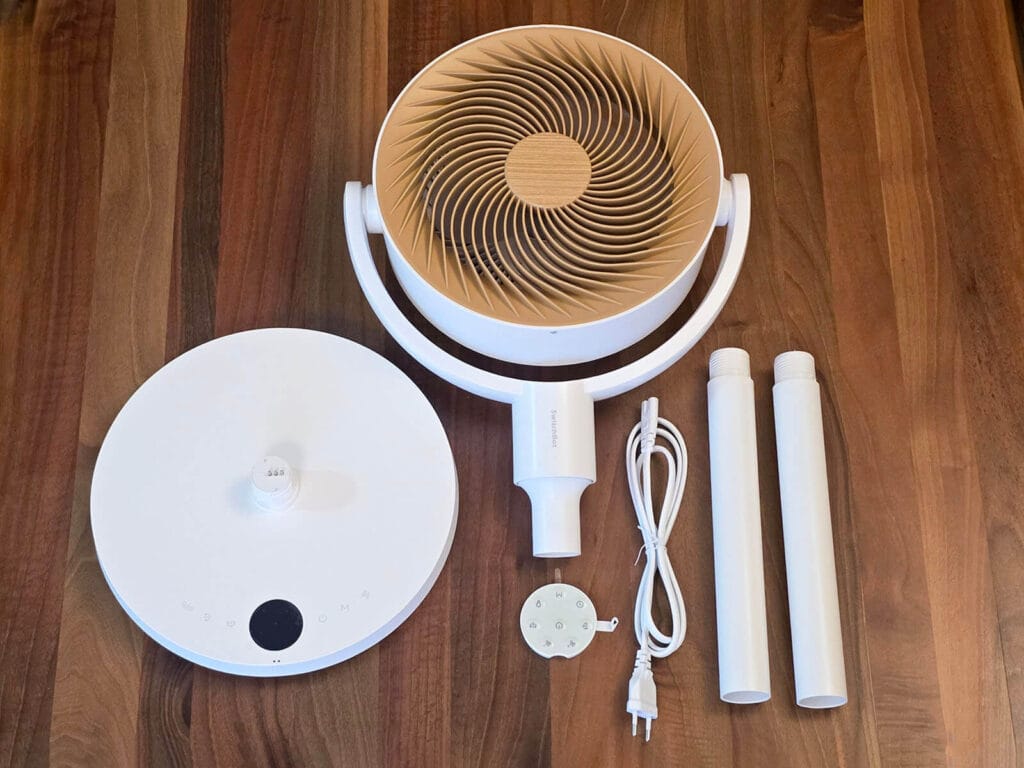
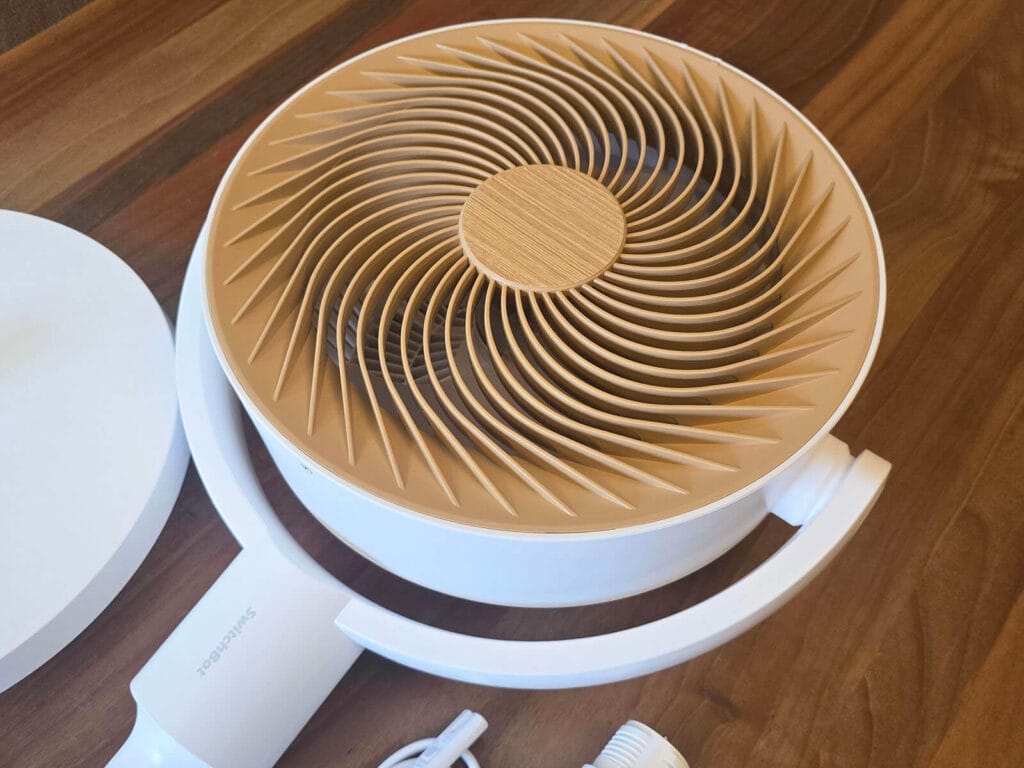
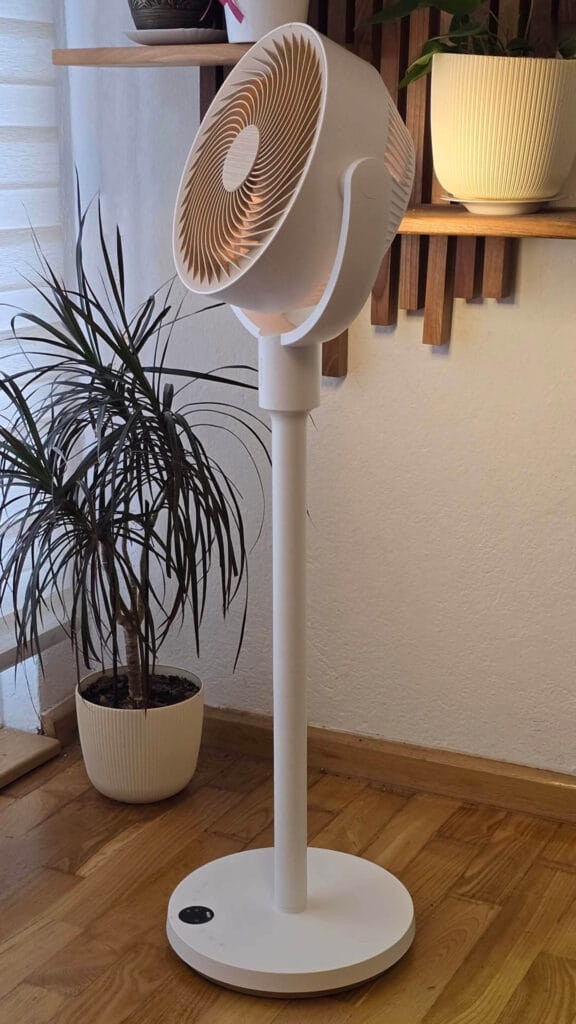
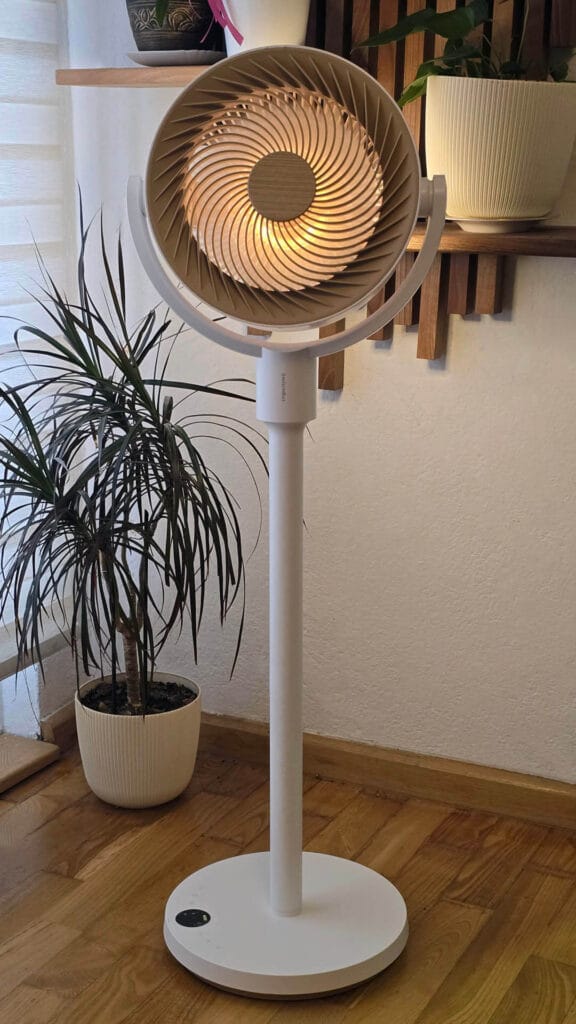
It’s made from ABS plastic, but feels very premium and well-built. The front of the fan head has a wood finish that, to me, looks absolutely gorgeous. It is a static spiral design with the actual fan blades sitting right behind it, so you do not really see the blades spinning at all. When the fan oscillates, it moves slowly and steady. Very calming, especially with the ambient light turned on.
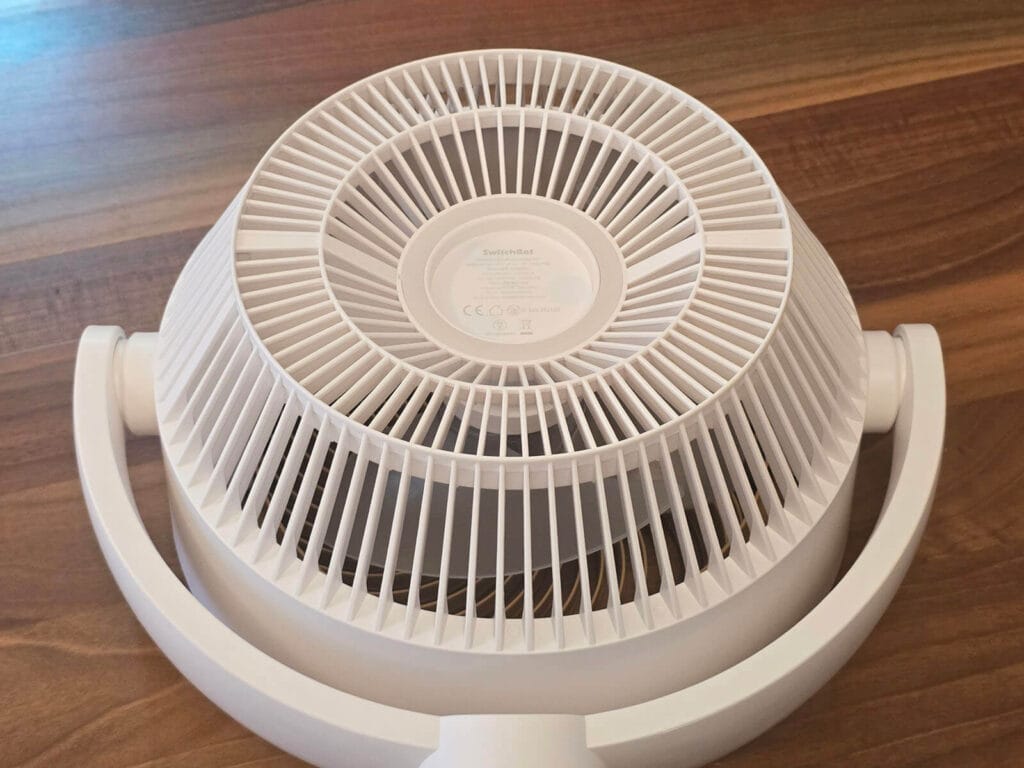
The display on the base has a soft glow that does not bother you at night, and the physical buttons let you control everything locally without needing the app or remote. The USB-C port and AC cable input are both at the back of the unit.
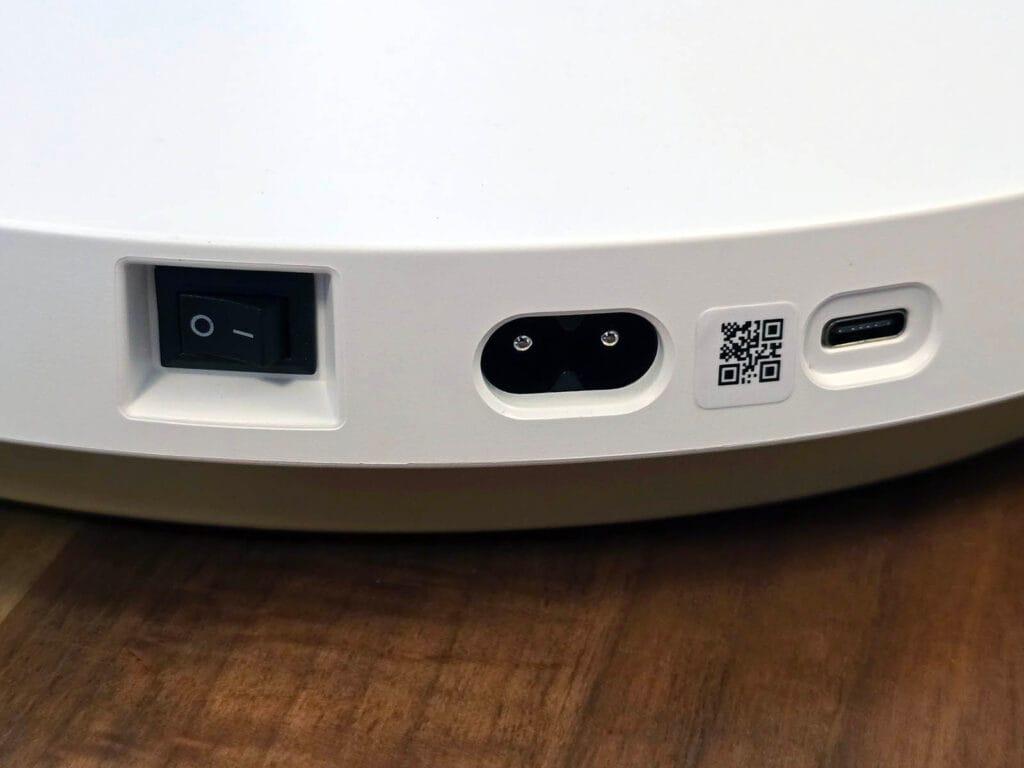
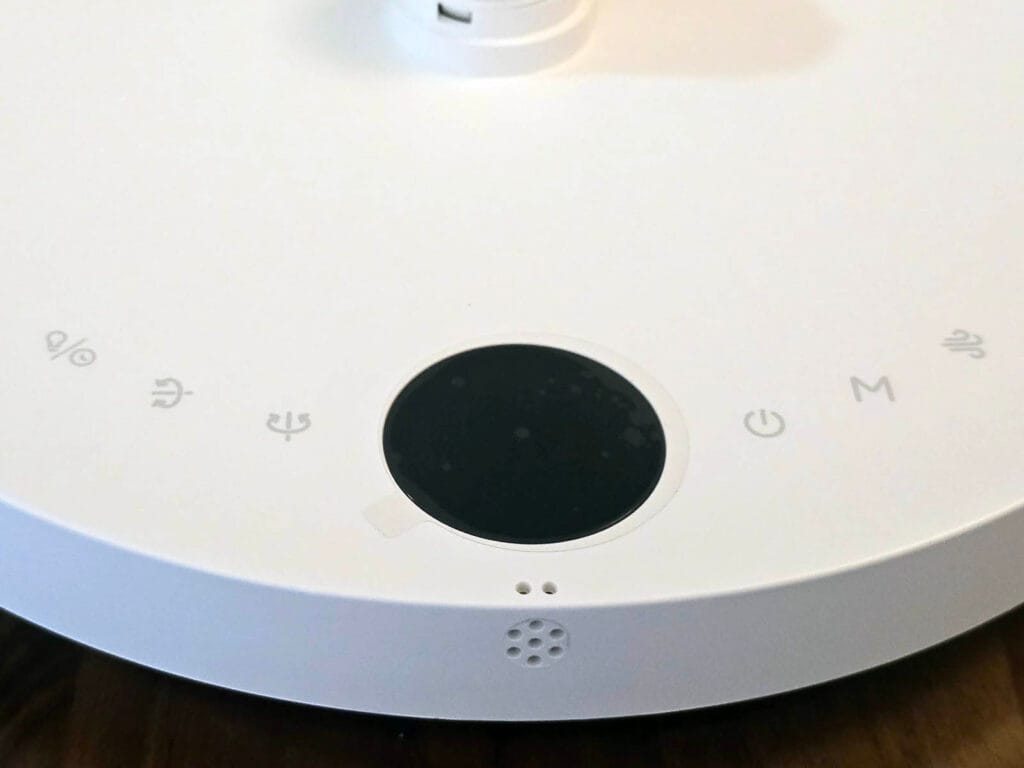
The modular design gives you three usable height configurations: 47.3 cm as a desktop unit without any poles, 73.6 cm with one pole section, and the full 100 cm standing fan configuration. It does not wobble even with all three extensions installed, as the base is heavy and stable enough that you do not have to worry about it tipping over.
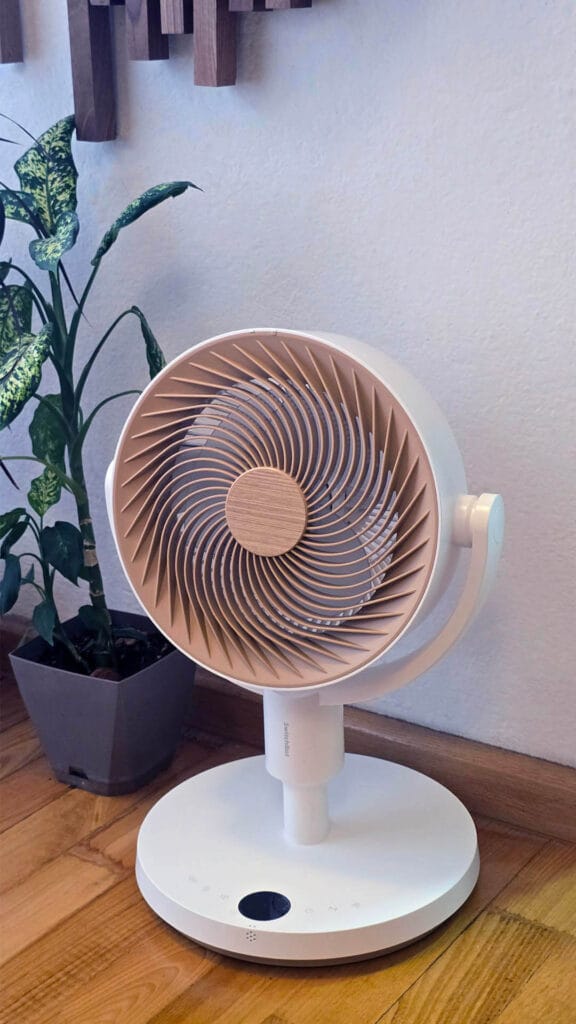
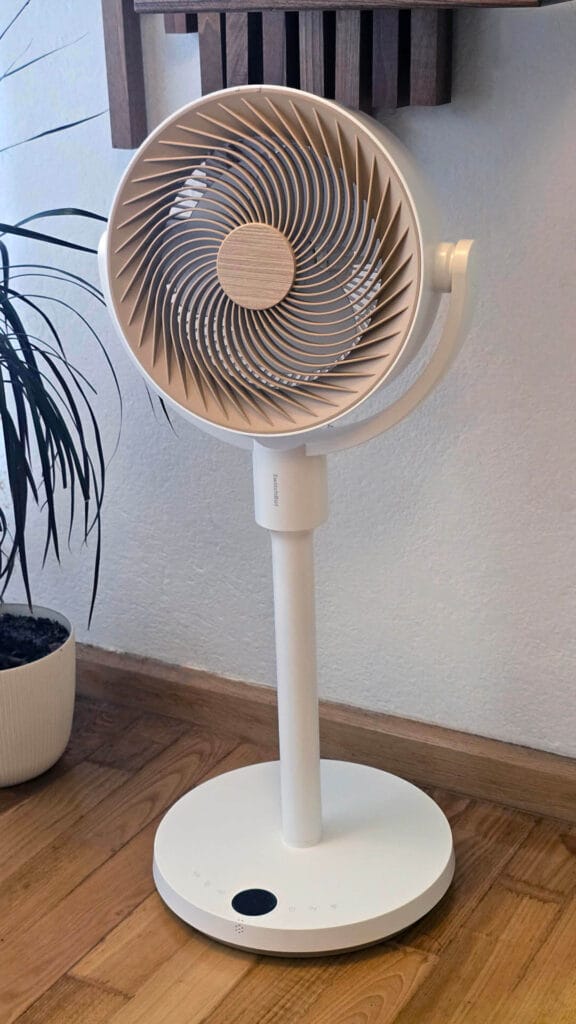
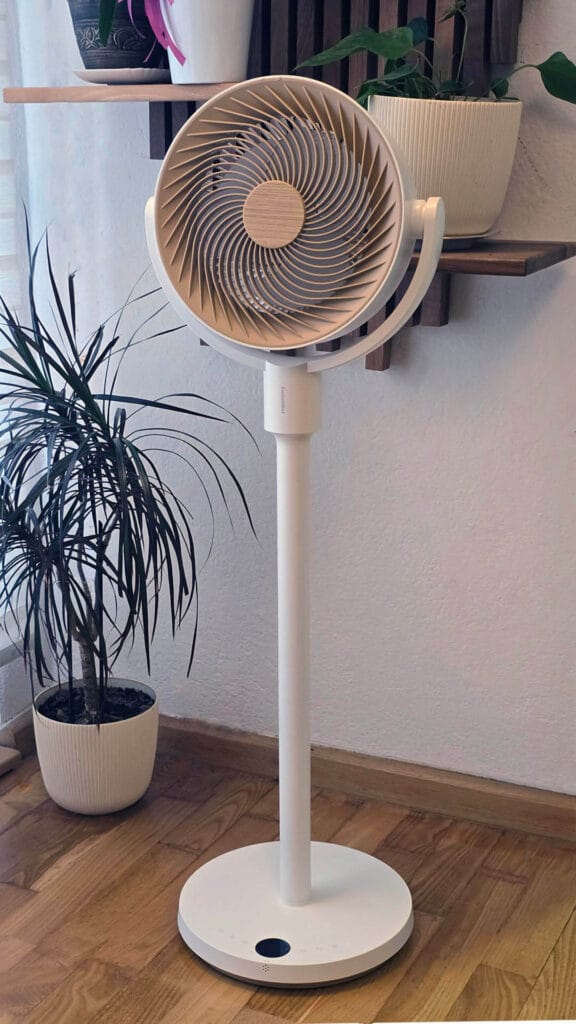
The night light is absolutely stunning. It sits at the back of the fan head and throws a diffused glow onto the wall behind it rather than shining directly at you, which creates a really nice ambient effect. You can turn it on or off independently of whether the fan is running, so it works perfectly as a standalone night light. There are two brightness levels (Bright and Soft) for controlling the intensity. As far as design and looks go, SwitchBot really nailed it with this one. 10/10.
Battery Life and Charging
The fan has a built-in 2400 mAh rechargeable battery. SwitchBot rates battery life at up to 28 hours in Baby Mode (the lowest setting), 13 hours in Sleep mode, and 12 hours in Natural mode. When it depletes, you can charge it with either USB-C at 5V or mains power at 100-240V. It’s also worth noting that while it is compatible with fast chargers, it does not actually charge at fast charging speeds.
In my testing, the numbers come close but do not quite hit those figures. Running it on Normal mode at speed 3, I got around 10 hours before it needed a charge, close to the claimed 12. I also ran it overnight on Baby Mode for about 12 hours and it was sitting at 48% in the morning, which is roughly 24 hours total rather than the advertised 28. Not far off, but worth knowing the rated figures are lab numbers.
I did realize that having a built-in battery in a fan is more useful than I initially thought. You can simply move it wherever you need it and move it back without plugging and unplugging anything. I found myself moving it to different corners to be used a light only, because I loved that ambient light glow. You can attach a power bank to the USB-C port and place it on the base if you want, giving you far more runtime than the 2400 mAh alone can provide.
Smart Home Setup and App Control
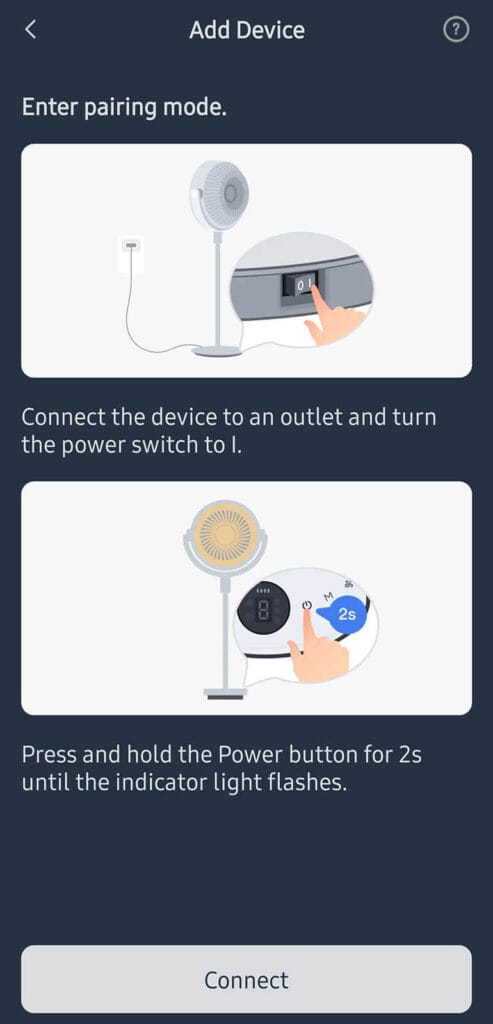
Like all SwitchBot devices, pairing it in the app is straightforward and fast. Turn the fan on, hold the button for two seconds, and add it in the app. Here’s a few screenshots of the onboarding process, menus and controls:
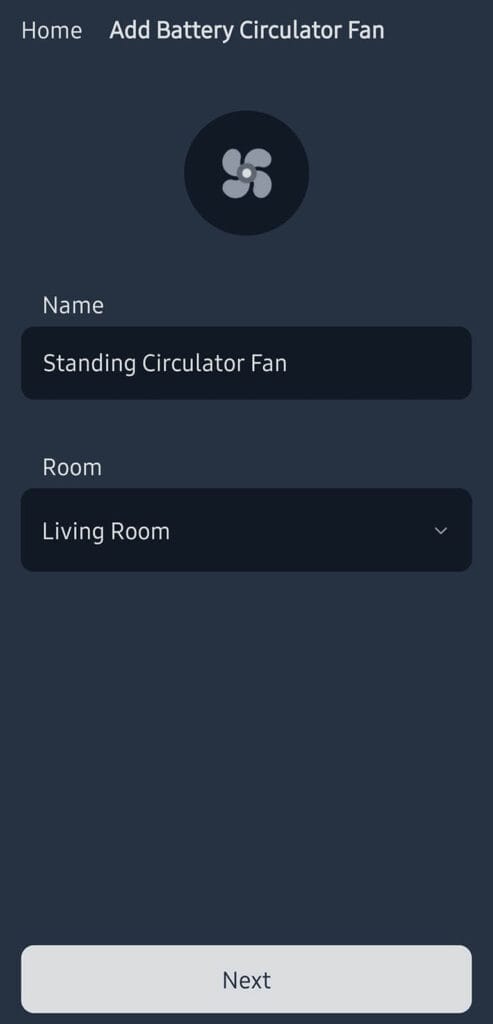
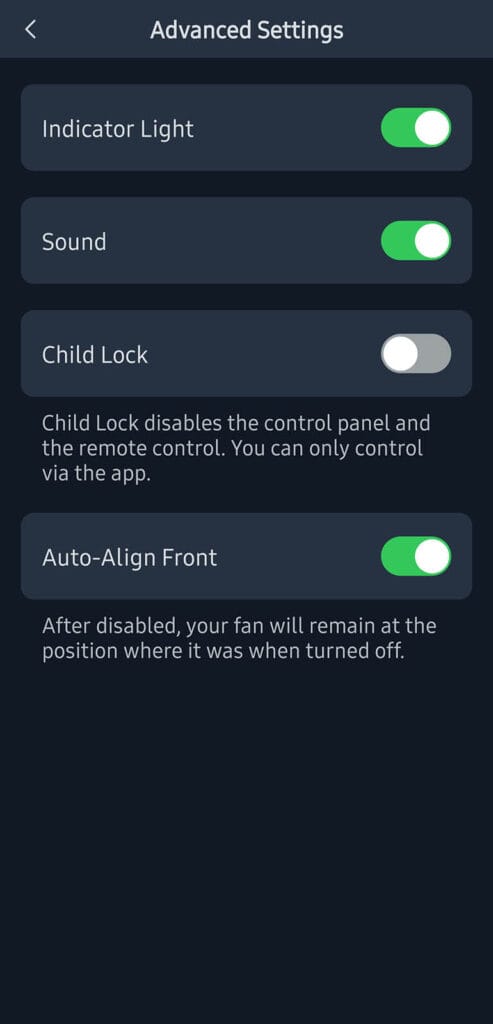
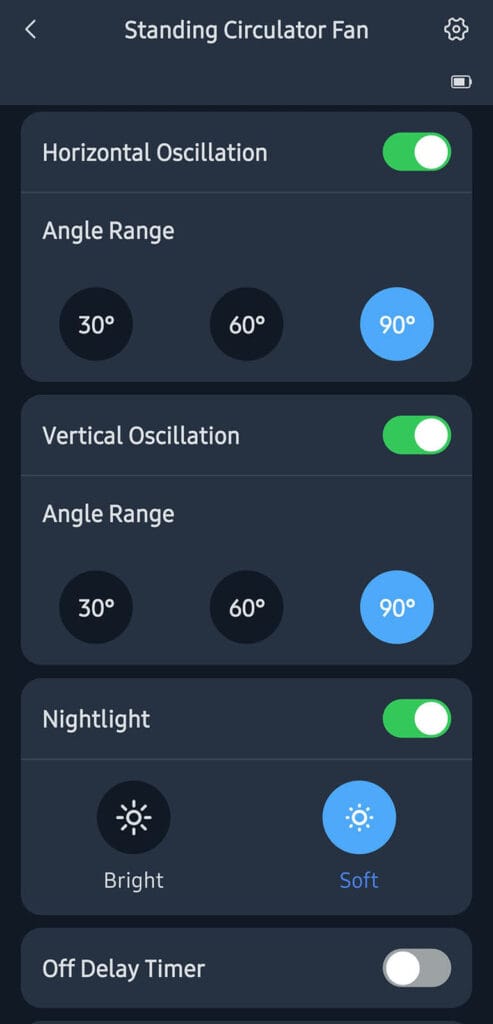
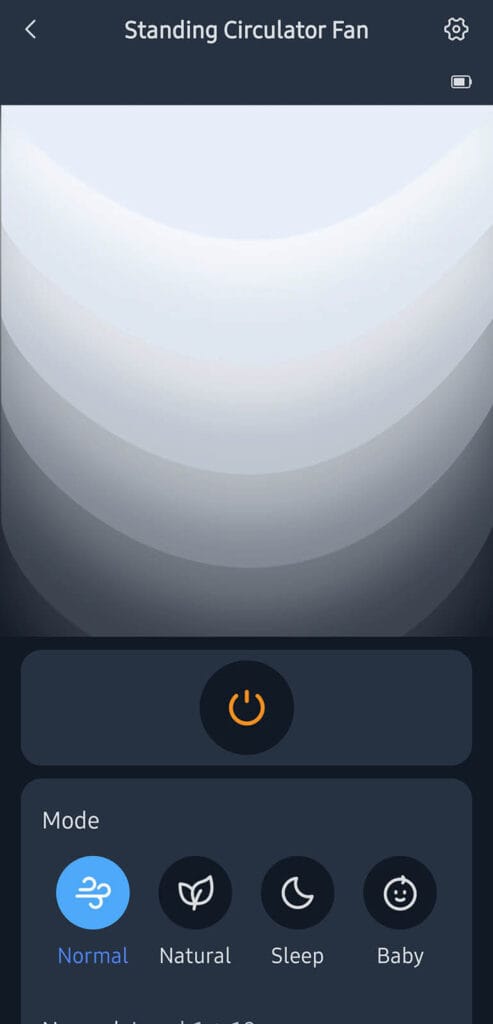
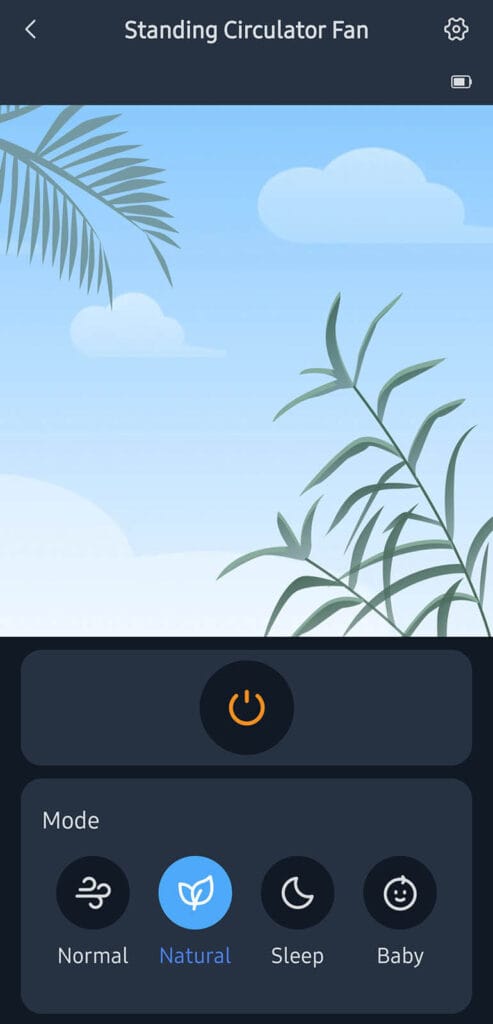
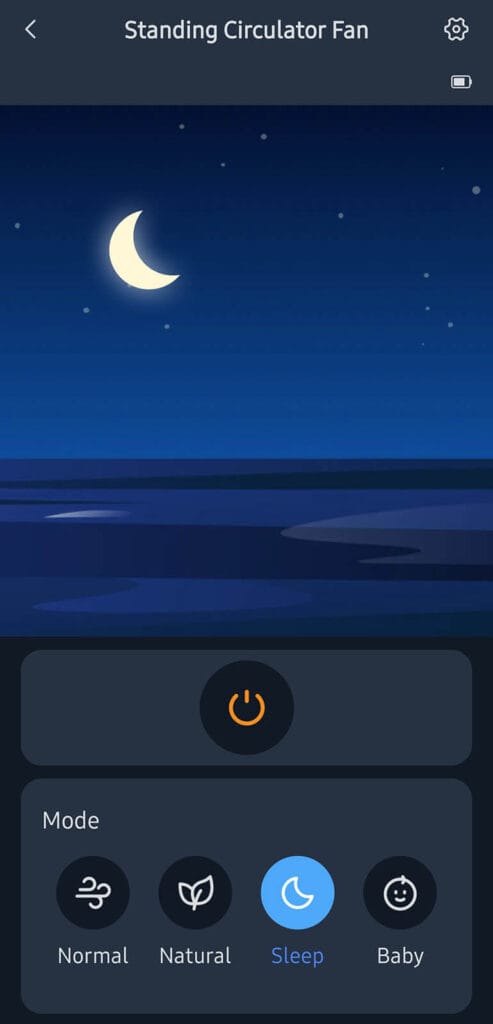
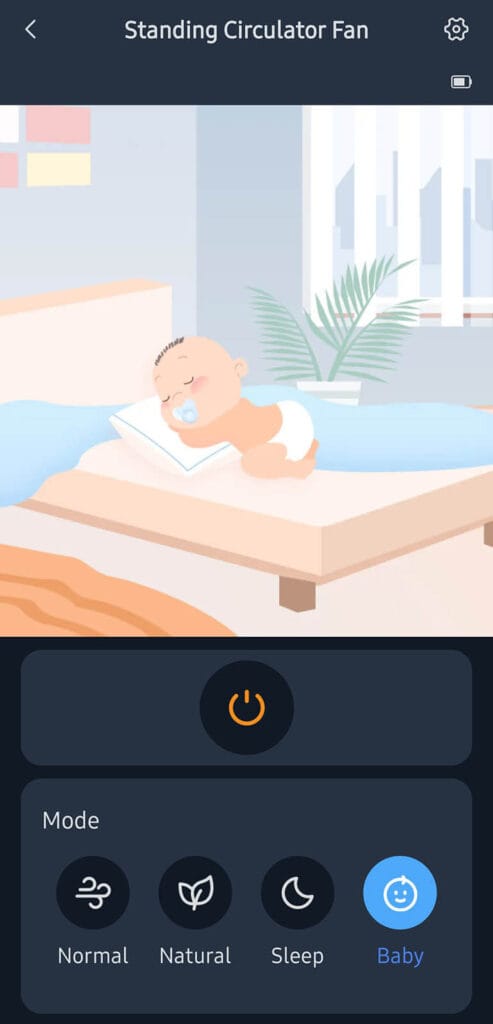
The app gives you the most granular control of the three input methods. Speed is adjustable from 1 to 100% in single-step increments, compared to 9 steps on the remote or physical buttons. You can also set the exact horizontal and vertical oscillation angle, configure an off timer so the fan shuts down automatically after a set period, set schedules, and switch between the four fan modes: Normal, Natural, Sleep, and Baby.
Vertical and horizontal oscillation can be set to 30, 60, or 90 degrees in the app. There’s also a neat feature called Auto-Align Front, which automatically rotates the fan to face forward when turned off so it does not get stuck mid-oscillation pointing at the ceiling and looking odd. You can also turn off the indicator light, disable the button sound effects, and enable a child lock mode through the app. All useful things to have.
Home Assistant and Matter Integration
Getting this fan into Home Assistant can be done two ways. The first route is the SwitchBot Cloud integration, which does not require Matter and works via the SwitchBot API. Through this path, Home Assistant exposes turn on, turn off, set mode, and battery level as a sensor entity.
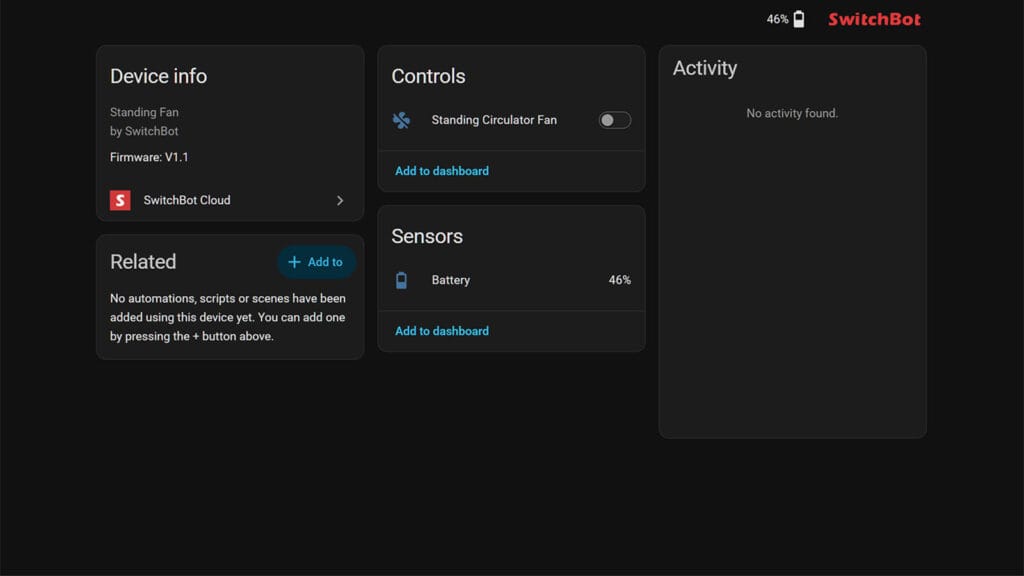
The second route is Matter, which requires a SwitchBot Matter-enabled Hub on the same network. When paired this way, the fan appears in Home Assistant as a fan entity. However, no modes are available through Matter at the moment.
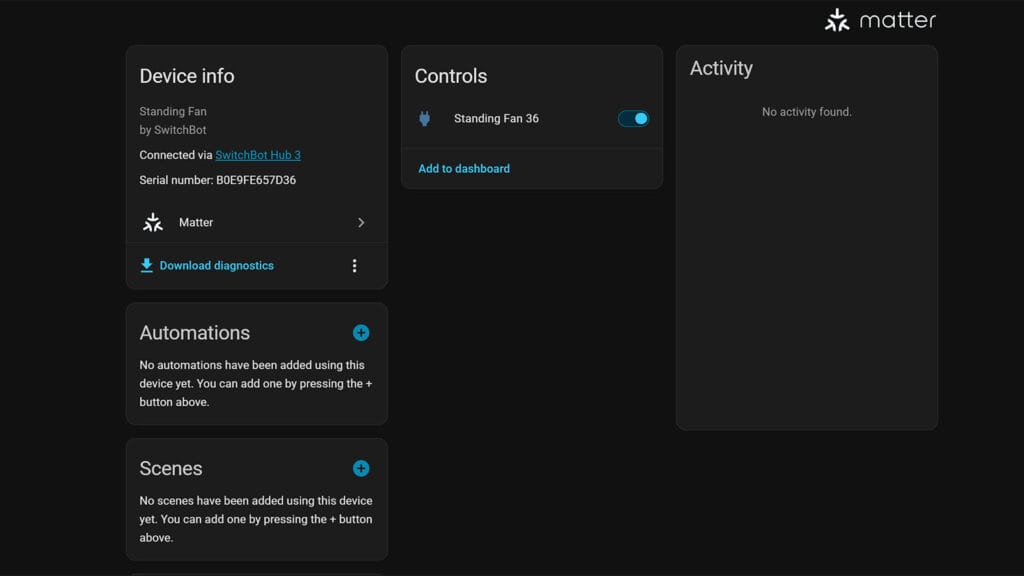
The third and most important options, which is the local SwitchBot Bluetooth integration doesn’t support the standing fan at the moment. As all other devices are supported, I expect the fan will be added soon. Until then, the cloud integration and Matter-via-Hub are the only options.
Performance and Noise
The fan is powered by a DC brushless motor with SwitchBot’s SilentTech branding, and it shows. The fan is virtually noiseless. Even on Normal mode it barely produces any sound that disturbs you, which is impressive for a fan that can throw air up to 27 m. SwitchBot quotes a 31.4% reduction in energy consumption versus conventional AC pedestal fans, and the DC motor is a big part of why it runs so quietly across the speed range.
There are four operating modes, each serving a different purpose:
- Normal: runs the fan at a steady fixed speed you set manually, 9 steps via the remote or physical buttons, or 1 to 100% in single increments through the app.
- Natural: cycles the fan speed up and down at intervals to simulate the feeling of an outdoor breeze. In my testing usage, this mode produced about the same noise level as Normal throughout the cycle.
- Sleep: gradually decreases fan speed over time as you fall asleep, designed for quiet night use.
- Baby: runs the fan at the lowest possible fixed output. At 22 dB, you can feel the airflow but there is essentially no audible noise whatsoever.
Performance is great, about what you would expect from a circulator fan of this type. At level 10 it is a powerful machine that moves serious air around the room. That said, running it at maximum speed will drain the battery noticeably faster, so if you are running cordless you will want to find a comfortable mid-range speed that balances airflow and runtime.
What I Like / What Could Be Better
The SwitchBot Standing Circulator Fan gets a lot of things right. The beautiful design, the modular and adjustable size, the granular app control, and the ability to use the night light completely independently from the fan are all things I really appreciate. The one thing that stings a little is that you need to buy a hub to unlock Matter support. You can use it via Bluetooth freely though, and I fully expect it will be added to the local Home Assistant integration very soon.
What I like
- Battery powered and portable smart fan
- Granular app control with 1-100% increments
- Universal voltage (100-240V) and 5V USB-C charging
- Modular three-height design (desk or standing fan)
- Stunning night light that works independently of the fan
- Auto-Align featured which faces the fan forward when turned off
- Wood finish that looks gorgeous
- Slow, steady and smooth oscillation
- Does not wobble even fully extended
What I don’t like
- A SwitchBot Hub is required for Matter integration
- Currently only supported via SwitchBot Cloud Integration for Home Assistant, not local SwitchBot Bluetooth Integration
If you are looking for a smart fan where looks matter, the SwitchBot Standing Circulator Fan is an easy recommendation. It is a beautiful device with a stunning ambient light that will look great in any room. The only thing missing for Home Assistant users is local integration, but I do believe that is a question of when, not if. Here’s where you can get it:









I have a SwitchBot robot vaccum and to be honest, I wouldn’t hold my breath for any improvements regarding the homeassistant integration. None of the methods (Bluetooth, Matter, Cloud) give more than basic “vaccum now” or “stop vaccuming” controls. What you have now is probably all you’re going to get based on my experience.
Might eventually come to the Bluetooth integration in general, but I wouldn’t expect full control over modes and such.
Pity. Looks like a neat product otherwise.
I added Bluetooth support with the help of AI – exposes everything in HA using an ESP32 BT Proxy – works great 🙂
https://github.com/McMoobud/ha-switchbot-standing-fan