

There’s a company out there that thinks a smart button is worth $59. I’m not even joking. They’ve priced their smart button like it’s a security camera or a smart lock, pretending single clicks unlock the secrets of the universe or something. You know who you are.
It’s a smart button. It’s an $10 device, tops. Maybe around $15 for the better ones with dimming features. I mean, come on. If you too think fifty nine bucks for a smart button is okay, this article isn’t for you. Seriously.
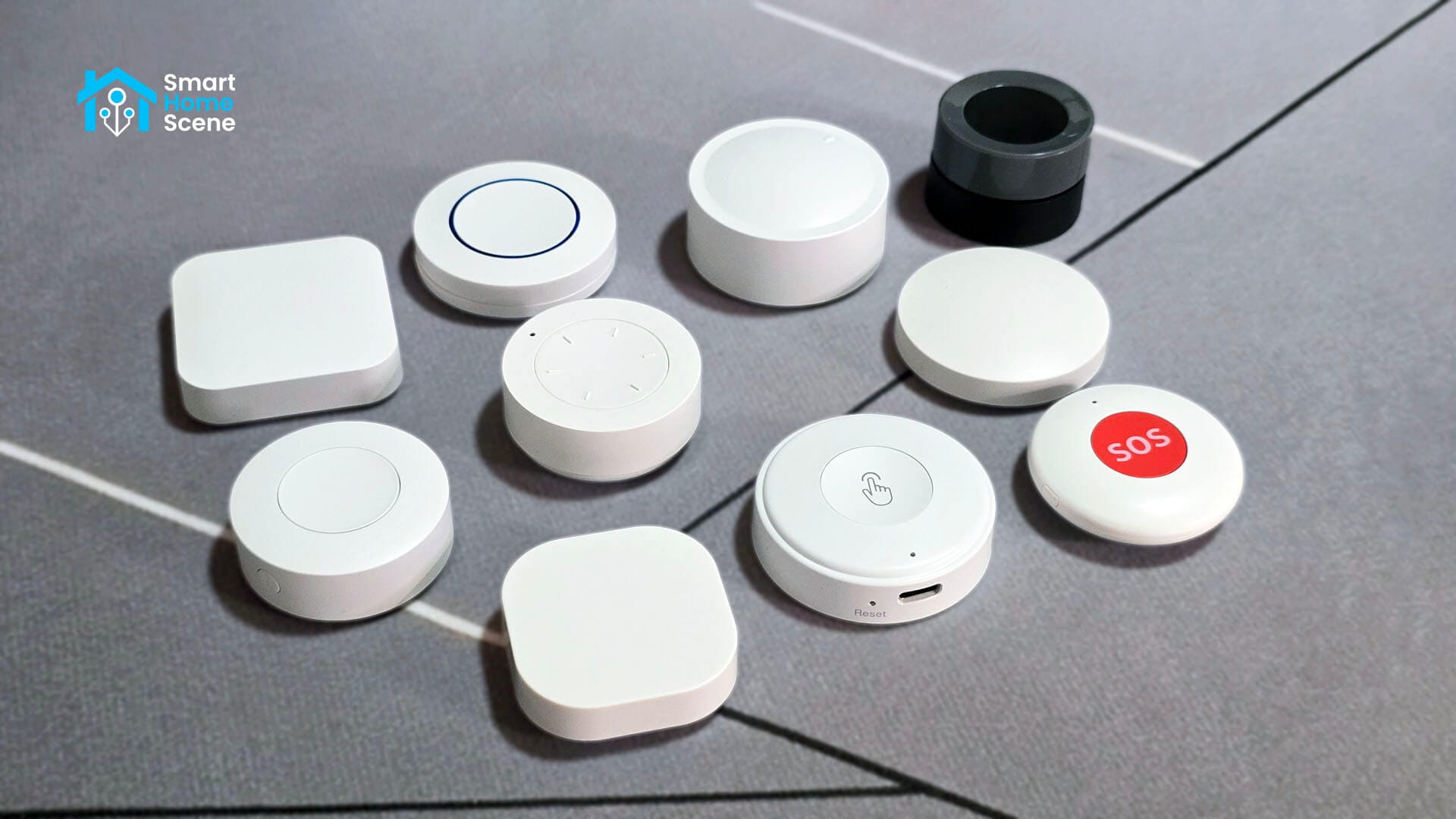
For everyone else, this is a detailed comparison of the 10 cheapest Zigbee smart buttons I could find online, mostly on AliExpress. I got so aggravated by what I just explained above that I decided to find out, and prove, that a smart button can and should be the cheapest thing in your smart home.
Related: 6 Cheap AliExpress Zigbee Door Sensors Tested and Compared.
Models, Brands and Specification
I sorted every Zigbee smart button listing on AliExpress by units sold, then worked down the list until I had ten distinct devices under $15 each. Prices range from $5.84 to $14.89, and I skipped duplicate listings of the same physical device sold under different stores or labels.
This gave me 10 Zigbee smart buttons from Sonoff, Tuya, Moes and other white-label brands. Most of these are simple single, double, and hold buttons. Three of these are rotary smart knobs, which I decided to include since they were quite popular and fit my criteria. As their model names a gibberish to the average user, I decided to color and code name them again.
Meet The Sopranos.
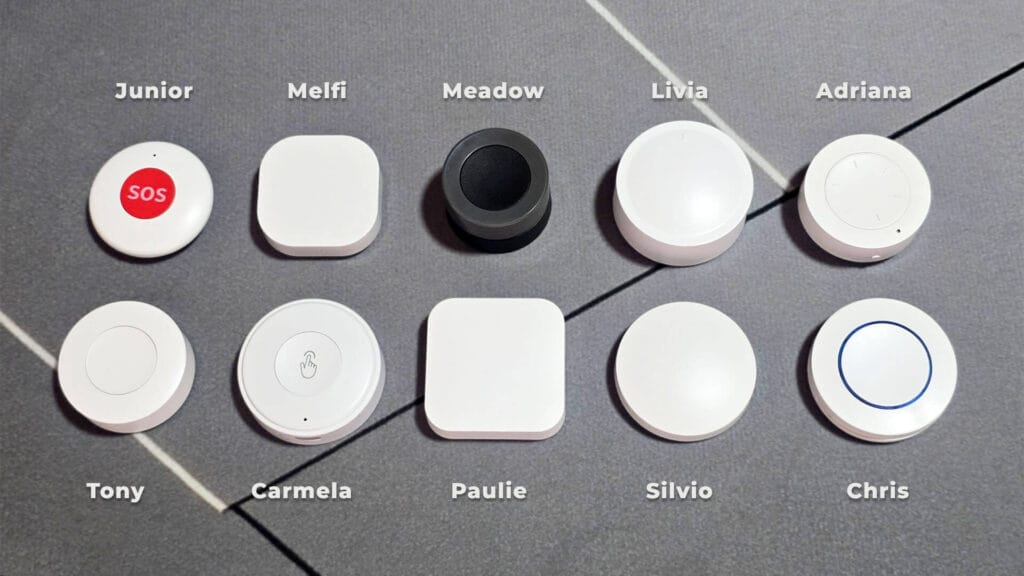
The tables below cover the full breakdown, brand, model, Zigbee identifiers, and pricing, so you know exactly what you are looking at before we get into testing. I’ve used white-label names for some of the buttons, since they are popular enough to stick out from others sold by different stores.
| Code Name | White Label | Zigbee Model | Price | AliExpress | Amazon |
|---|---|---|---|---|---|
Tony ● | SONOFF SNZB-01P | SNZB-01P SONOFF | From $8.89 | AliExpress AliExpress 2 | Amazon US Amazon DE |
Carmela ●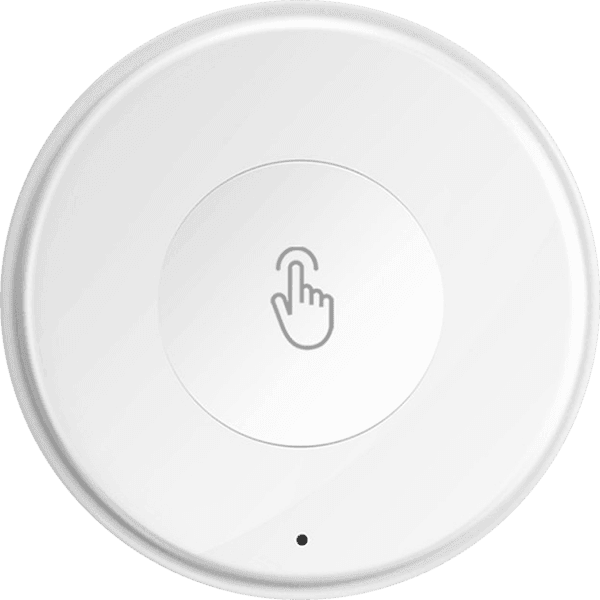 | Tuya TS0041 | TS0041 _TZ3001_2kjvanir | From $8.91 | AliExpress AliExpress 2 | Amazon US Amazon DE |
Paulie ● | LINCUKOO CZB01 | CZB01 LINCUKOO | From $7.55 | AliExpress AliExpress 2 | Amazon US Amazon DE |
Silvio ● | Tuya TS0041 | TS0041 _TZ3000_yj6k7vfo | From $5.84 | AliExpress AliExpress 2 | Amazon US Amazon DE |
Chris ● | Loginovo ZG-101ZL | TS004F _TZ3000_lrfvzq1e | From $6.49 | AliExpress AliExpress 2 | Amazon US Amazon DE |
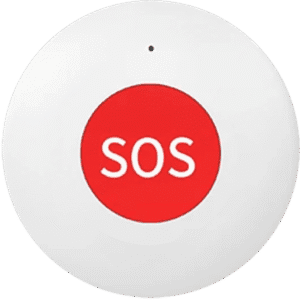
Junior ●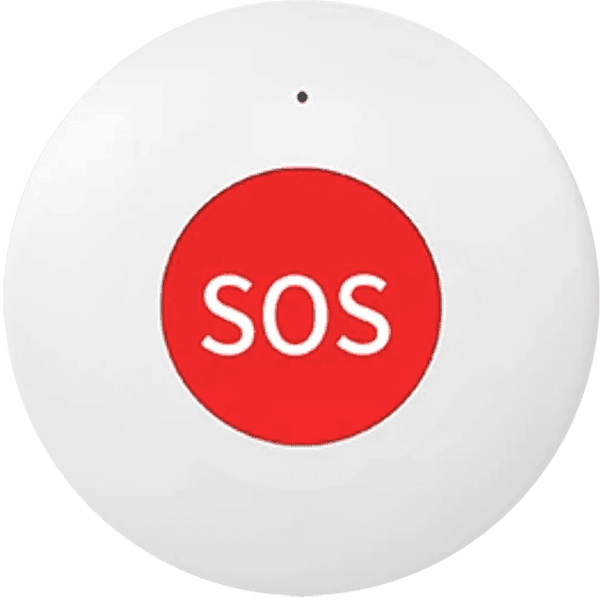 | Tuya SOS Button | TS0215A_sos _TZ3000_nxdziqzc | From $7.59 | AliExpress AliExpress 2 | Amazon US Amazon DE |
Melfi ●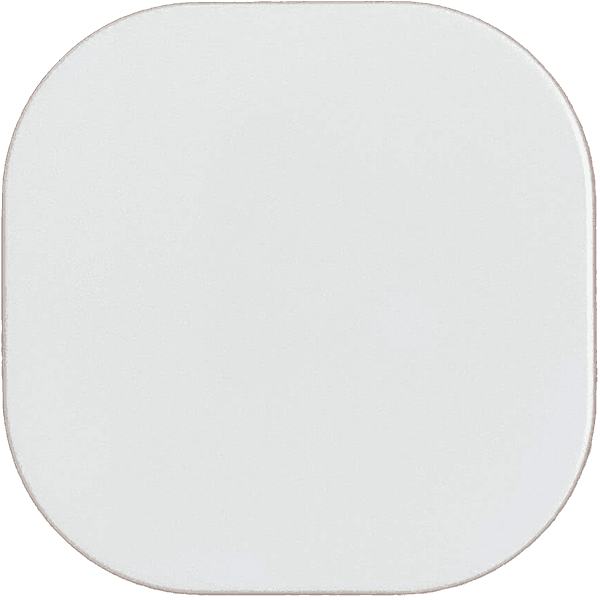 | MOES ERS-10TZBVB-AA | TS004F _TZ3000_ja5osu5g | From $11.89 | AliExpress AliExpress 2 | Amazon US Amazon DE |
Meadow ●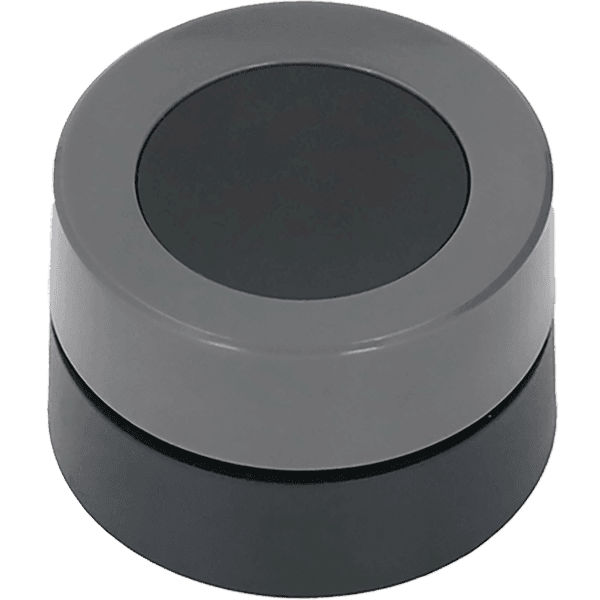 | MOES ERS-10TZBVK-AA | TS004F _TZ3000_qja6nq5z | From $14.89 | AliExpress AliExpress 2 | Amazon US Amazon DE |
Livia ●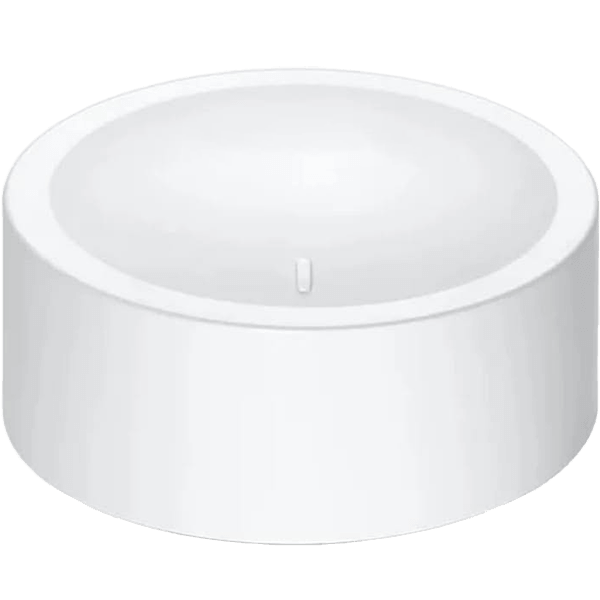 | Loginovo ZG-101ZD | TS004F _TZ3000_gwkzibhs | From $9.12 | AliExpress AliExpress 2 | Amazon US Amazon DE |
Adriana ●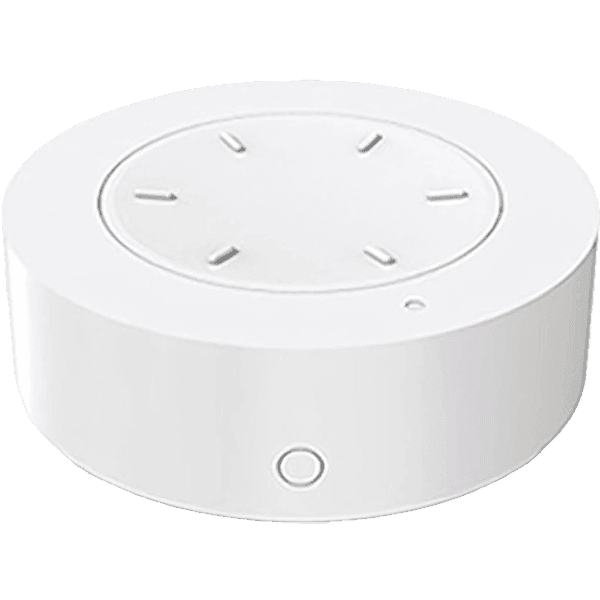 | Tuya SC20 | TS004F _TZ3000_abrsvsou | From $7.61 | AliExpress AliExpress 2 | Amazon US Amazon DE |
Please note, prices can vary wildly on AliExpress based on where you are located. It’s possible the link gives you a higher price or even cut it by half.
Technical Specification
Before getting into how these buttons feel in the hand or how long the batteries last, here is the raw data as reported by each listing and confirmed by me. Battery type, claimed battery life, dimensions, weight, shape are laid out below for all ten devices side by side. Obviously, battery life is the only unconfirmed spec, as it would take years to do so.
| Code Name | Device Type | Battery Type | Battery Life | Size (mm) | Weight (g) | Indicator | Mounting |
|---|---|---|---|---|---|---|---|
| Tony ● | Button (round) | 1×CR2477 | 5 years | 18×45×45 | 27g | Yes (front) | Sticker, Bracket, Magnet |
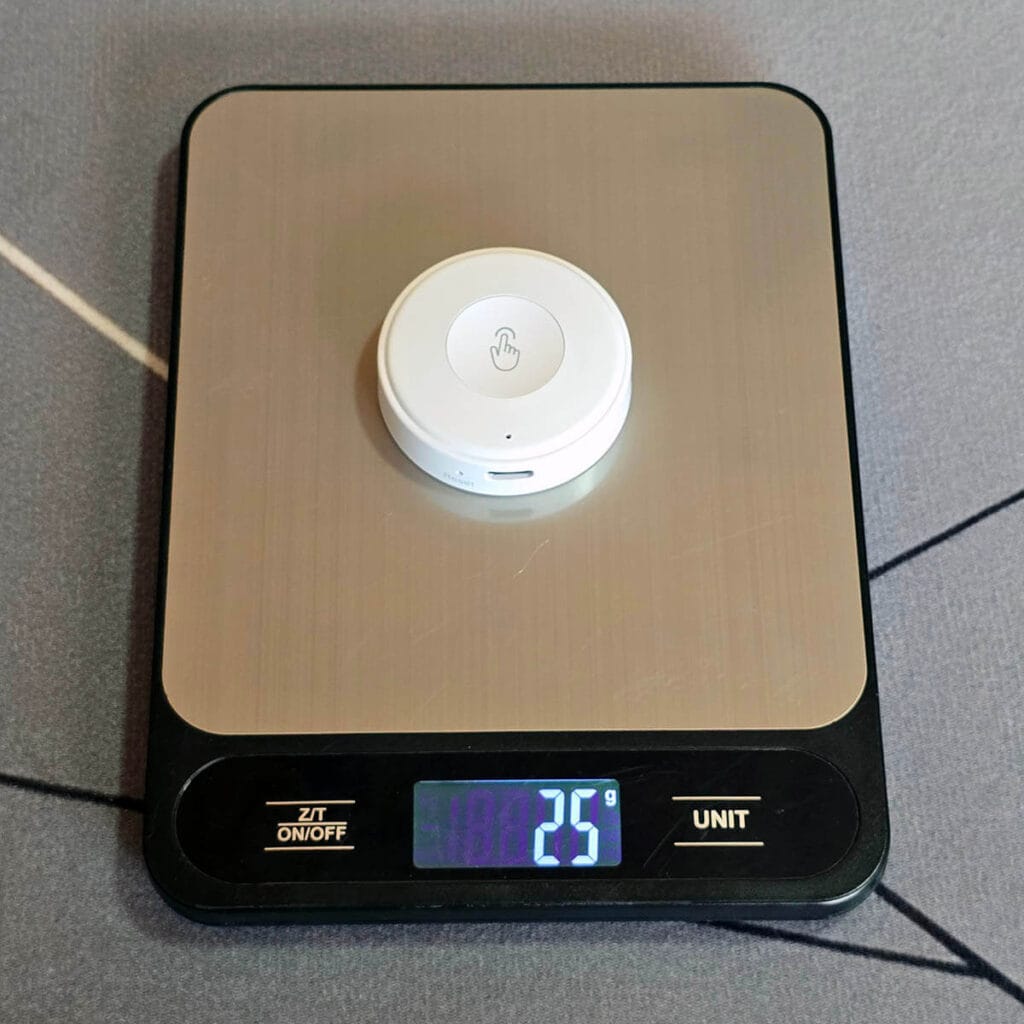
| Carmela ● | Button (round) | 1×450mAh rechargeable | 2 years | 15×52×52 | 25g | Yes (front) | Sticker |
| Paulie ● | Button (square) | 1×CR2032 | 3 years | 13×50×50 | 21g | Yes (back) | Sticker |
| Silvio ● | Button (round) | 1×CR2032 | 1 year | 13×50×50 | 16g | Yes (back) | Sticker |
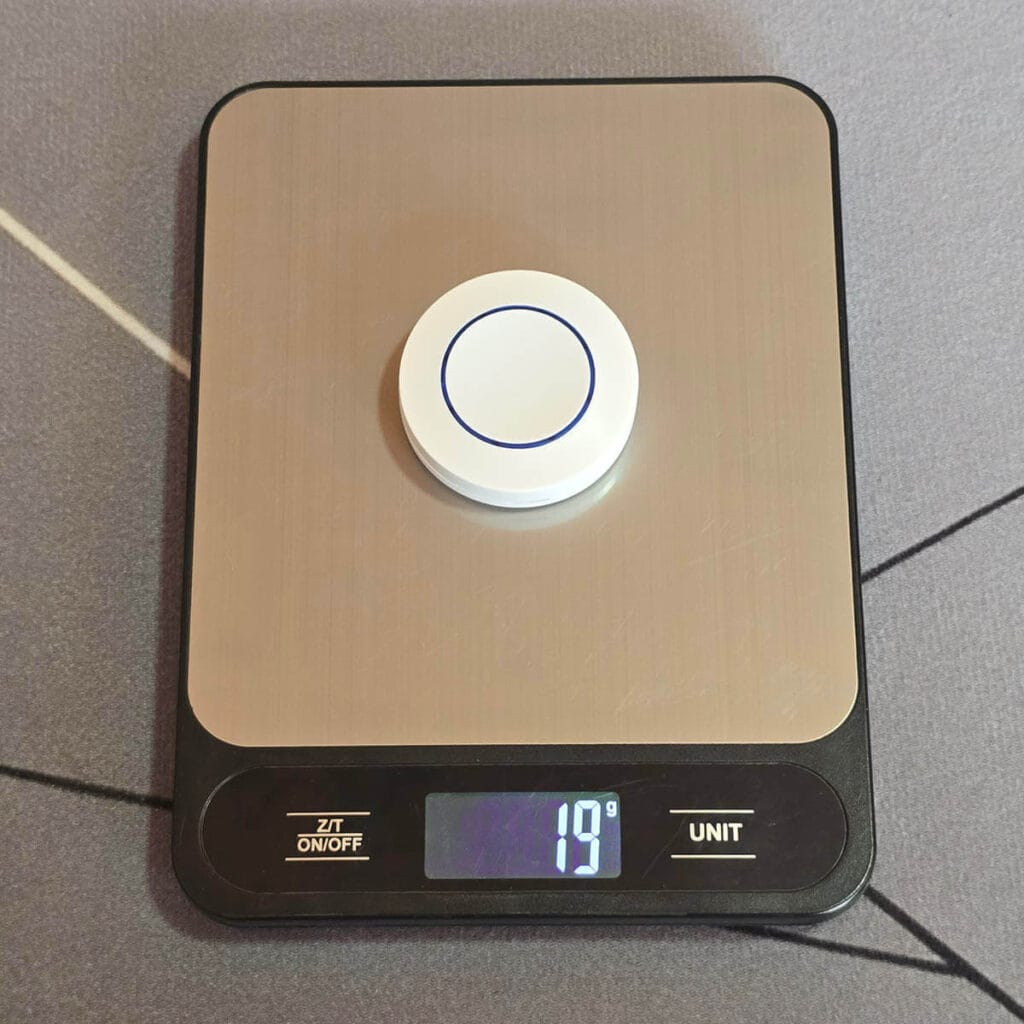
| Chris ● | Button (round) | 1×CR2032 | 1 year | 13×45×45 | 19g | Yes (front) | Sticker |
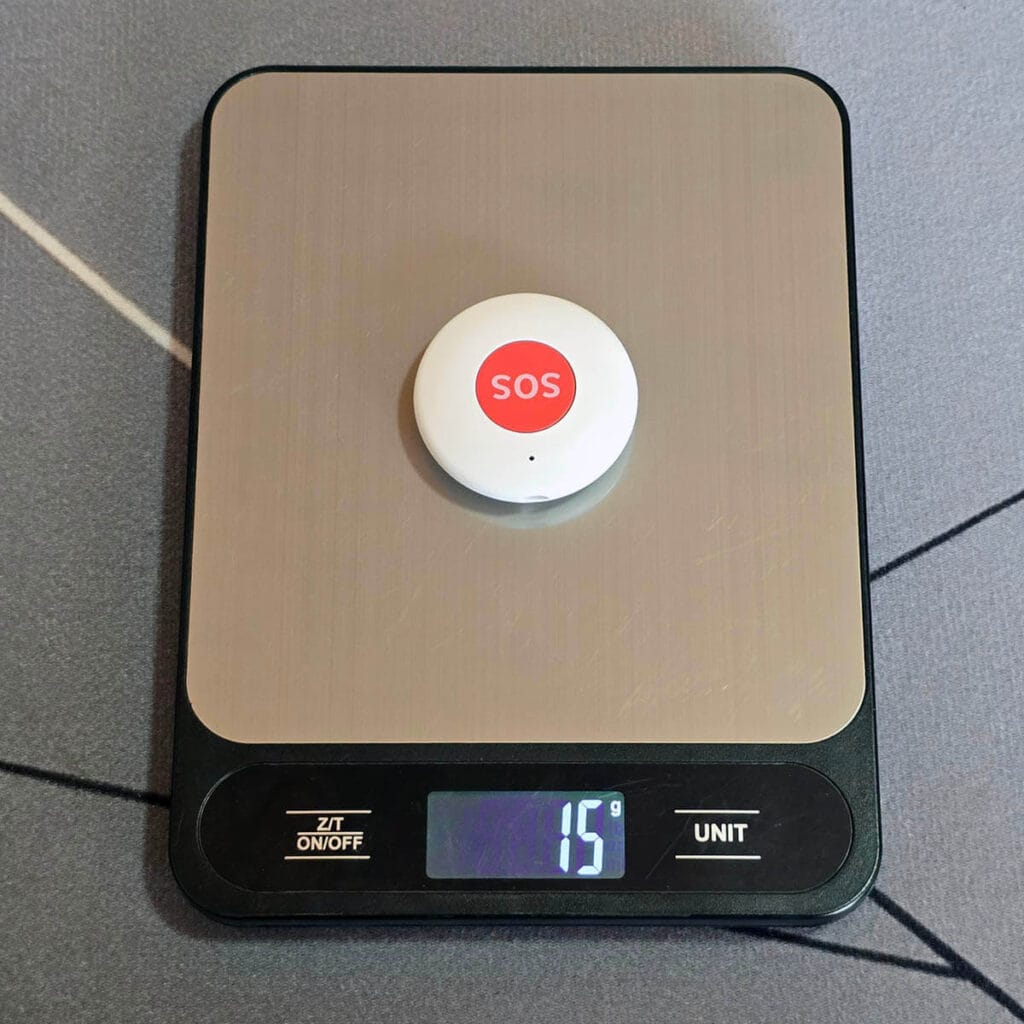
| Junior ● | Button (round) | 1×CR2032 | 3 years | 11×45×45 | 15g | Yes (front) | Sticker, String |
| Melfi ● | Button (square) | 1×CR2032 | 1 year | 13×45×45 | 20g | Yes (back) | Sticker, Bracket, Magnet |
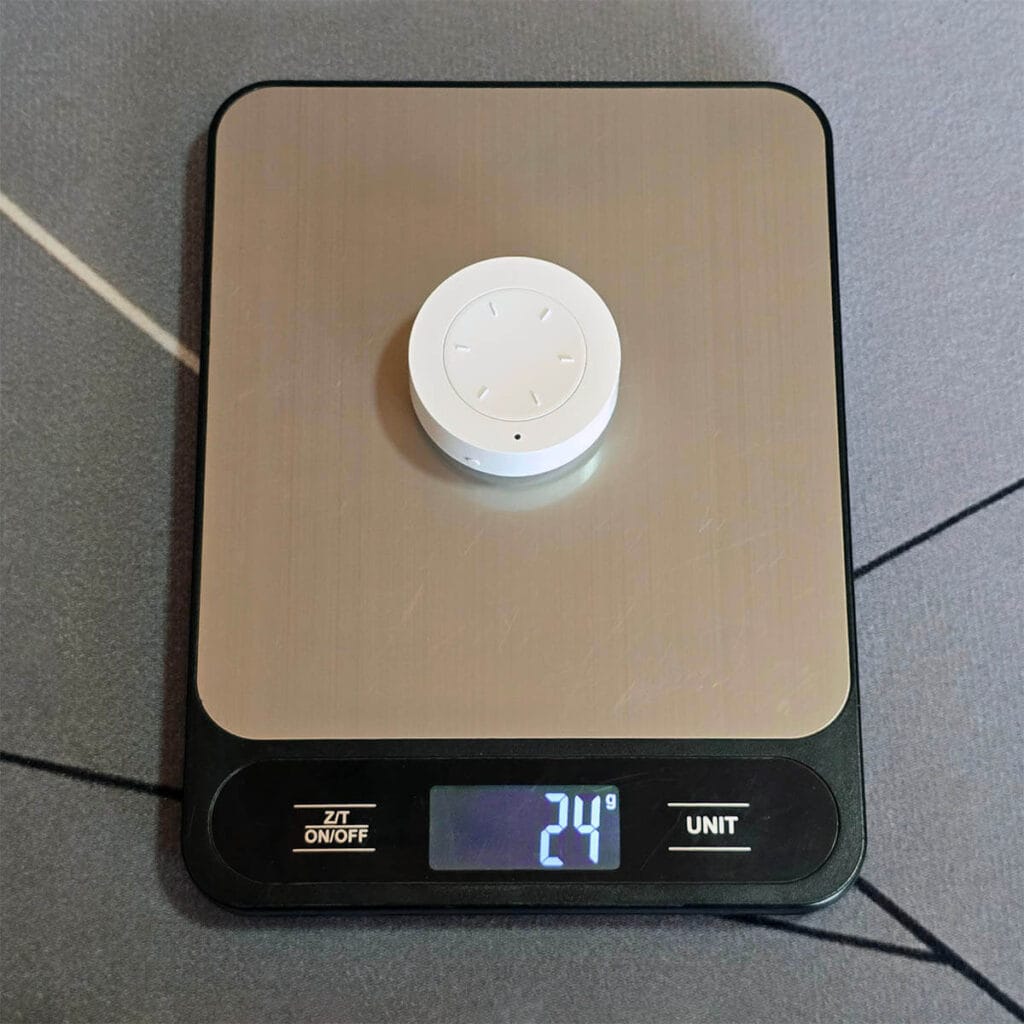
| Meadow ● | Knob (round) | 1×CR2032 | 1 year | 29×40×40 | 24g | Yes (back) | Sticker, Bracket, Magnet |
| Livia ● | Knob (round) | 1×CR2450 | 1 year | 25×50×50 | 40g | Yes (back) | Sticker, Bracket, Magnet |
| Adriana ● | Knob (round) | 1×CR2032 | 1 year | 19×45×45 | 24g | Yes (front) | Sticker, Bracket, Magnet |
Size, Weight and Form Factor
Junior ● is the thinnest of the group at 11mm, while Livia ● is the thickest at 25.4mm. No surprise given it houses a rotary knob and a larger CR2450 cell. Most of the buttons are round, including all three dimmer knobs, with only Paulie ● and Melfi ● having a square shape.
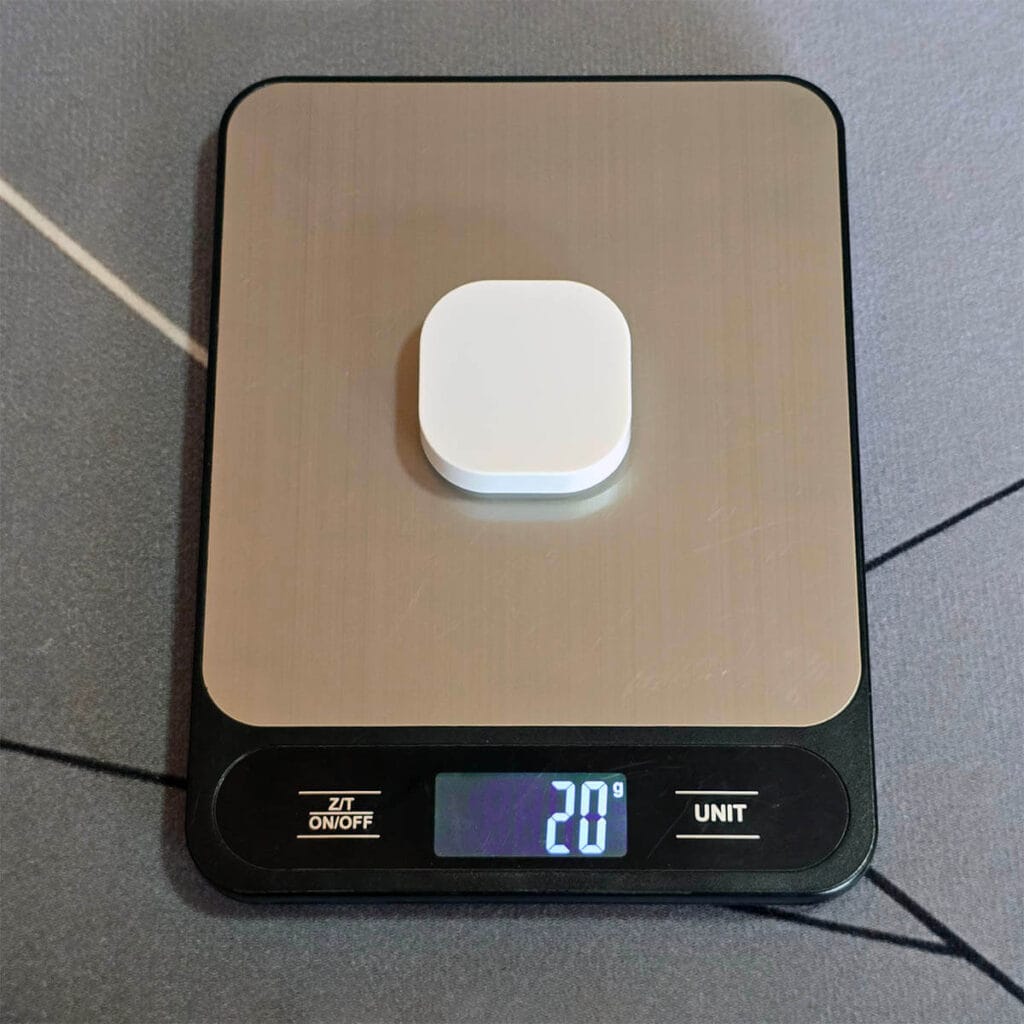
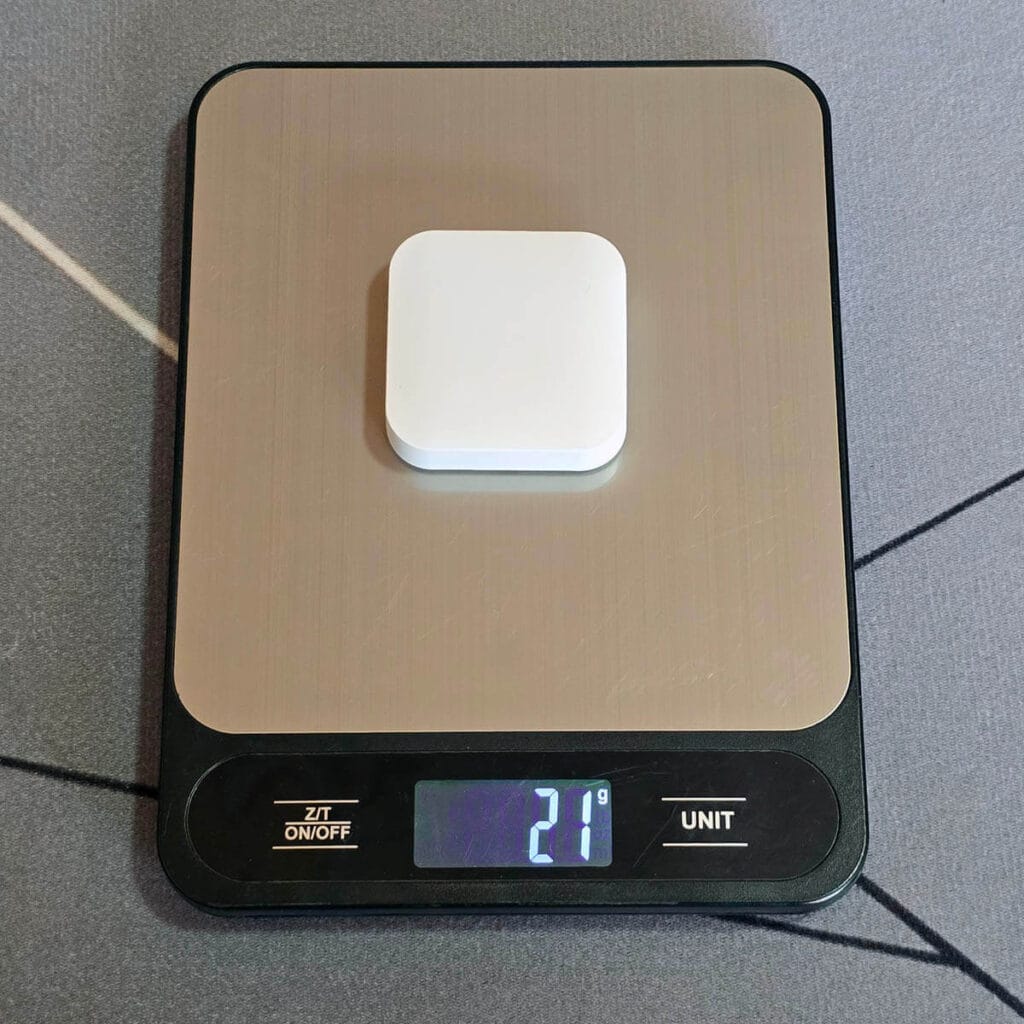
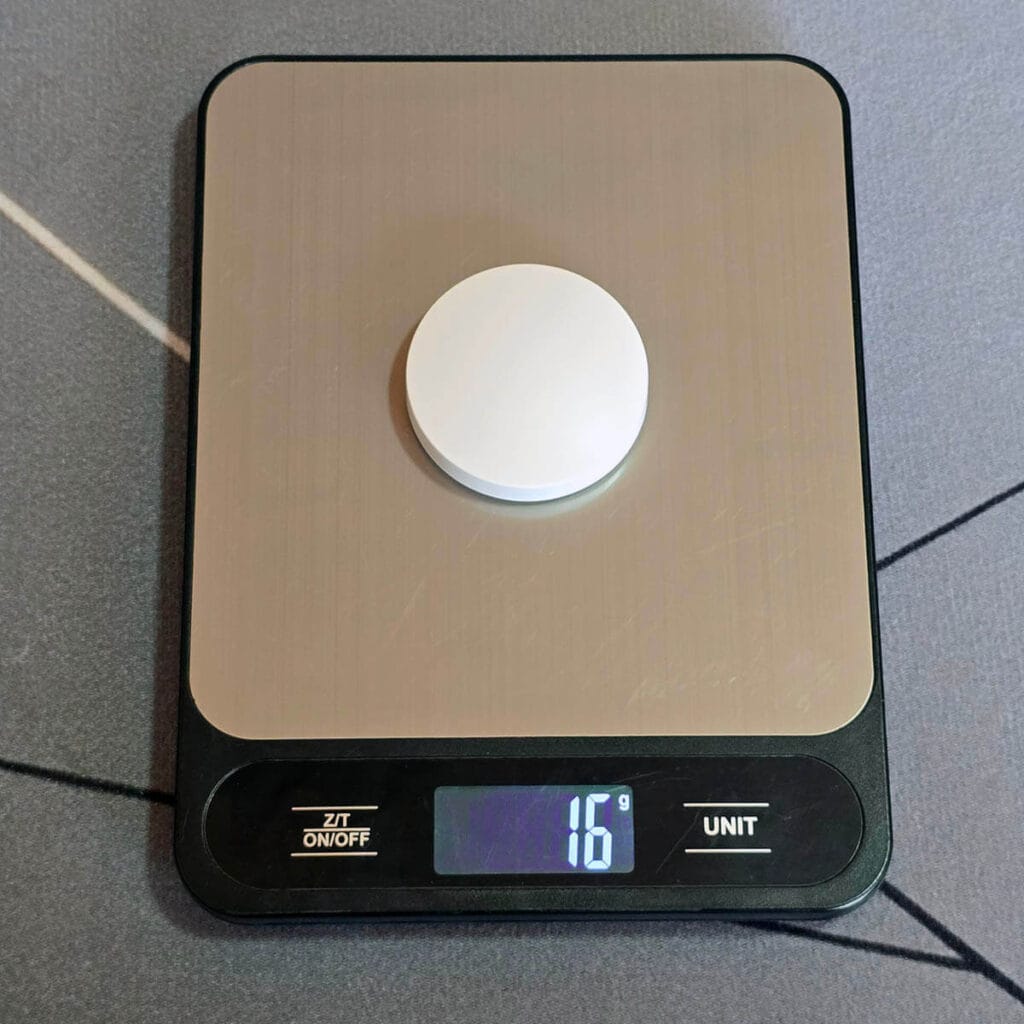
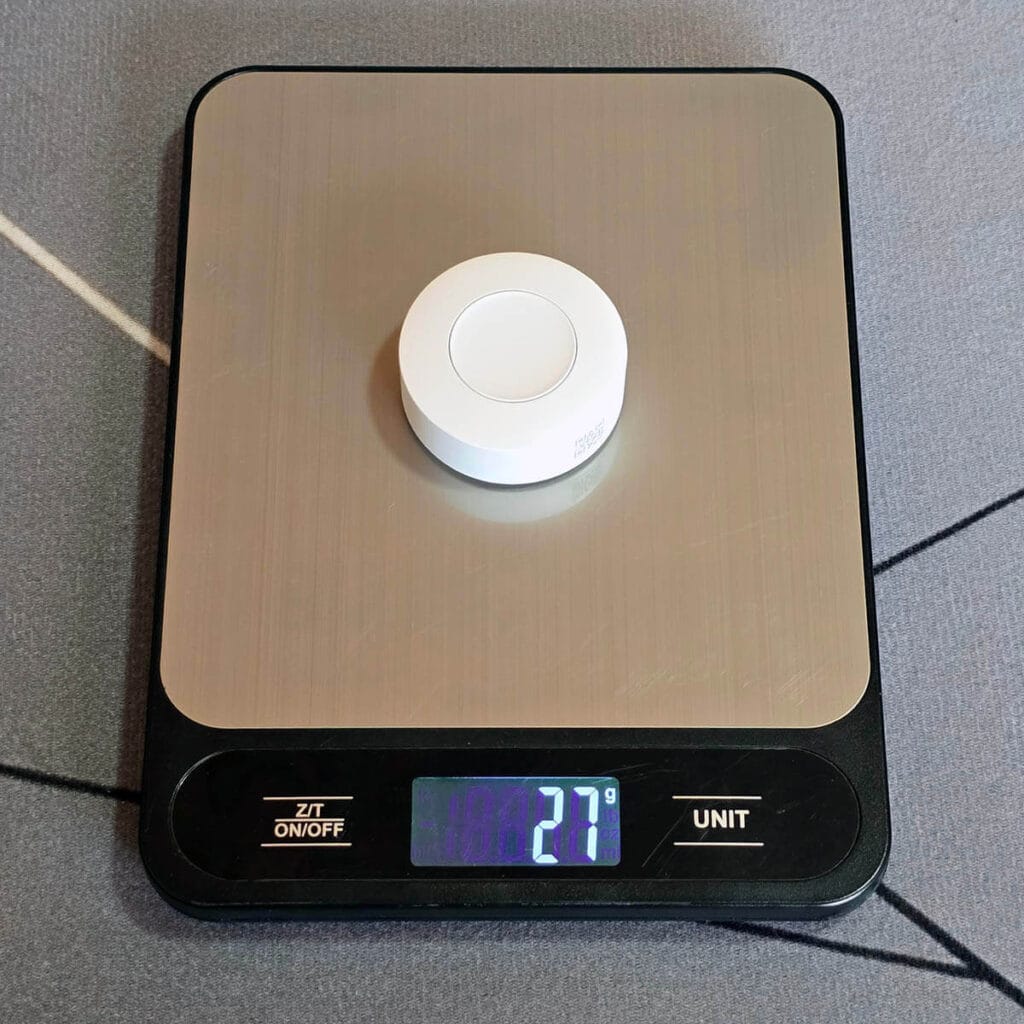
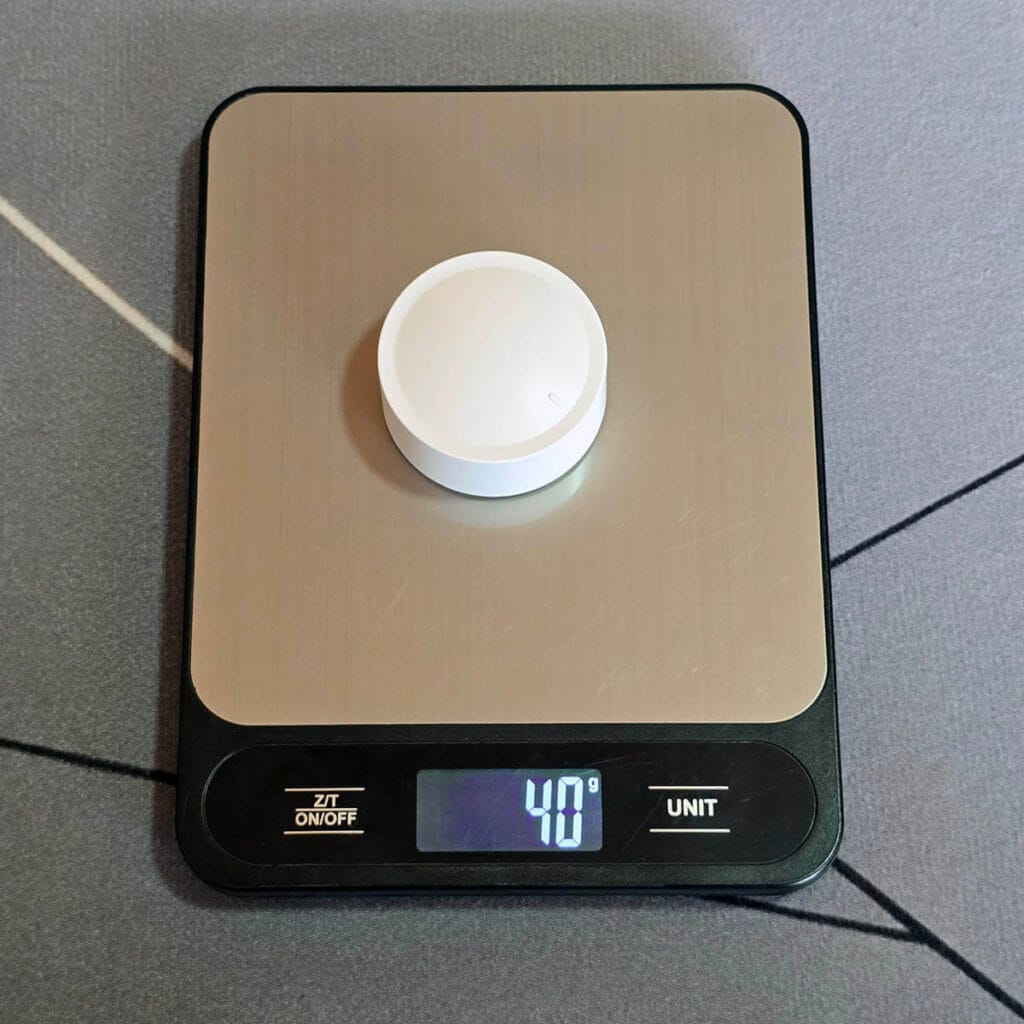
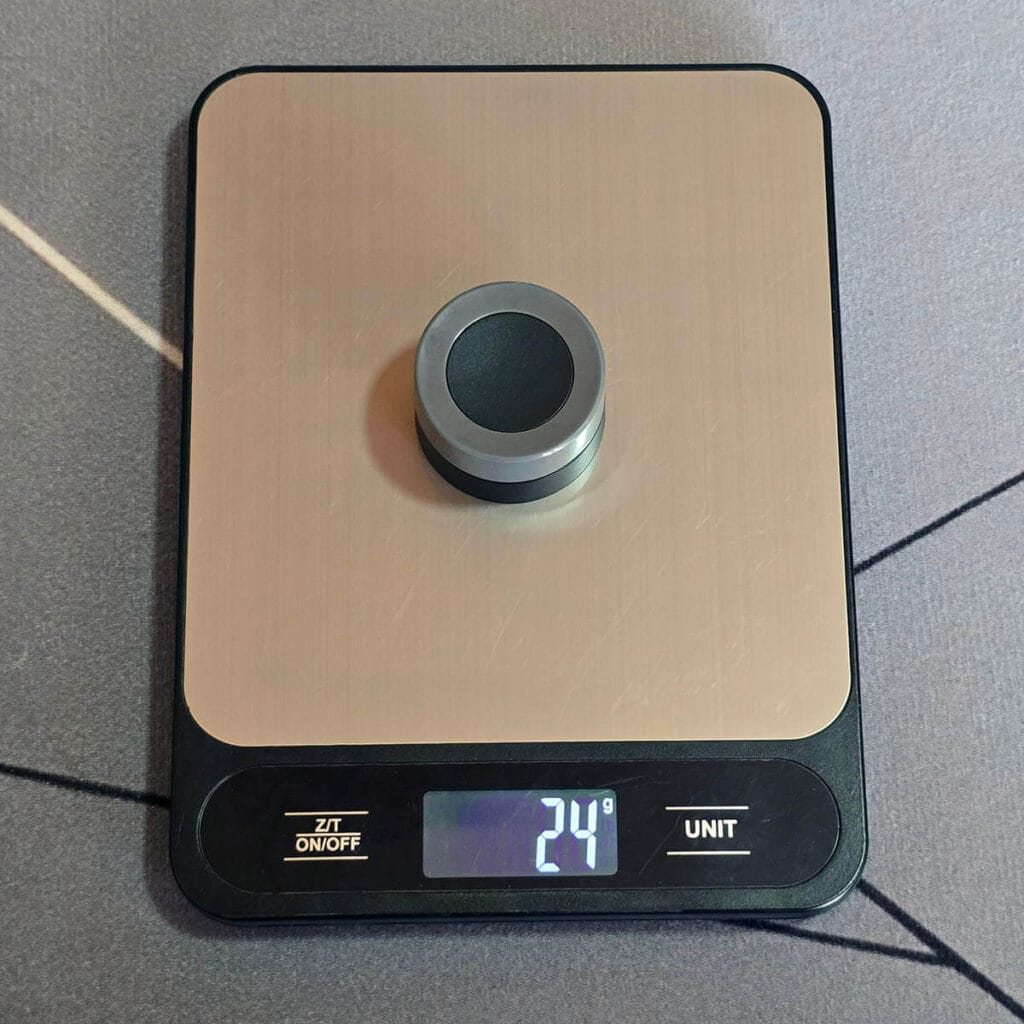
Weight ranges from 15g to 40g, and honestly, none of these are heavy enough for it to matter day to day. If I had to pick a favorite shape to hold and use, it would be Junior ● or Chris ●. I like the slim profile and concave shape of the pressing area in both buttons. I did weigh all the buttons to check the weight, and to be honest, I have no idea why I did that.
But here are all the buttons my scale in the office:
Build Quality and Durability
Tony ●, Junior ●, Chris ●, Adriana ●, and Carmela ● are the most solid and compact of the bunch. Tony ● takes the overall win here, though it does have somewhat sharp edges on the underside. Junior ● and Chris ● feel the best in hand out of all ten, smooth, compact, no complaints.
On the other end, Melfi ● and Livia ● have a bit of a rattle when pressed or moved, loose enough to notice when you pick up the button. Neither is a dealbreaker, but it is the kind of detail that makes a button feel not well-built.
Battery Type and Battery Life
Eight of the ten run on a single CR2032, Tony ● uses a CR2477, Livia ● takes a CR2450, and Carmela ● is the unique one with a 450mAh USB-C rechargeable battery. Claimed battery life ranges from 1 to 5 years on all buttons, which are all manufacturer claims, none of them verified through testing yet.
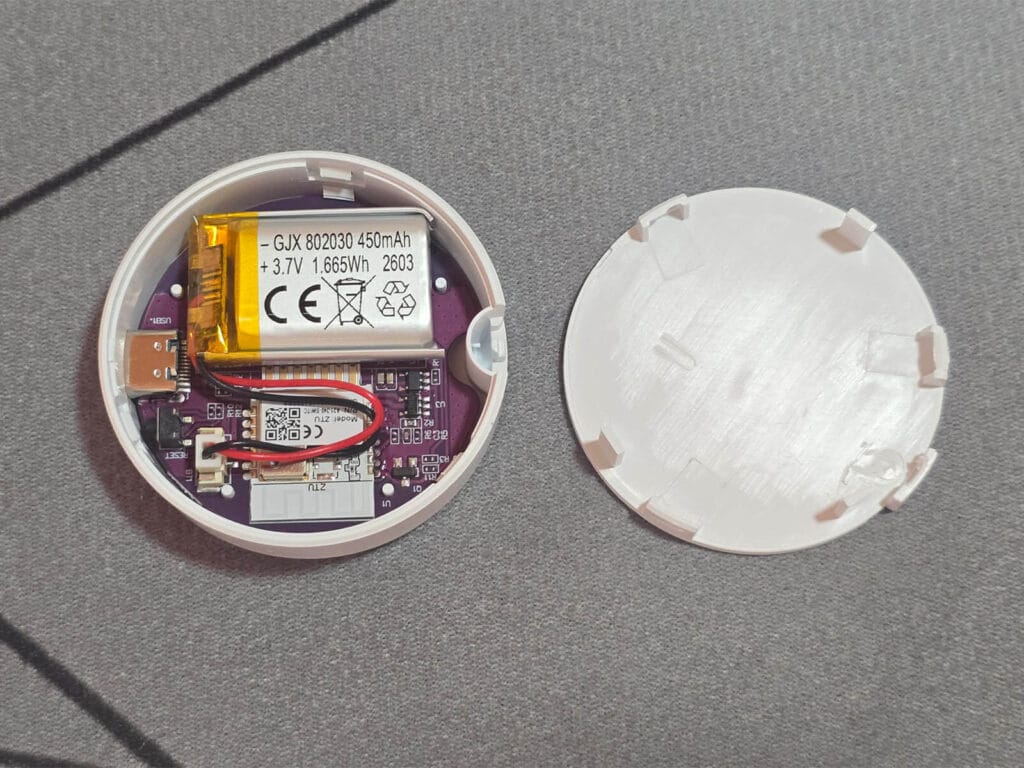
As I’ve never encountered a rechargeable smart button, I decided to peek into Carmela ●. I found a clean and neatly organized PCB with a 450mAh 3.7V battery and a Tuya ZTU module. This button has a claimed battery life of 2 years and the battery has double the capacity of a CR2032 coin cell. Very interesting approach, I’m sure a lot of you will appreciate the eco-friendly design of this button.
Mounting and Installation
Most of these rely on nothing more than an adhesive sticker. On sticker-only buttons, the sticker holds the back cover in place, not the button itself, so you can still twist the button off to swap a battery without touching the adhesive. What you can’t do is move the button somewhere else without replacing the sticker. Once that sticker is stuck in place, that’s where the cover lives for good.
Tony ●, Melfi ●, Meadow ●, Livia ●, and Adriana ● add a magnet on top of the same sticker-mounted cover. The metal plate is what actually gets stuck in place, and the button itself just snaps onto it. That means you can pull the button off and move it around freely day to day, on the fridge, on a shelf, in your pocket, wherever, and it’ll pop right back onto the plate when you’re done. The only thing that stays fixed is the metal plate’s original location, as moving that requires a fresh sticker.
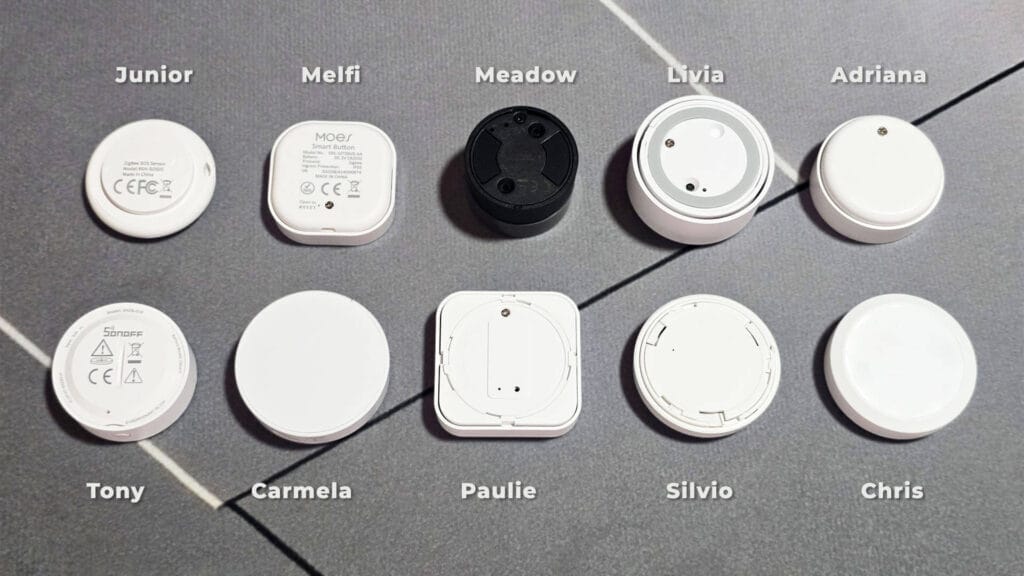
Junior ● is the only one that ships with a string loop, letting you wear it or carry it, which makes sense given it is built as an SOS button for the elderly. My preference here is simple, magnet and sticker beats sticker alone every time, since it is the only combination that lets you actually move the button around.
Zigbee2MQTT Integration and Pairing
All ten buttons paired to my coordinator without issues. Most entered pairing mode automatically the moment I removed the protective foil under the battery, no resetting was needed. Melfi ● was the one exception, I had to unscrew the back cover and manually trigger pairing mode. Every device got discovered immediately once in range.
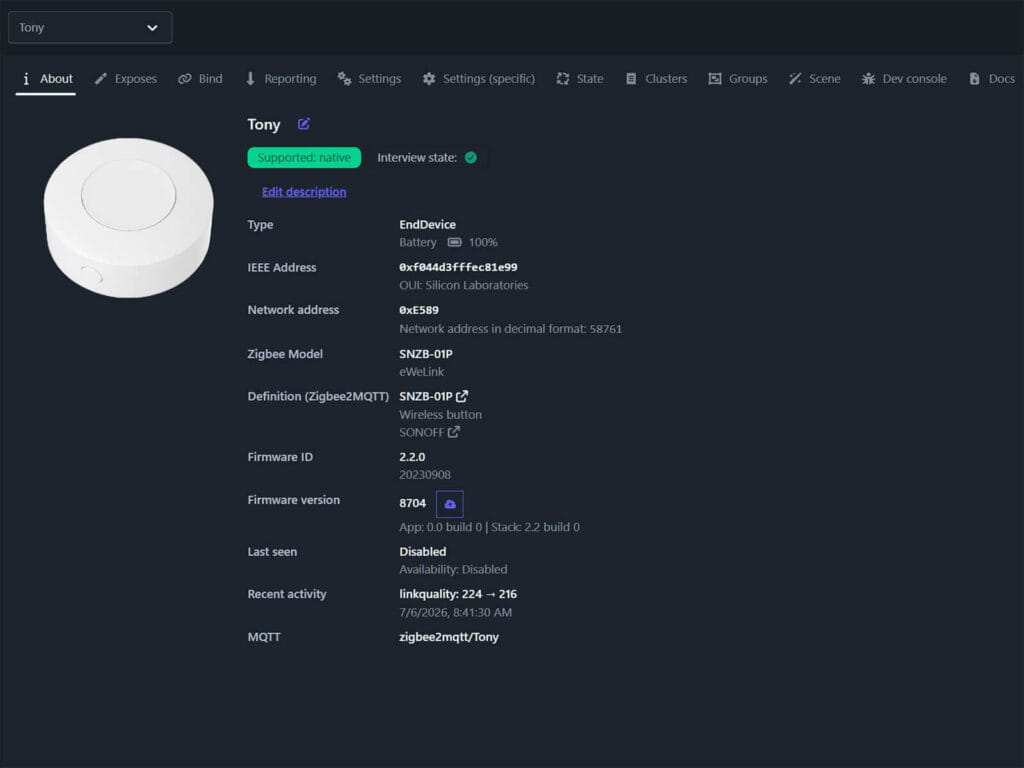
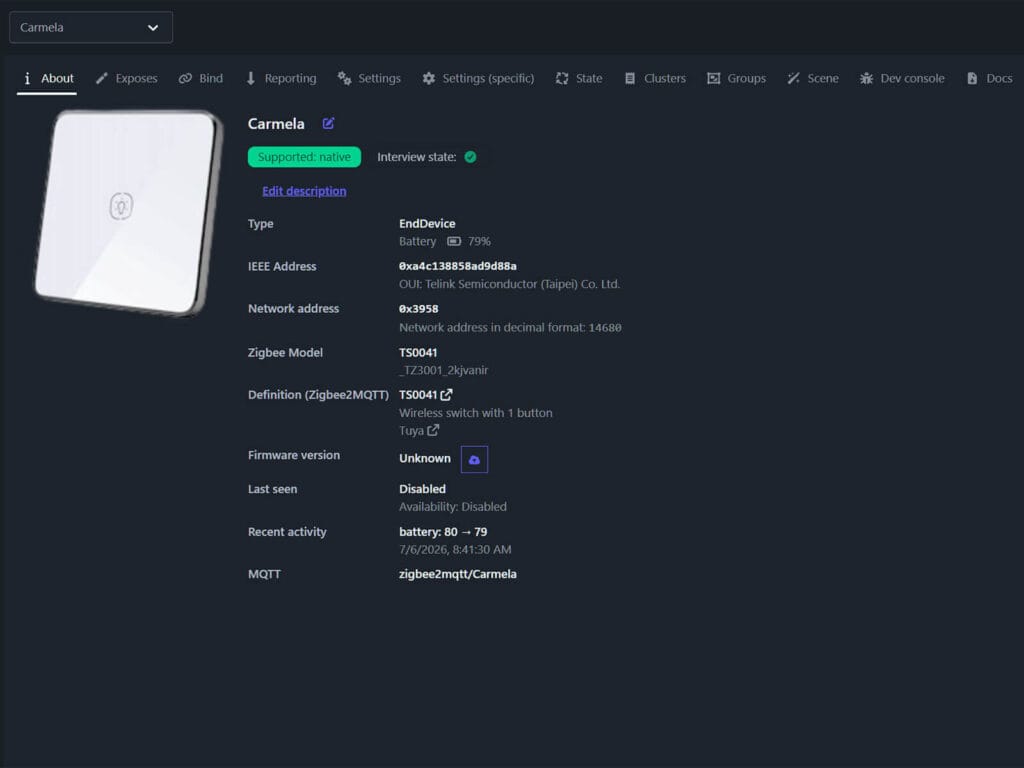
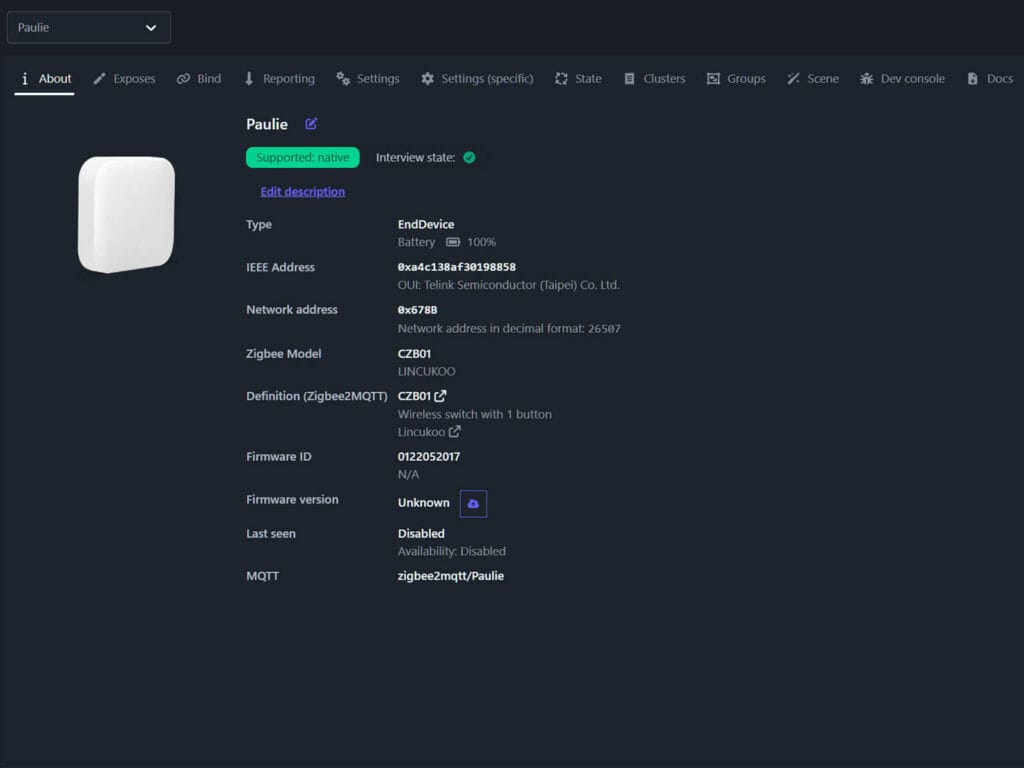
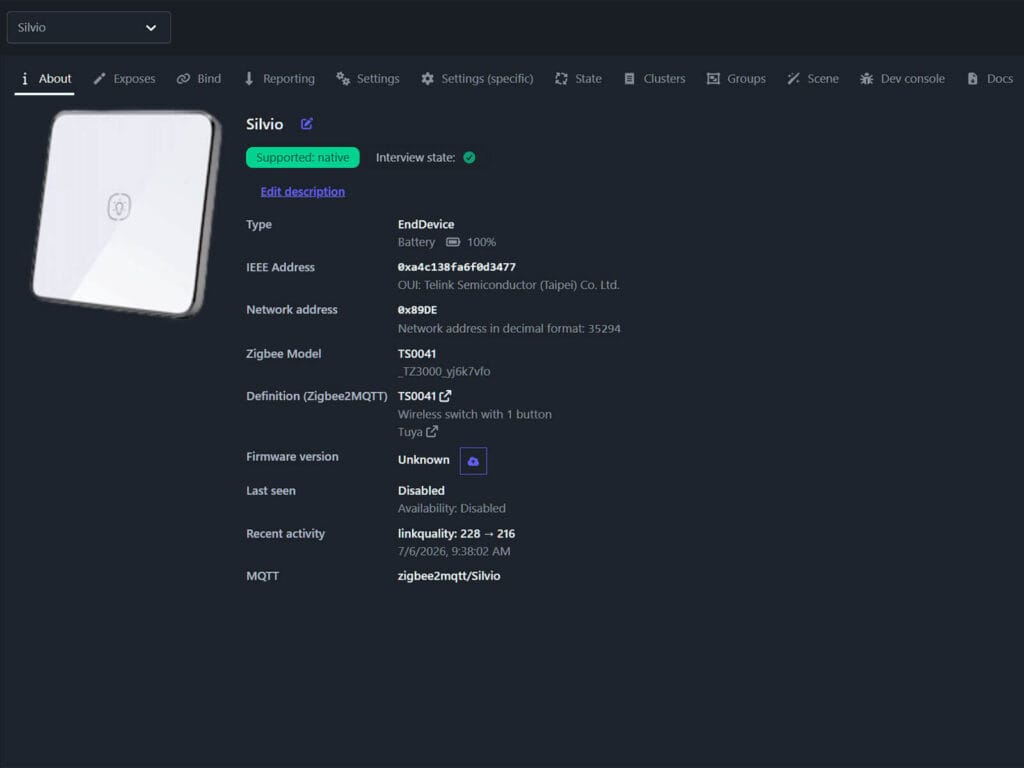
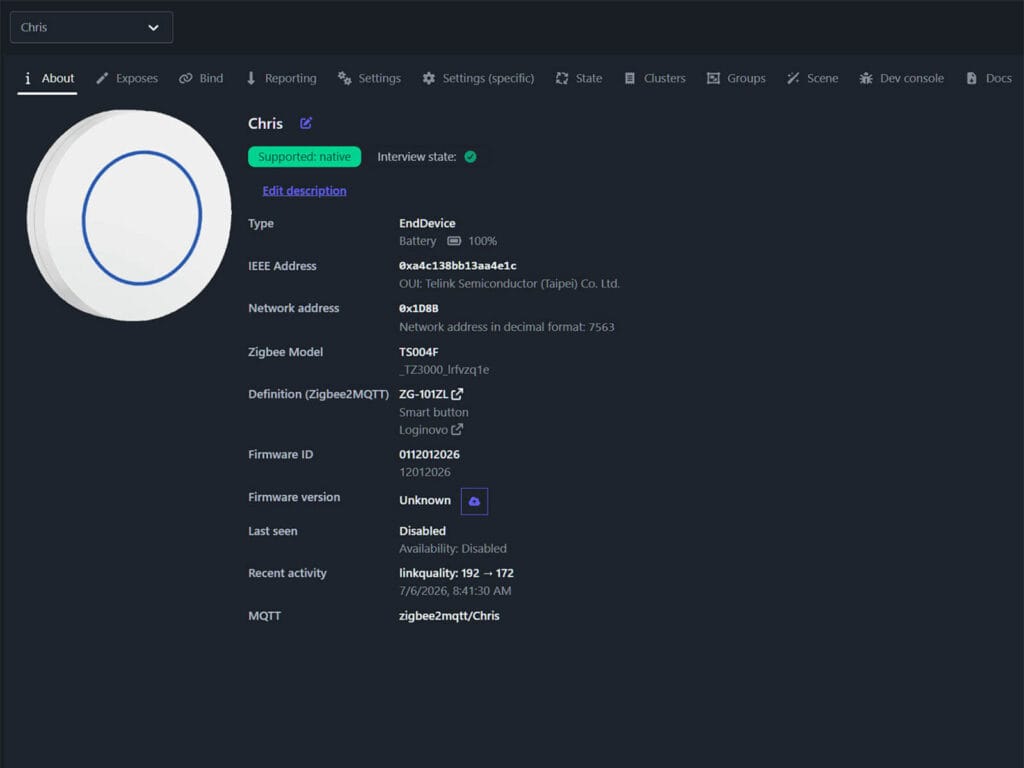
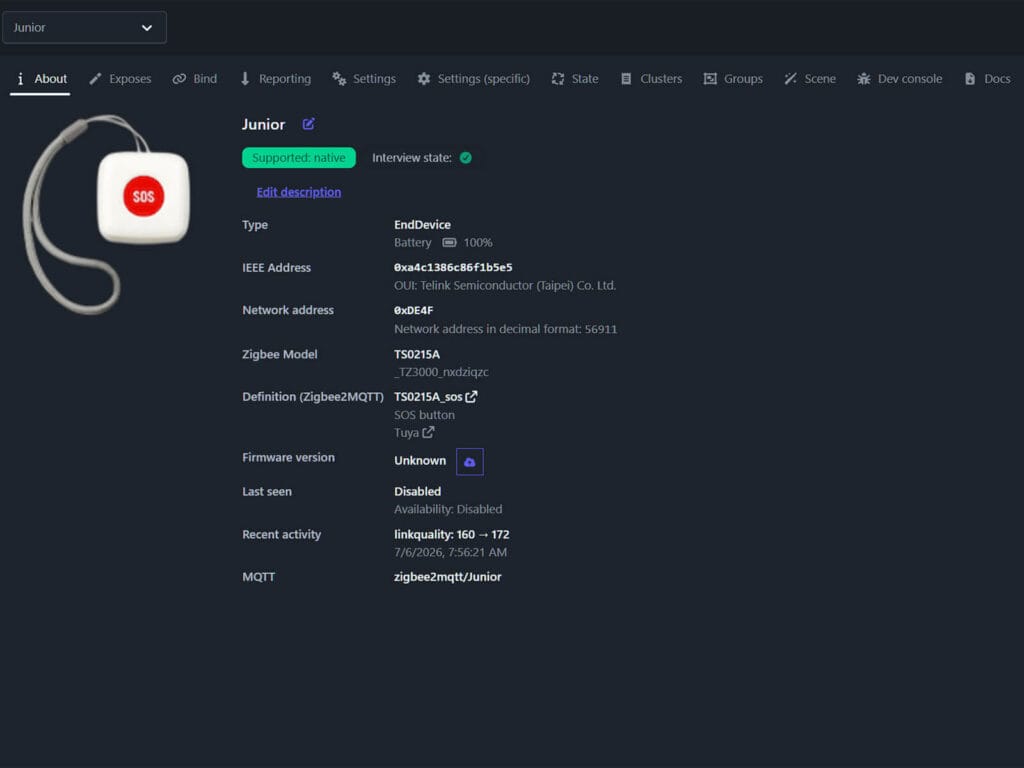
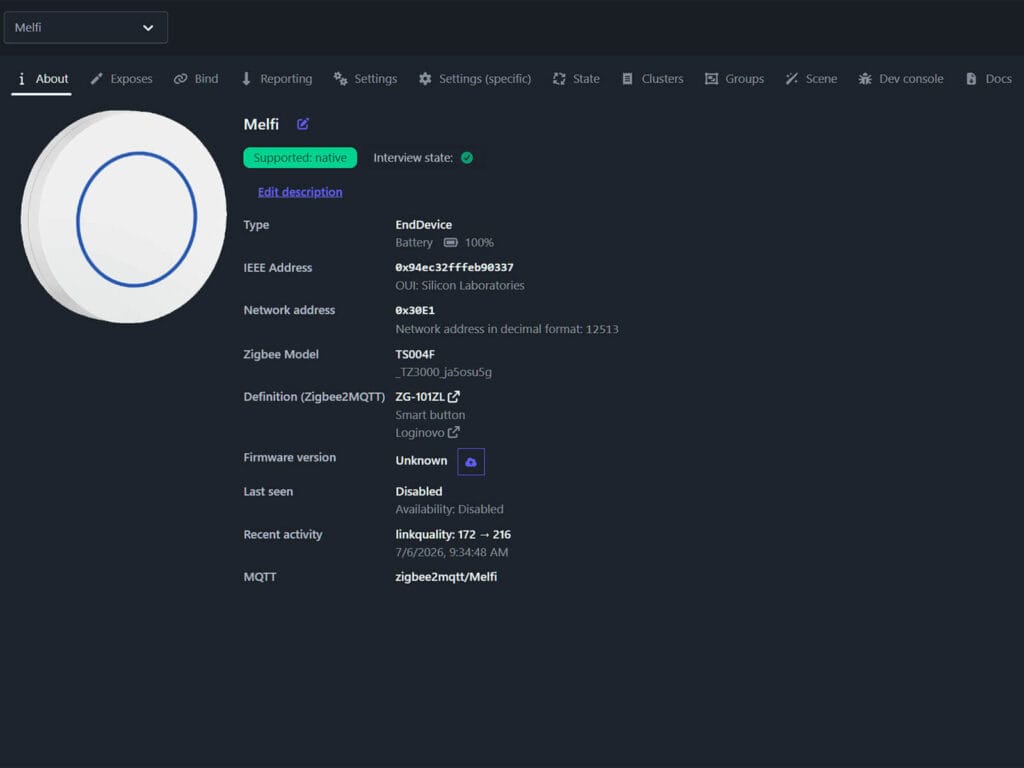
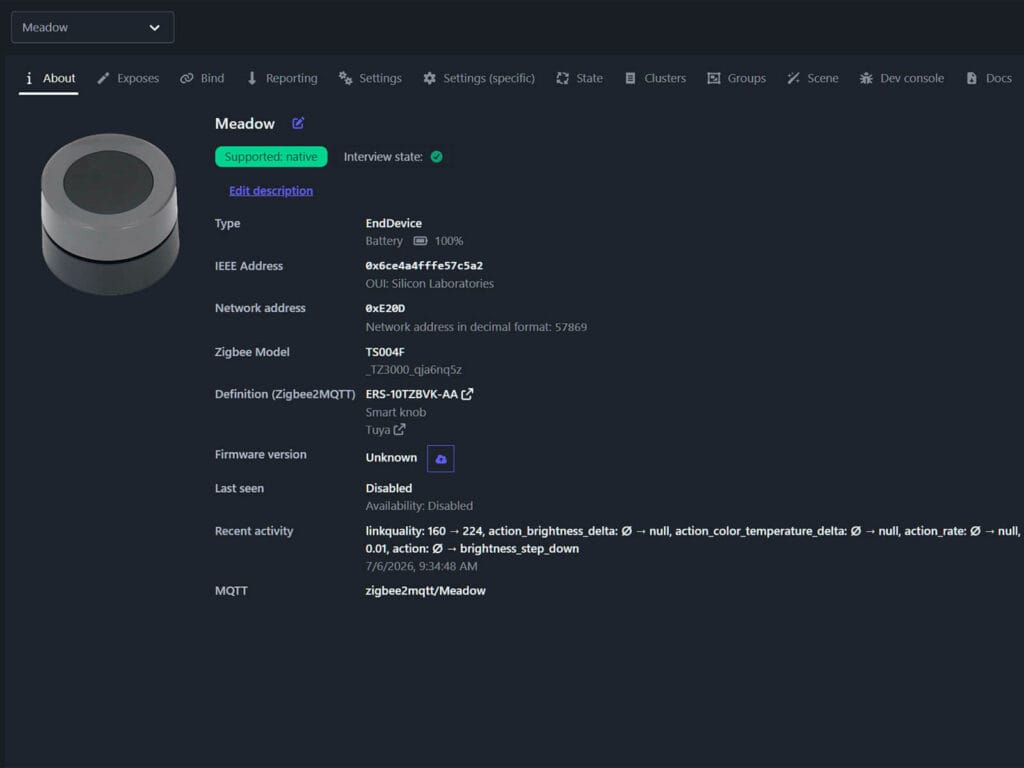
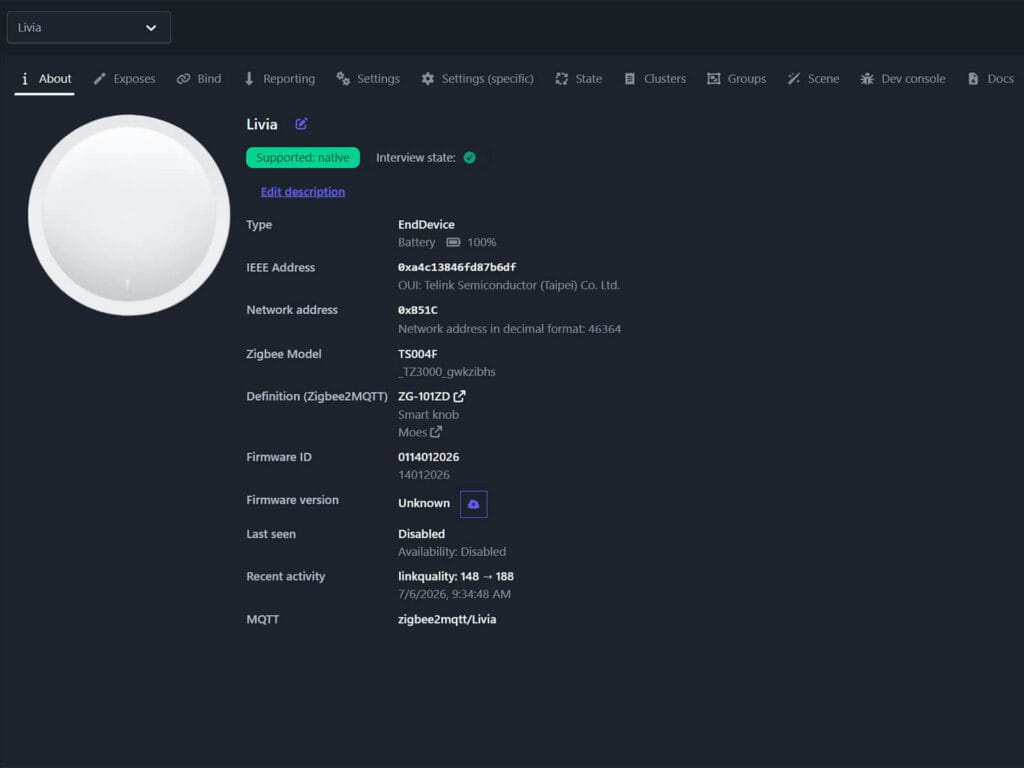
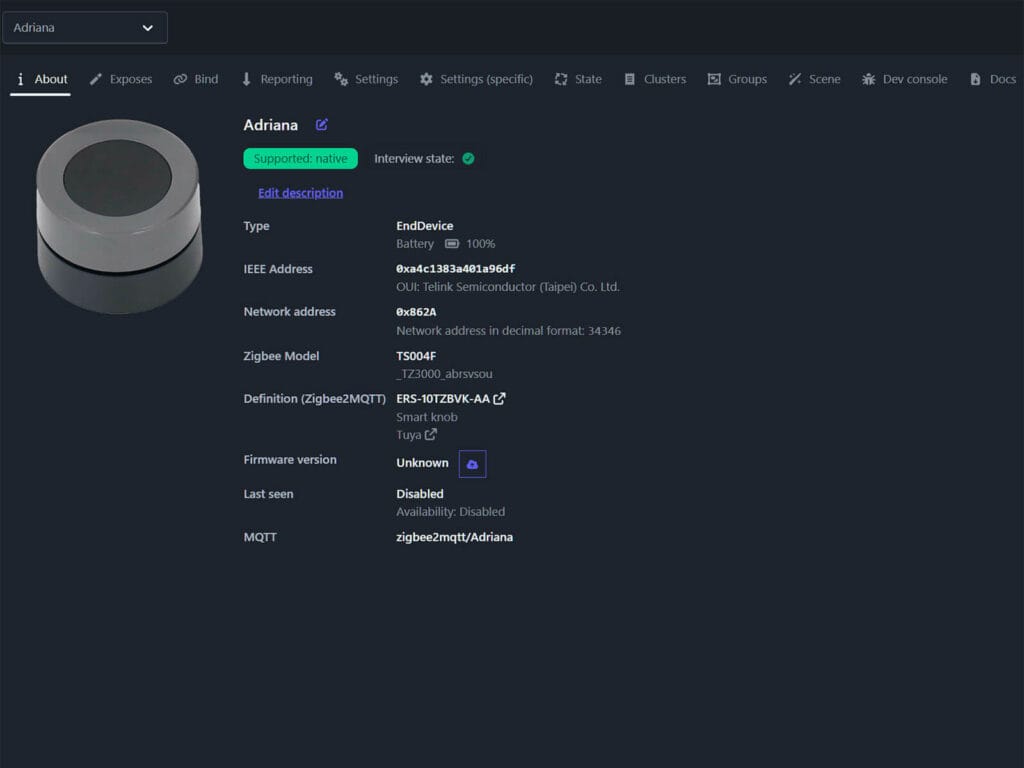
Zigbee2MQTT reports and updates link quality (LQI) on every button click, which gave me a live view of signal health throughout testing. With all ten placed on my desk, roughly 3 meters from the coordinator, LQI floated around 200 across all of them. Tony ● and Adriana ● consistently reported the strongest signal at 220+, though this made no practical difference since every device held a solid, stable connection with no delays at any point.
My testing setup:
- Coordinator: SMLIGHT SLZB-Ultima 3 (EFR32MG24)
- Software: Zigbee2MQTT, version 2.12.1-dev, commit 4b0c3067
- Platform: Home Assistant OS 18.1
- Five mains-powered routers in network
- All six buttons paired and tested at a distance of 3 meters from the coordinator
Button Presses and Operating Modes
Not all buttons support every action. Most support single click, double click, and hold, but obviously, only the smart knob buttons also publish dimming and rotation events. Here is what each device supports in the default event mode.
| Code Name | Single | Double | Hold | Rotate Left | Rotate Right |
|---|---|---|---|---|---|
| Tony ● | ✅ | ✅ | ✅ | ❌ | ❌ |
| Carmela ● | ✅ | ✅ | ✅ | ❌ | ❌ |
| Paulie ● | ✅ | ✅ | ✅ | ❌ | ❌ |
| Silvio ● | ✅ | ✅ | ✅ | ❌ | ❌ |
| Junior ● | ✅ | ❌ | ❌ | ❌ | ❌ |
| Chris ● | ✅ | ✅ | ✅ | ❌ | ❌ |
| Melfi ● | ✅ | ✅ | ✅ | ❌ | ❌ |
| Meadow ● | ✅ | ✅ | ✅ | ✅ | ✅ |
| Livia ● | ✅ | ✅ | ✅ | ✅ | ✅ |
| Adriana ● | ✅ | ✅ | ✅ | ✅ | ✅ |
Meadow ●, Livia ●, and Adriana ● operate in two switchable modes, toggled by a triple click on the button. The current mode gets published on the operation_mode property. All three dimmer knobs publish these exact same payloads in command mode, with the exception of hue_stop. This command seems to be a hit and miss, with Adriana ● being the only one that sends a hue_stop command reliably.
| User Action | COMMAND mode payload |
|---|---|
| Single Click | toggle |
| Push and Hold (over 3s) | hue_move |
| Release after Hold | hue_stop |
| Rotate Left | brightness_step_down |
| Rotate Right | brightness_step_up |
| Push+Hold and Rotate Left | color_temperature_step_down |
| Push+Hold and Rotate Right | color_temperature_step_up |
Note: in COMMAND mode, the toggle action can unexpectedly switch an unrelated Zigbee device on or off. This happens because the knob and other devices default into Zigbee group 0. If this happens to you, the solution is to create a separate group in Zigbee2MQTT and add only the knob to it.
Direct Binding Support
None of these ten buttons support classic direct binding to another Zigbee device. Since Tuya uses a proprietary layer on top of standard Zigbee clusters, the commands these buttons send never fully translate into something a target device can act on directly, even when Zigbee2MQTT accepts the bind request itself. Not even the Sonoff button supports binding, which is a shame.
UPDATE: There is a method that does work for Tuya devices as a source! Thanks Andy!
Group binding in COMMAND-mode works for the four that support it: Chris ●, Meadow ●, Livia ●, and Adriana ●. In COMMAND mode, these buttons send standard Zigbee group commands rather than relying on a direct bind. If you add the button and a bulb or switch to the same Zigbee2MQTT group, the button will control every device in that group directly, without Zigbee2MQTT running. This is actually the same mechanism behind the stray toggle bug mentioned earlier, since anything sitting in the default group 0 gets triggered by that command, so the mechanism clearly works, it just needs to be pointed at a group you actually chose.
A Note on Zigbee2MQTT Identification
Two buttons can look physically identical and ship in identical packaging, but have completely different identifiers in Zigbee2MQTT. As companies selling Tuya-based devices need to go through a separate Tuya certification process to get their brand name officially recognized, some skip it entirely and sell uncertified devices, usually listed as Zigbee2MQTT or Home Assistant compatible on AliExpress. That is fine in practice since an uncertified button will work in Z2M regardless. And if it does not, a custom converter for such a simple device takes minutes to write.
The white label situation adds another layer of confusion. Brand names you see on AliExpress are retailers, not manufacturers. When a retailer is large enough to have gone through certification, their name ends up in Zigbee2MQTT first, even though a completely different company made the hardware. The model string is the only reliable identifier, which is exactly why I gave each button a name for this article instead of referring to them by their Z2M strings throughout.
Performance Testing and Benchmark
In my attempts to test the performance of these smart buttons, I discovered something very interesting. Every button that supports double-click has to figure out the same thing before a payload is sent: was that one press, or the start of a double press? The only way for the button to know is to wait.
Once you let go, the button waits just long enough to see if a second press follows. That short pause is baked into the firmware in all of them, and it’s why you’ll feel a small delay between pressing the button and seeing it register, even on a single click.
However, there is one exception: the Tuya SOS smart button, code name Junior ●. And the reason why is obvious once you think about it. Junior ● is an emergency SOS smart button which only does single clicks, there’s no double or hold to wait around for, so it fires the instant you press it! And it’s blazing fast!
Check out this short gif I made for its original review:
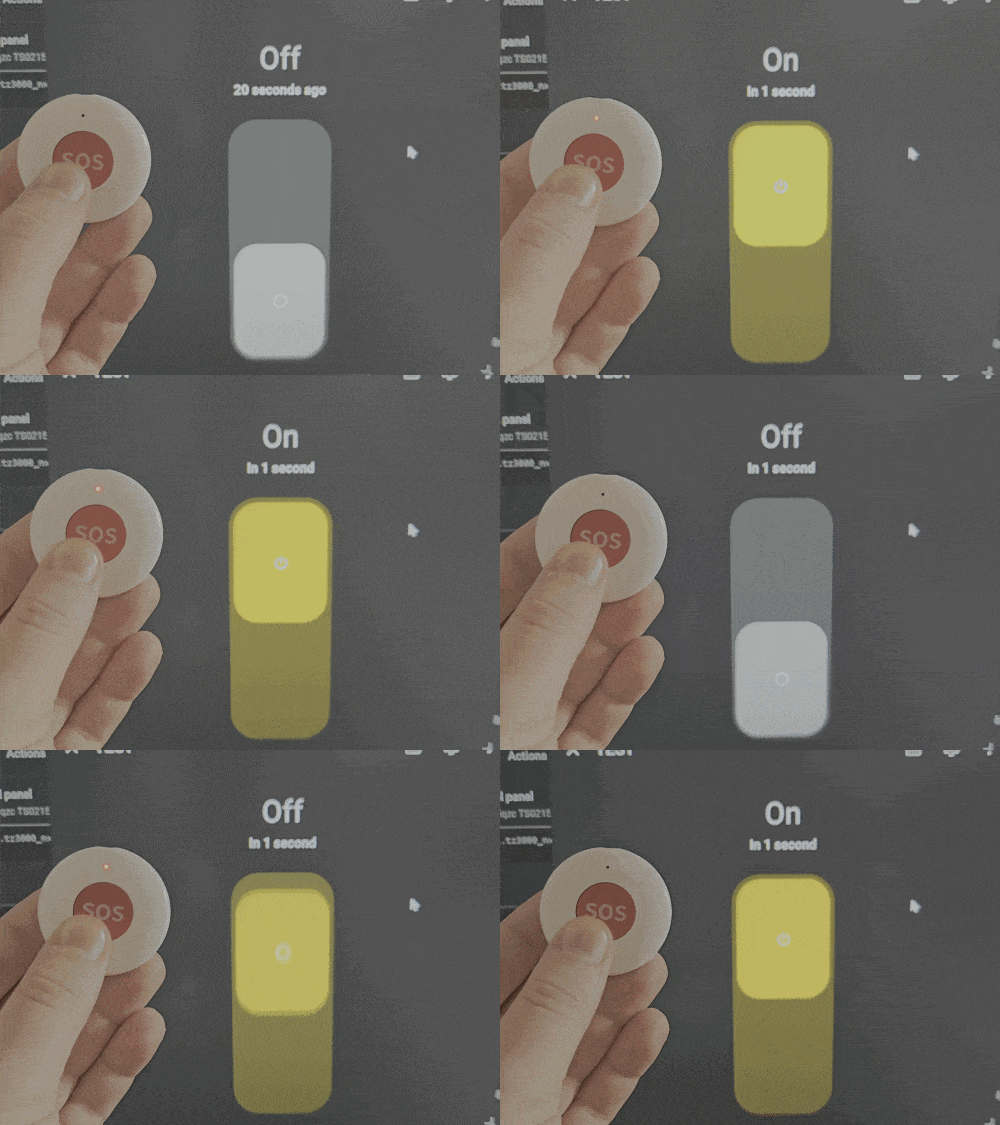
That makes Junior ● the closest thing here to raw hardware speed, from button press to Zigbee2MQTT, with none of the waiting the other nine are doing on purpose. This is why I decided to compare every other button to Junior ● and understand how much of that response time is actual radio speed, and how much is just the button being cautious about what you meant.
Trigger Latency Testing
To capture accurate response times, I enabled millisecond precision timestamps in Zigbee2MQTT by adding the following to configuration.yaml:
advanced:
  timestamp_format: 'YYYY-MM-DD HH:mm:ss.SSS'
Once that was done, I positioned Junior ● right next to each button and pressed both at the same time, one finger on each, close enough together that the two presses landed as a single audible click rather than two separate ones. I repeated this about 40 times per button, discarding any presses where the click sounded off or the log showed an obvious mistiming.
The consistency of the results is the best evidence that my method worked. Most buttons landed within a narrow 30 to 50ms range across all attempts. If my timing had been sloppy, that would show up as a wide, random scatter in the numbers, not a tight cluster. The fact that the spread stayed tight, run after run, means the presses were landing at essentially the same moment each time.
Here are my results:
| Code Name | Single Latency1 | Hold Latency2 | Notes |
|---|---|---|---|
| Junior ● | baseline | N/A | Fastest triggers. Fastest and most reliable button overall. Since it does not support multi-press and doesn’t wait for subsequent presses, it responds immediately. |
| Tony ● | 450ms | 3000ms | Multi-click winner. Slower than some, but consistent and reliable. For a multi-press button, that consistency matters more than raw speed. |
| Adriana ● | 357ms | 4000ms | Rotary knob winner. Fast, stable, and consistently quick. Flat face knob design resists accidental rotations far better than a fully round knob. My pick for best dimmer. |
| Silvio ● | 377ms | 4000ms | Solid, consistent response. Worst physical click feel of the group, mushy and unsatisfying. |
| Chris ● | 570ms | 2000ms | One of the slowest responses overall. No matter what I did, I could not get it to report faster than half a second. |
| Melfi ● | 358ms | 4000ms | Very fast and reliable, but the button has a rattly, shaky feel that holds it back. |
| Meadow ● | 379ms | 4000ms | Fast and responsive, but its taller size and shape is a bit awkward to operate. |
| Livia ● | 547ms | 2000ms | Slow and inconsistent, with a noticeable rattle in the body. Bulky design too. |
| Paulie ● | 505ms | 3000ms | Large 1 to 1.5 second delay before the first press registers. Subsequent presses work fine, but the first one is very slow. |
| Carmela ● | 362ms | 5000ms | Fast once awake, but the first press after inactivity takes over a second to register, same issue as Paulie ●. Behavior consistent across several testing instances. |
2 – The fixed time you must hold a button down before it registers as a hold instead of a tap. This is a hardcoded firmware setting, not a measured response time.
Single-click speed and hold time have nothing to do with each other. Chris ● has one of the slowest single-click times in the group at 570ms, but its hold time is the shortest at 2000ms, tied with Livia ●. Carmela ●, one of the fastest single-click responders at 362ms, has the longest hold time of the whole group at 5000ms. Therefore, knowing how fast a button reacts to a tap tells you nothing about how long you need to hold it down.
That’s because these two numbers measure completely different things.
Single-click latency comes from the firmware waiting to see if a second click is coming, that wait is a real trade-off between speed and accuracy. Hold time is just a number the manufacturer picked, a flat setting for how long you need to hold the button before it counts as a hold instead of a tap.
That’s why these numbers are always round, exactly 2, 3, 4, or 5 seconds, never something like 2340ms. There’s no technical reason one button uses 3 seconds and another uses 4, it’s simply what each manufacturer decided to set. I do prefer a 3 second hold window, long enough to avoid accidental triggers but not so long it feels sluggish. Five seconds is just too long to sit there holding a button down.
Double-click latency isn’t something I measured separately. I discovered that once the button detects a second press within its window, it fires immediately. So, its response time is essentially the same as a single click, the only variable is how fast you can physically double-click the button yourself. None have a limitation to how fast you can produce a double click, so you can be as fast as Flash if you can.
Network Connectivity and Stability
Every button held a strong, stable connection throughout testing, with LQI hovering around 200 at roughly 3 meters from the coordinator. Tony ● and Adriana ● had a slight edge, frequently reporting 220 LQI or higher, but this gap never translated into anything noticeable in real use. All ten responded instantly with zero dropped presses or missed reports during normal testing, regardless of where they landed on the LQI scale.
Verdict
Remember that $59 smart button I mentioned at the start of this article? None of these ten cost anywhere near that, and every single one of them does the job a smart button is supposed to do. Here are my picks.
Alternatives: AliExpress 2, Amazon DE, Amazon UK, Amazon NL, Domadoo.
Tony ● (Sonoff SNZB-01P) is not the fastest of the multi-click buttons, but it is the most consistent and reliable. It’s well built, does not rattle, and has a rock solid response time, no matter how many times you press it. It maintained the best signal quality to my coordinator throughout my tests, consistently reporting around 220 LQI. If you need a great button with single, double and hold click actions in one package, Tony ● is the one to get.
Alternatives: AliExpress 2, Amazon UK, Amazon DE, Amazon NL, Amazon FR.
If speed is all you care about, Junior ● wins hands down. No double click, no hold, no waiting around to see if a click is a single or double. Just an instant, reliable press every time. It is the closest thing in this group to raw hardware speed, and the baseline I measured every other button against. Please note, this button is also available as a square shape with the same hardware.
Alternatives: AliExpress 2, Amazon UK, Amazon NL, Amazon FR.
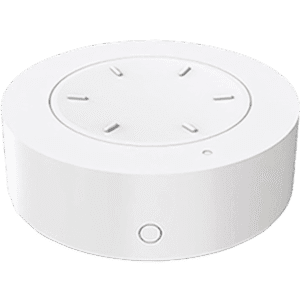
Adriana ● takes the win among the three dimmer knobs. Fast, stable, and consistent, with a flat face design that makes it far less prone to accidental bumps or rotations than a fully round knob. This is the only knob you can reliably operate with one finger while holding it in your hand. The knob itself doesn’t have tactile feedback, but I’d say that’s better than having a bad one like Livia ●. Because of its design, the push and rotate actions are by far the easiest to execute on this smart knob.





Thankyou for this review!
I have a noob question that I never understood in all articles on the web. What QOS did you choose in z2m? Does it makes any difference?
Leaving it at the default 0 is good enough for most people.
If you are running something really critical, you might want to set it to 1, as that ensures the message gets delivered but also creates duplicate events.
I wish there were a rechargeable Zigbee knob :\
Having Adriana for a while, I had to decommission it when I found out that the rotary knob sometimes triggers motion even when I was just looking at it (or even if I didn’t). Really cheap design.
What do you mean by motion events? I haven’t noticed any ghost triggers.
What i noticed with Livia is that it sometimes get’s stuck between two positions and just spams rotation events. Can be critical if it controls window blinds or smth like that. Luckily i was present when it happened for the first time, so I implemented safeguard for such cases to disable the automation
@wntgd I think you just described my problem too, except in my case it was controlling the intensity of an LED light, and it kept changing brightness on its own until I decided to take the battery out of my Adriana.
Thanks for the detailed post. I’ve been using a Moes button (tony) for years now and you are right it does shake a little bit. But it works great and doesn’t waste batteries.
My experience differs, I bought an Adriana but I could barely rotate it, and it got stuck at certain angles. Much happier with the meadow which can trigger different dimmings depending on if you press the dimmer down or not when rotating.
thank you for this. I have Silvio and Livia and can confirm of your testing and performance.
I hate Livia and decommissioned them after a few days of usage and moved to Hue Plus V2 Dimmer.
I haven’t looked back since, I really like them, at least for bedrooms.
I will upgrade the Silvio to Tony for better experience and buy Junior for SOS.
thanks again!!
I had what looked like a livia – absolute garbage. Neither of the two modes could be used in any sane fashion. Clicking sort of worked, wheel was a complete failure.
Sigh….if only you opened them up and show us whats inside. This is important because the type of switch determines how reliable these buttons are as you use them and as they age. Some microswitch implementations are terrible, one of mine didn’t even last 3 months of regular use, not detecting presses properly and sometimes detecting double presses. Makes sense, its the same switch a mouse uses, and some mice are prone to that (cough logitech cough). Its definitely a QC issue since I have 2 of the same button that had the same innards and microswitches, and the other one is still reliable after a year
my favorite Chris eventhough I have used Meadow (keep dropping out of network) and silvio.
Thanks for the article!
A bit of misinformation regarding binding. It’s actually possible with the “command” mode!
It’s true the buttons don’t respond to binding requests. But you have already noticed the “command” operation mode sends commands to a group. Those are standard Zigbee messages. So you just need to add the lights and buttons to the same group, to enable direct control.
I literally had no idea! Thank you Andy for bringing this to my attention.
I tested it and you are completely right, they do work even without Zigbe2MQTT.
I’ve updated the article to highlight this for buttons that support
commandmode.Did you test the indicator lights? Any variability in performance?
Thank you for the comprehensive review. It would be nice to know if they all work with ZHA as well as Z2M.
I can sort of tell from the photo, but it would be helpful to know which ones have their battery secured behind a screw, as this is a legal requirement in some countries and a big safety issue. The tony does not appear to have a screw 🙁
I have the Silvio (sold as Xiaomi here), and you left out an important detail: it supports Triple/Quadruple click!!! 🙂
This one does not support triple or quadruple click.
Xiaomi probably made their own BLE firmware for the same hardware and added support. This is a Zigbee version, which does NOT support anything besides single/double/hold.
Does any have a state LED that can be programmed? If the button is at the different location than the controlled device, it would be nice to see if it’s on or off or any other states.
No, none have controllable LED indicators. It just blinks when you press the button.
What I like about Chris is that you do not have to release the buttons for the LONG press action.
Others buttons, you need to release your finger after a certain time but you do not known when…
Nope, every single one fires a hold command after the built-in timer without releasing
I must have been thinking of the Laura Tap multi buttons then..
is there any with change-able status / indicator light color?
Would love to see how the Ikea Somrig buttons compare in your test results. Very comparable price to those on your list. Great article!
Are you trying to make this the most useful, helpful and interesting HA blog on the web? Succeeding! Thanks.
Haha thanks man, appreciate the kind words!
Bookmark it if you want, I got a lot of these kinds of comparison articles incoming.
Thanks for the review! Have you come across this project? https://github.com/romasku/tuya-zigbee-switch
I use it in my own setup and it works brilliantly. Everything worked flawlessly the first time around, and I was able to flash the new firmware using an OTA update in Home Assistant. It would be great to see this added to your comparison.
Man, laat time I ran into that project there was barely any switches supported, everything was in beta. I had no idea it developed so much!
Thanks for sharing, I’ll check it out.
Might even write an article about it, it’s awesome.
You also need to test multi button. I have the moess branded 4 button and it is one of the most reliable and versatile in my use.
Oh my god. Tuya, Tuya, and more Tuya. I’ve been using Xiaomi WXKG01LM buttons for about three years now, no problems, no failures, never had to replace the battery. They’re used really intensively. Currently, they cost about $10.
I’ve read on z2m that some of these devices put themselves to sleep to conserve battery, such as the Sonoff button. Did you find this to be a significant issue during testing? Just thinking of the ol’ WAF.
Yes, I explained it’s only an issue on two buttons: Paulie (CZB01) and Carmela (_TZ3001_2kjvanir).
The initial click is slow, 1 to 1.5 seconds, but they work fast afterwards.
The rest do not have this delay, they are quick even if they are asleep.
I think “The Group binding in COMMAND-mode” deserves an article explaining how it works and how to use it.
Silvio is nice but draining battery very fast, or maybe my is just like that.
If you will be testing scene wireless ZigBee switches then these one are best I have:
6 Gang Tuya ZigBee Wireless Smart Scene Switch (redacted) – that one went up almost 30 percent in price since aprill
MOES 4 Gang Tuya ZigBee Wireless 12 Scene Switch (redacted) – that one moes price almost doubled for 3 scene switch since December 2025 😮
Sad the long press for all these tuya switches is so badly designed, still don’t understand how they justify that bad design.
Don’t know why you made this article needlessly complicated by naming the switches, and a lot harder to comprehend, could have just called it by their brand names. As for the two Loginovo and Moes units, you could have differentiated them by calling them a button or a knob.
I have no idea why you would assume your opinion on my the naming scheme, of all things, matters to me. It doesn’t. Feel free to enjoy the content.